Two-Column Resume Templates
Balanced sidebar layouts that fit more on a single page — ideal for skills-rich resumes and human-reviewed applications.
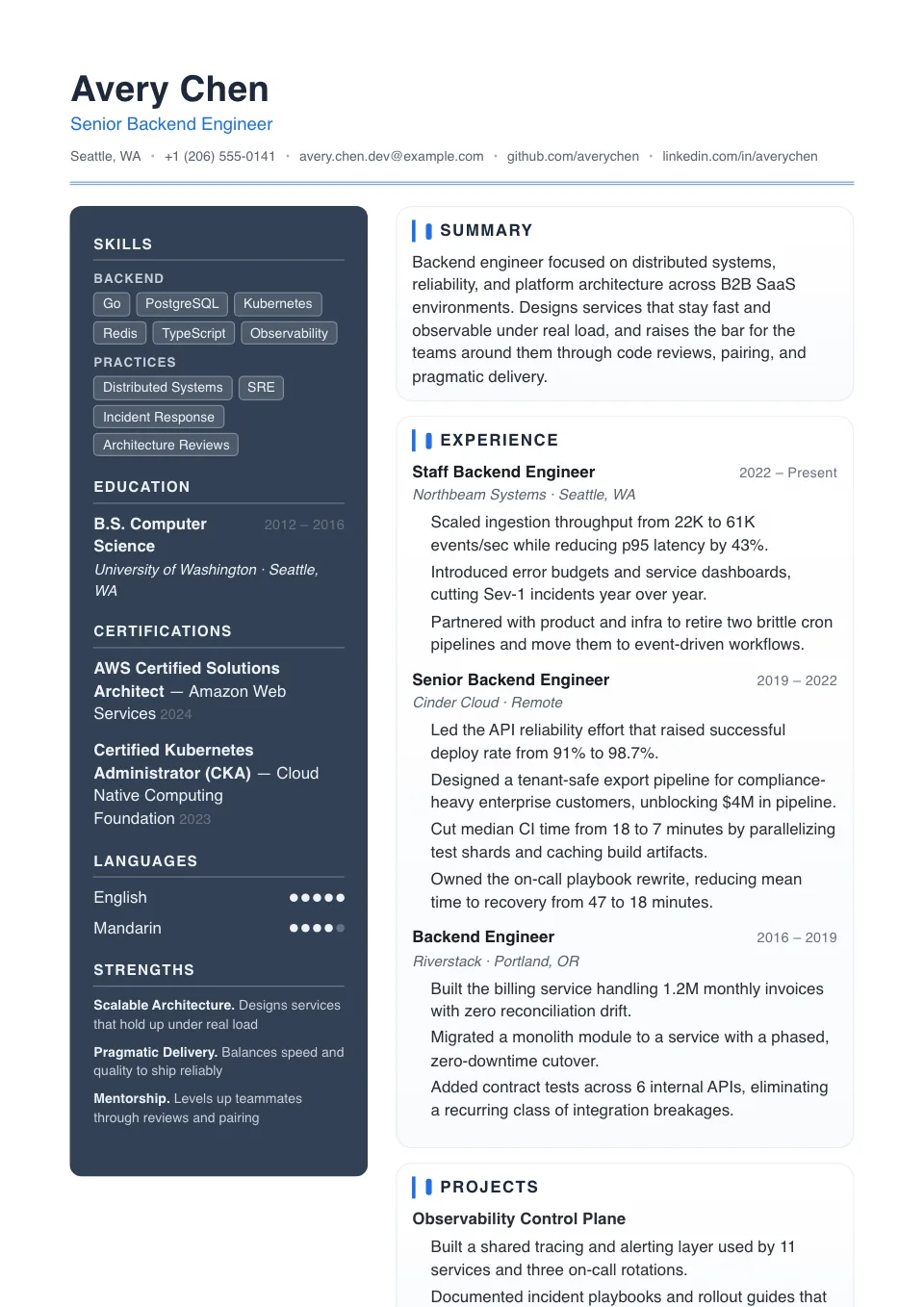
Double Column
A balanced two-column split with a slate sidebar for skills-rich resumes that still read cleanly.
Human-reviewed applications and visual portfolios
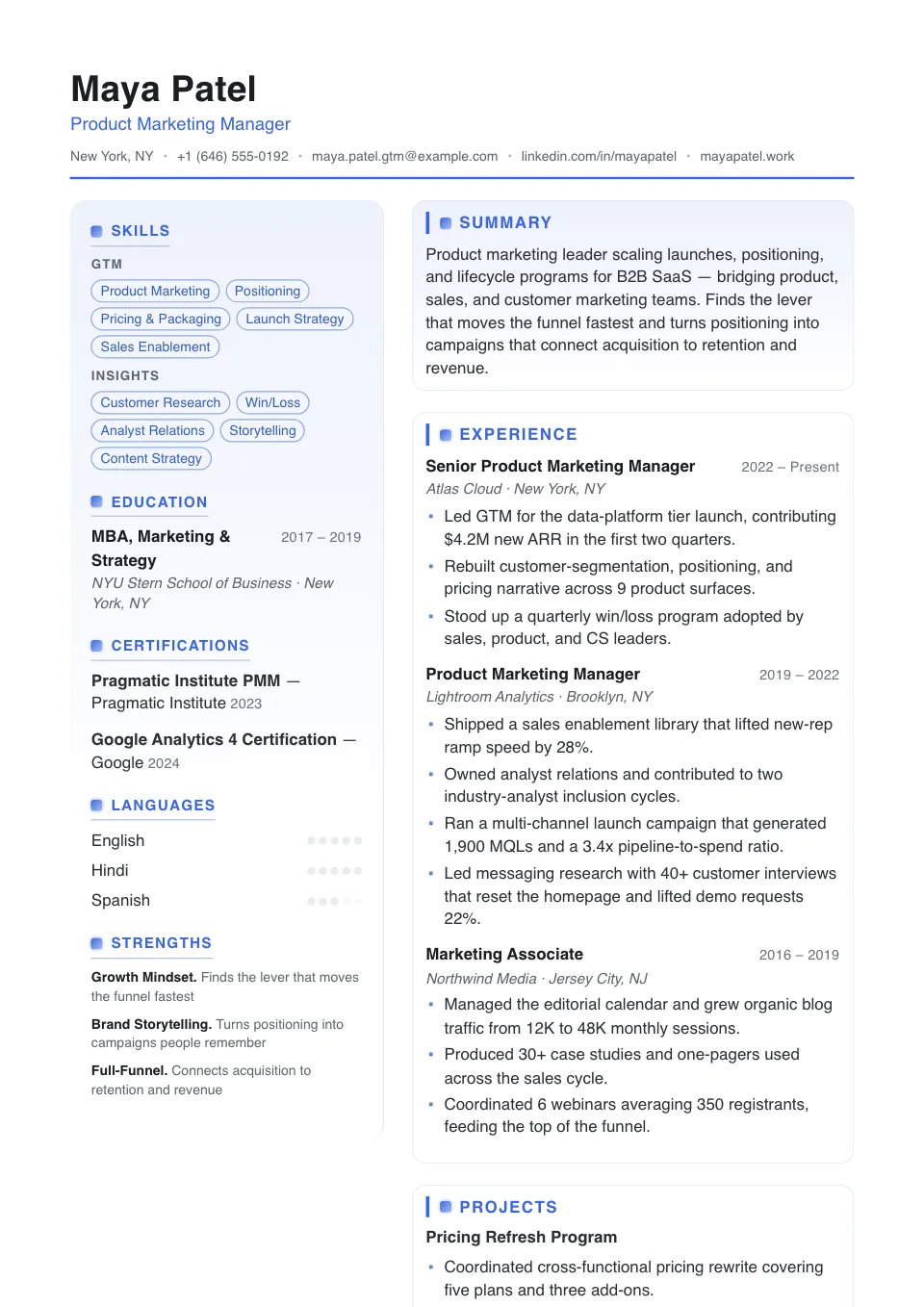
Double Column Grid
A balanced grid with stronger section badges and square bullets — credibility-forward for human-reviewed applications.
Human-reviewed resumes that want a denser, well-organized two-column grid
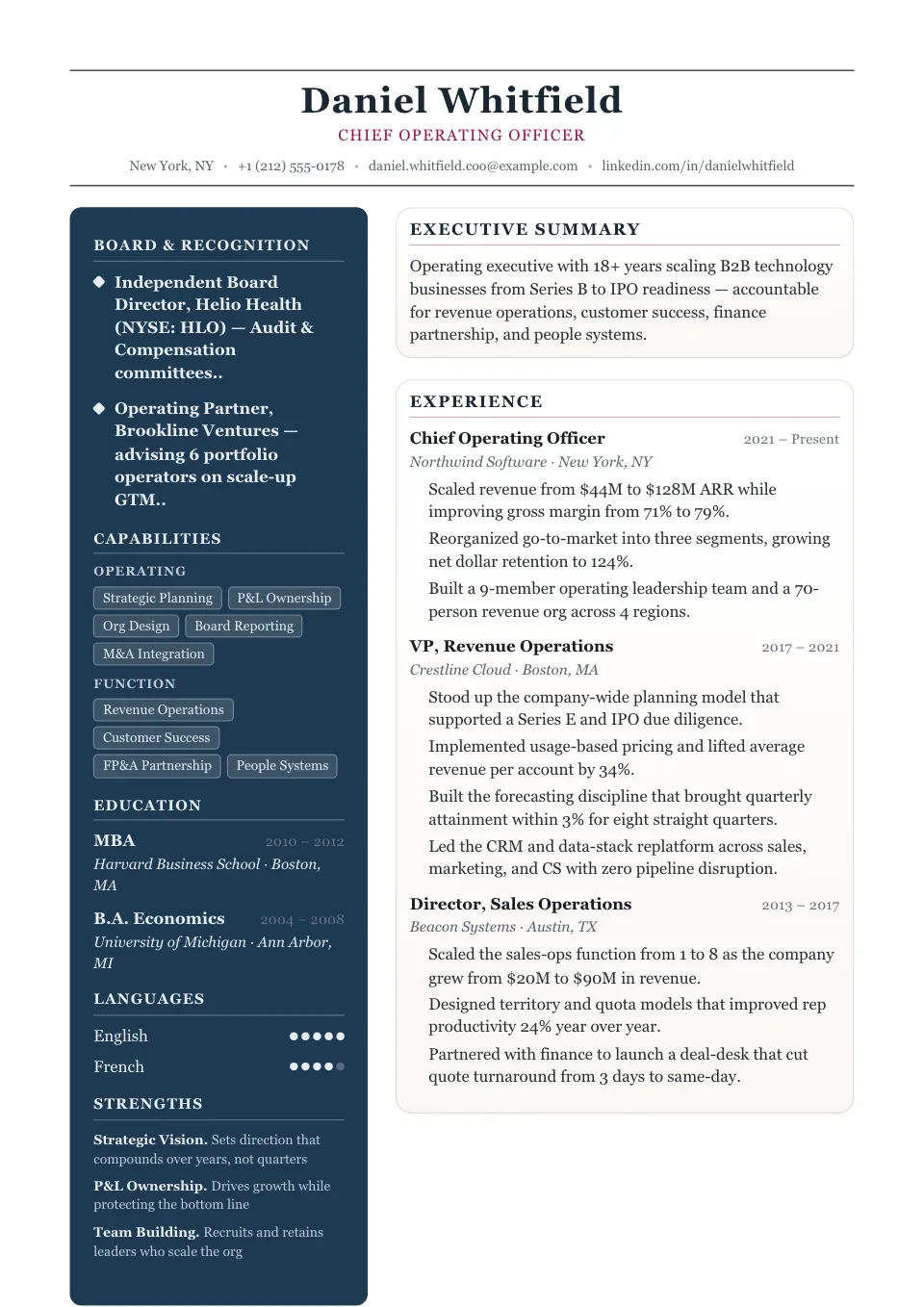
Elegant
A deep navy sidebar carries contact, skills and languages in light type while a serif main column gives experience room to breathe — the quietly prestigious two-column.
Client-facing, luxury, hospitality, and polished executive roles
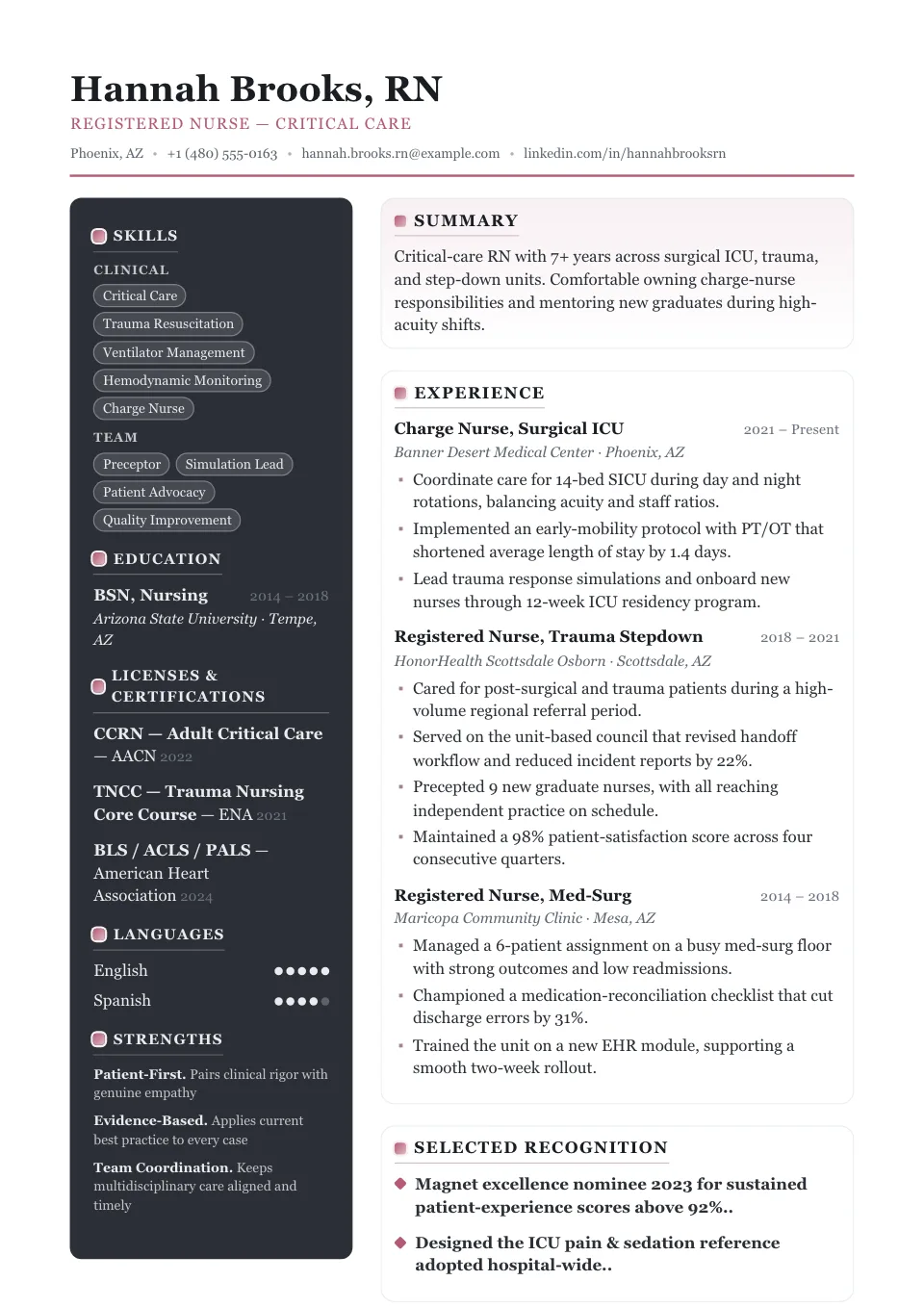
Elegant Editorial
An editorial two-column with a deep charcoal sidebar and square bullets — premium and high-contrast.
Luxury, hospitality, and advisory roles needing a richer premium layout
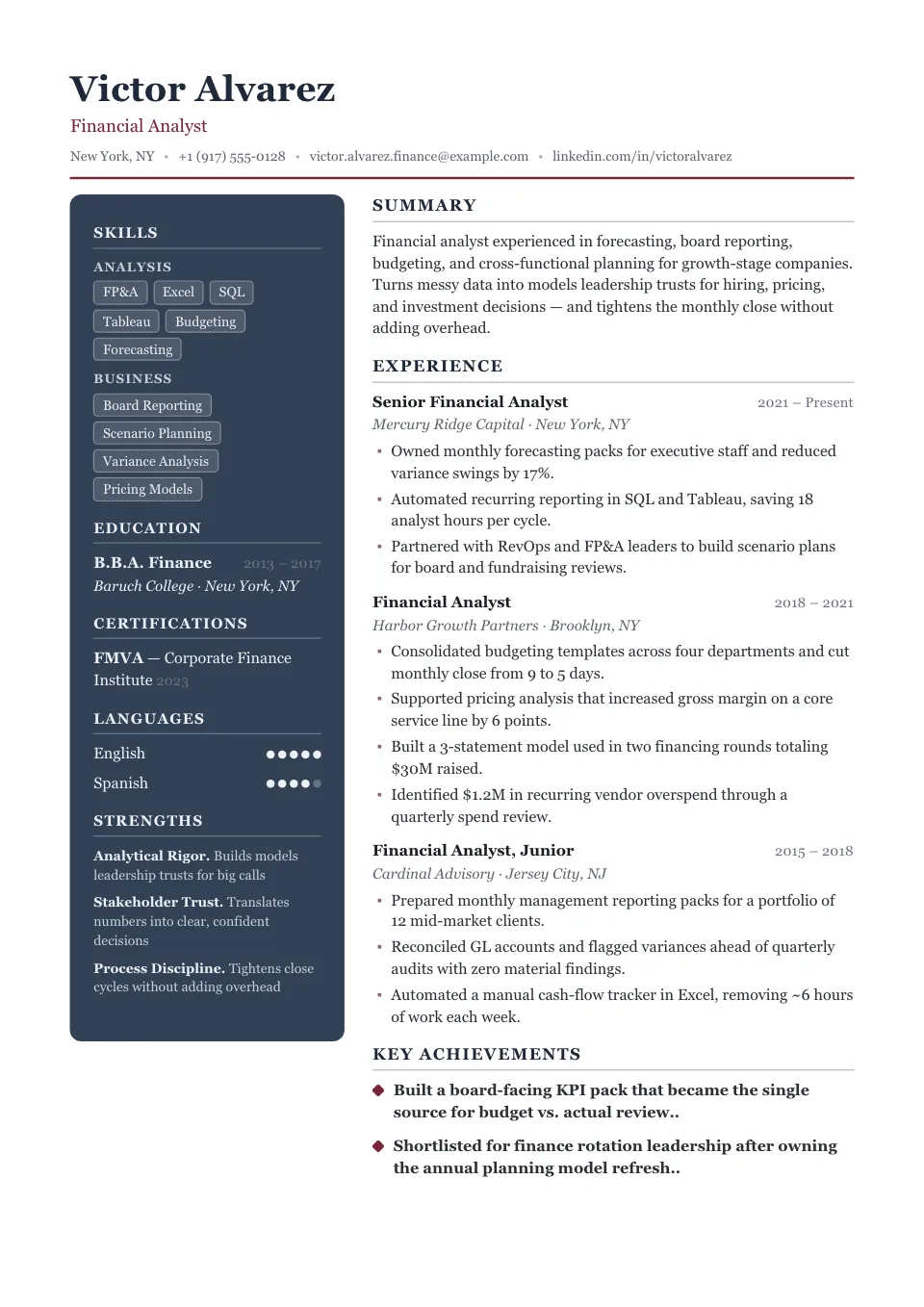
Executive Suite
A centered masthead over a deep slate sidebar, tightened for C-suite and senior leadership profiles.
C-suite and senior leadership profiles
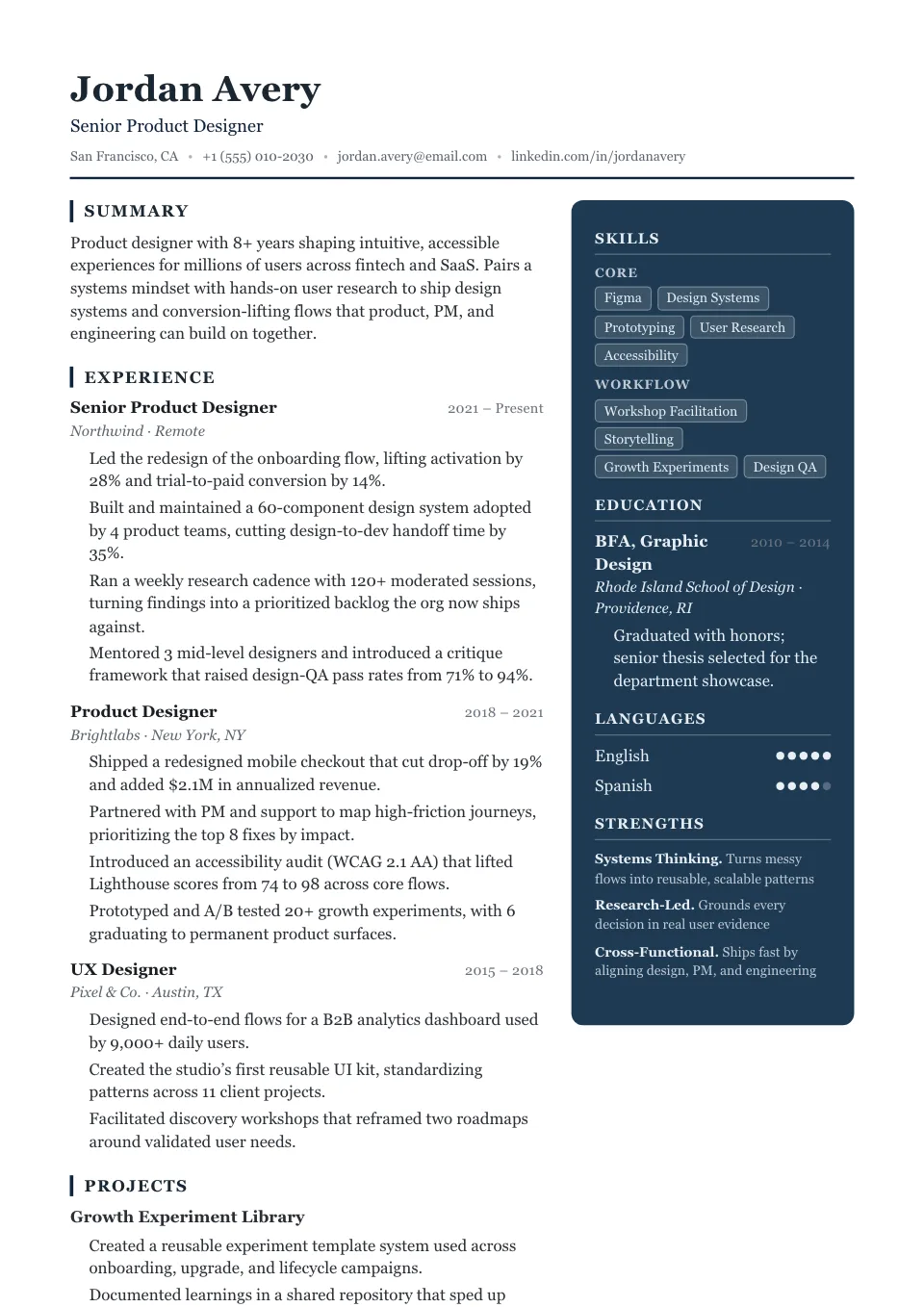
Advisor
A deep navy sidebar mirrored to the right with accent-bar headings — measured and serif-led for consulting and strategy.
Consulting, advisory, and strategy roles
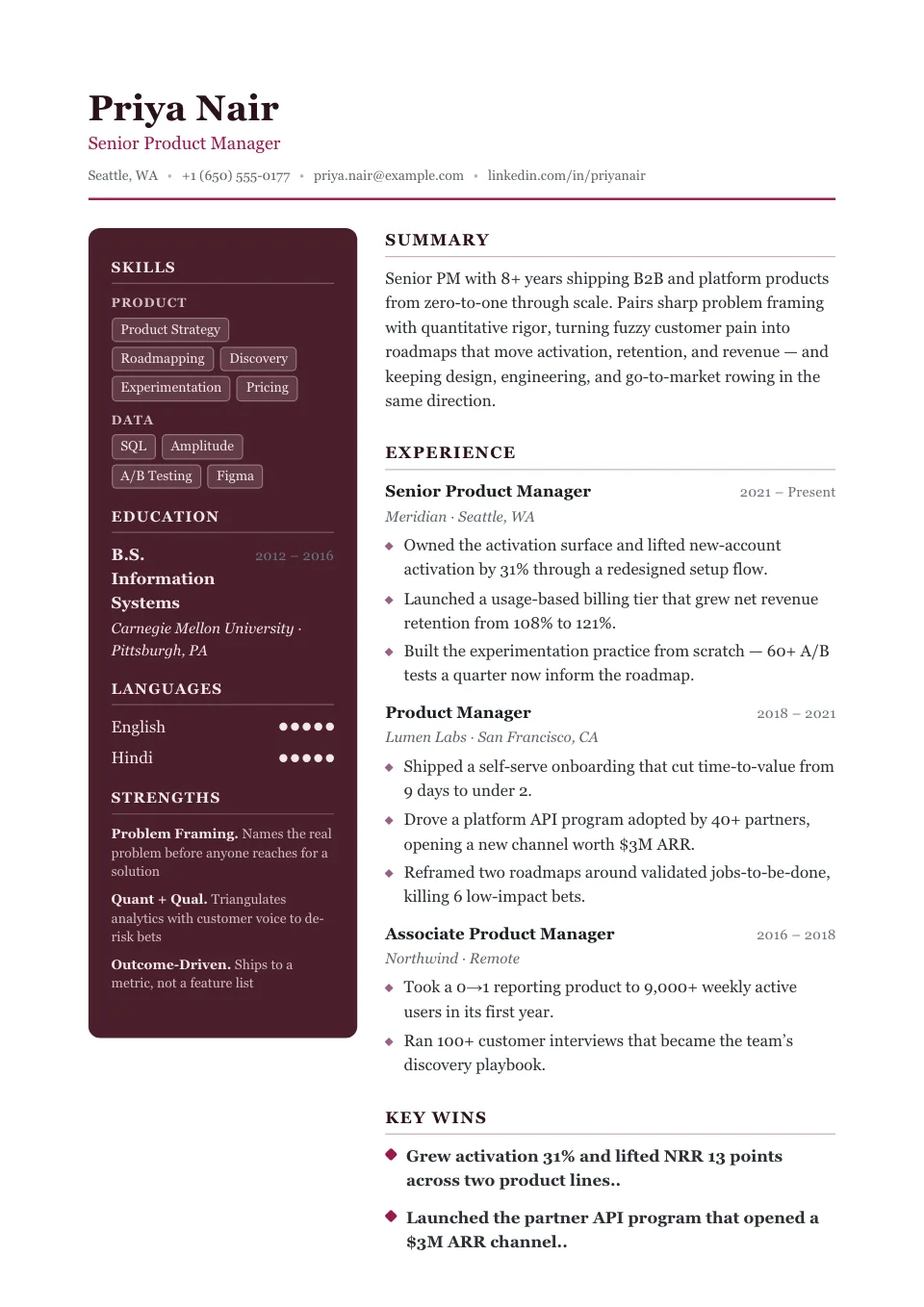
Couture
A deep burgundy sidebar with diamond markers and generous spacing — an elegant serif look for luxury, fashion and client-facing roles.
Luxury, fashion, hospitality, and client-facing roles
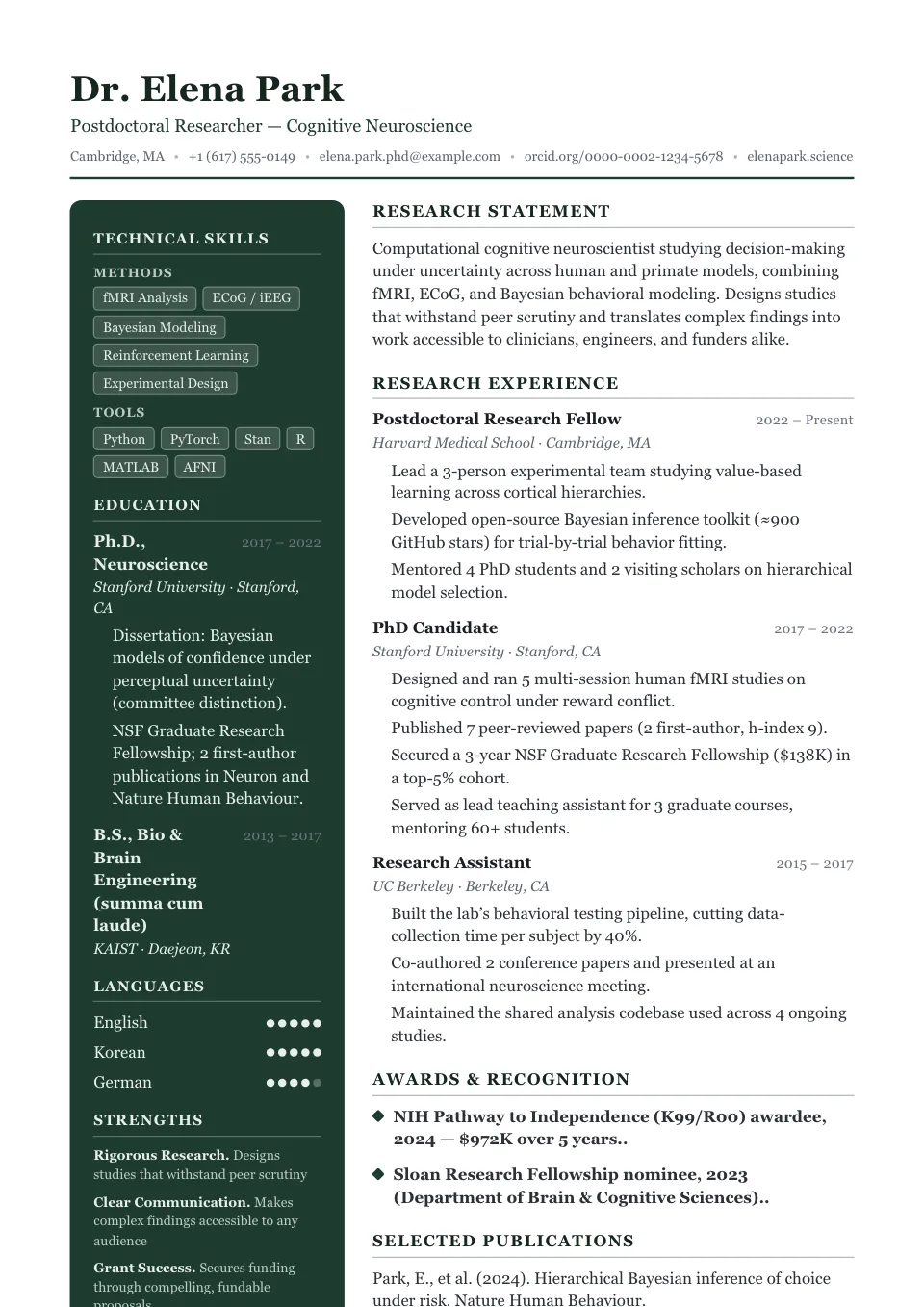
Distinguished
A stately serif main column beside a deep forest-green sidebar — board, academic and senior advisory profiles.
Board, academic, and senior advisory profiles
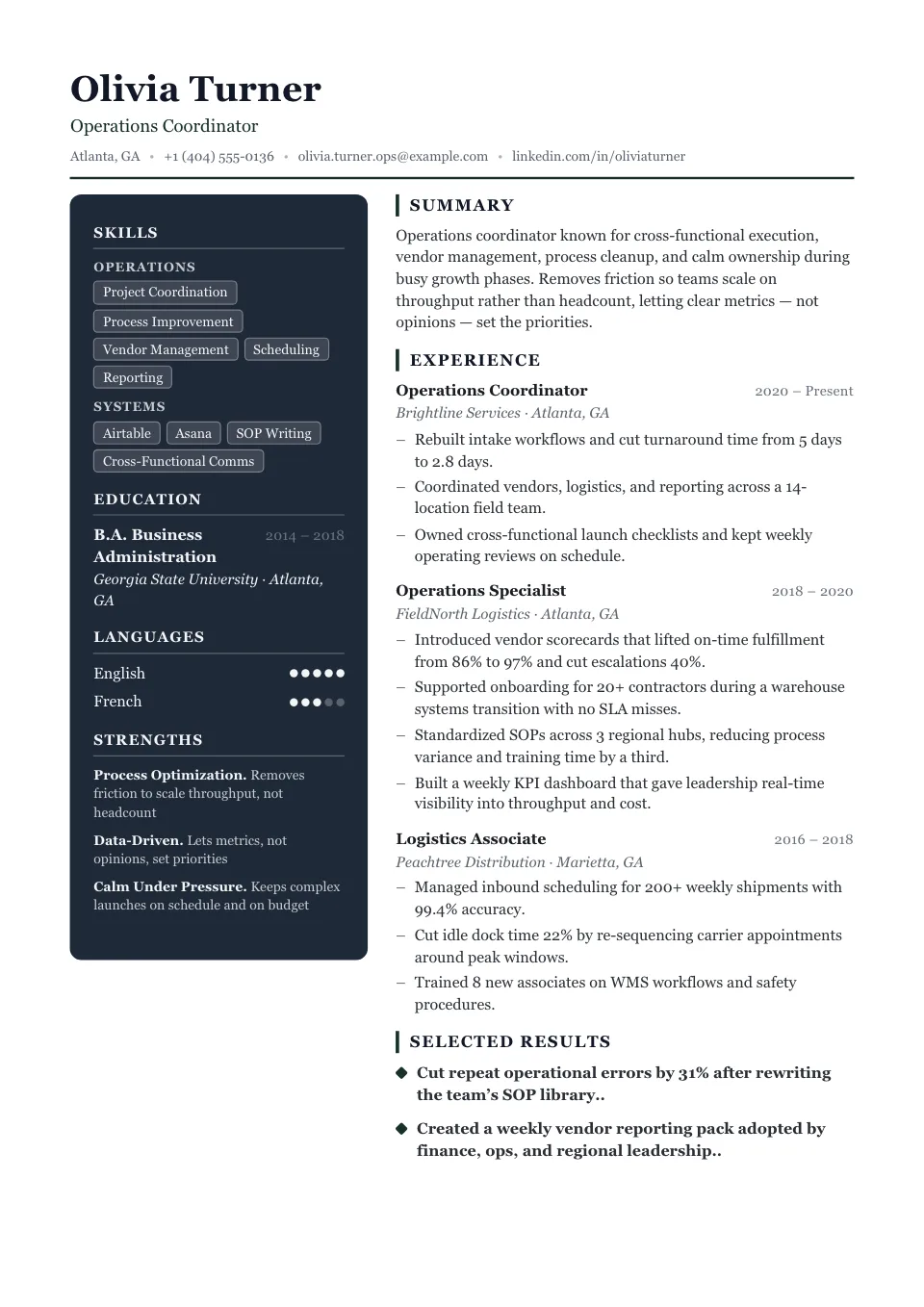
Summit
A black-and-white deep sidebar with accent-bar headings, composed and tightened for senior leadership.
Senior leadership and advisory profiles
Two-Column Resume Templates
Two-column resume templates use a sidebar for skills, tools, languages, and contact details, freeing the main column for your experience. The result fits more on a single page and gives a balanced, organized look.
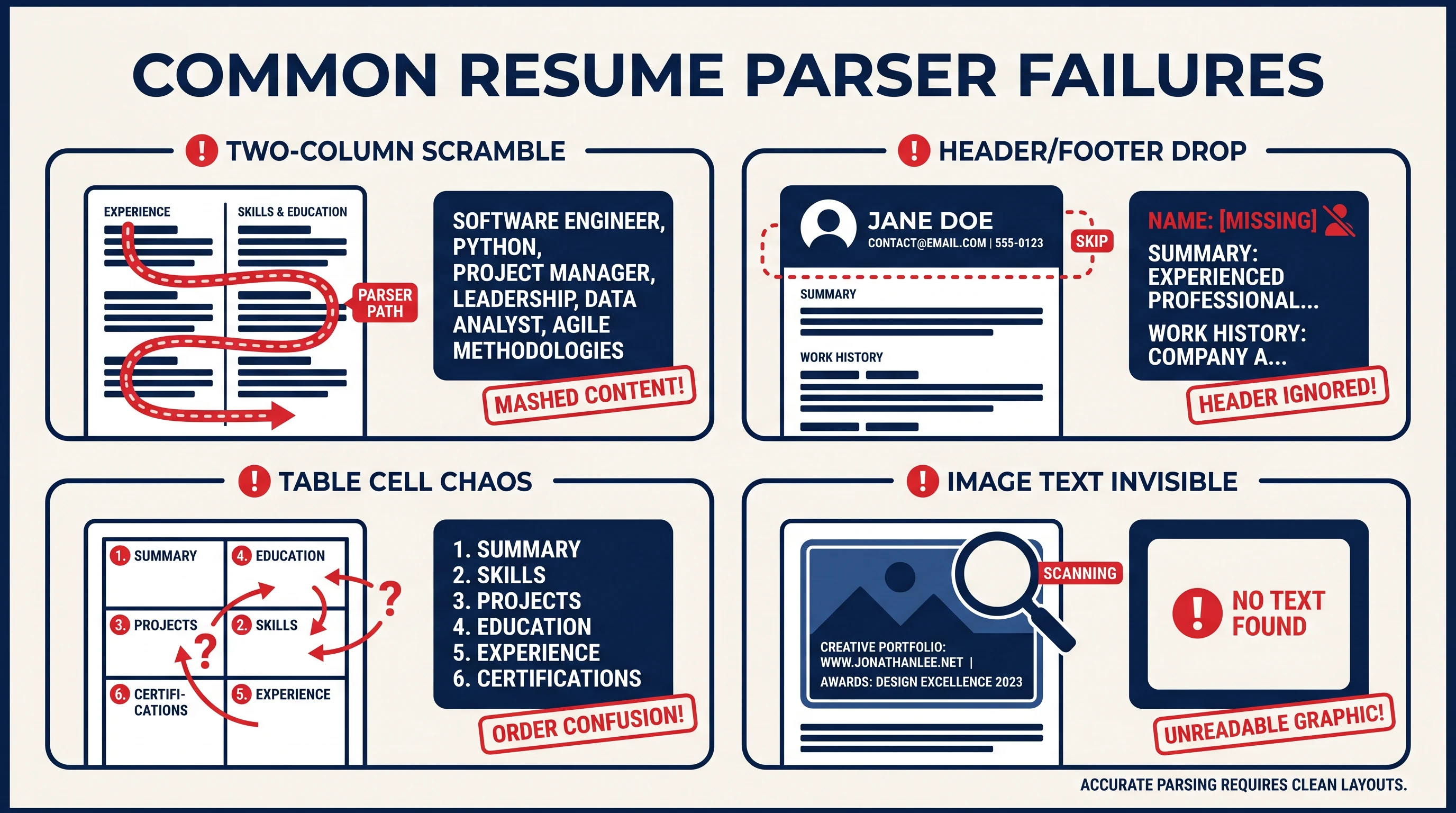
Because a few older parsers read columns out of order, two-column templates are best for human-reviewed applications, or paired with a single-column backup for strict ATS pipelines. Every layout here is clearly labelled so you can decide with confidence.
Why use a two-column resume template?
A two-column resume template uses a sidebar for skills, tools, languages, and contact details, freeing the main column for your experience. The result fits more on a single page and gives a balanced, organized look that human reviewers scan quickly.
Who should use a two-column resume template?
Two-column layouts work best when a person reviews your resume directly:
- Skills-rich technical and creative roles
- Referrals and smaller-company applications
- Design, marketing, and portfolio submissions
- Anyone who needs to use page space efficiently
How to customize your two-column resume template
Adjust the column split, spacing, and sidebar palette in the Design & Font panel. Put short, scannable items in the sidebar and keep your experience in the wider column. For software-heavy pipelines, keep a single-column ATS-friendly version ready.
Are two-column resumes ATS-friendly?
Modern parsers handle them well, but some older systems read across columns and jumble the order. To stay safe:
- Submit a single-column version through strict online portals
- Keep critical info (titles, dates) in the main column
- Avoid burying contact details only in the sidebar
- Run a live ATS check before applying
Explore other template styles
Not quite the right fit? Browse the rest of the collection by structure and personality.
Clean, current layouts built for tech, product, and marketing roles — stand out while staying clear, structured, and ATS-friendly.
Conservative, professional layouts for finance, law, and corporate fields where structure, familiarity, and a polished tone matter most.
Distinctive layouts with real personality for design, marketing, and brand roles — eye-catching without sacrificing clarity.
Minimal, easy-to-read single-column layouts that work across almost any industry and put your skills and experience first.
Generous whitespace and quiet typography, so your experience speaks for itself in a clean, distraction-free layout.
Polished layouts with a headshot for people-facing roles where a stronger personal first impression helps.
Clean, single-column structures that Applicant Tracking Systems parse reliably — every template here is labelled ATS-friendly.
Chronology-first layouts that make your progression and promotions obvious at a glance — built for experienced professionals.
Resume guides to read next
Short, practical reads on passing the ATS and getting your formatting right before you apply.
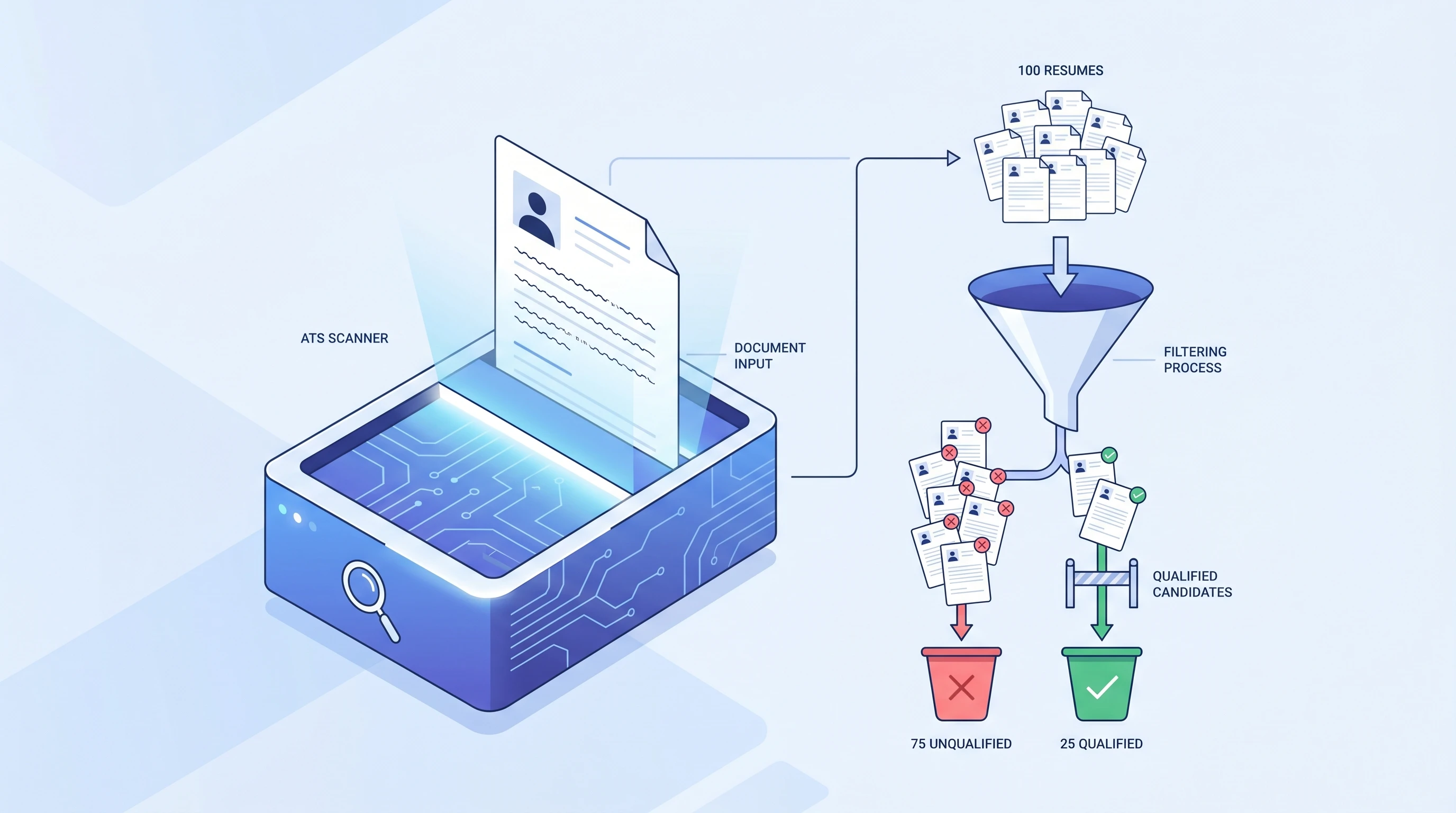
What is an ATS? Applicant Tracking System Explained (2026)
An ATS (Applicant Tracking System) is software companies use to filter resumes before a human ever sees them. Learn how it works and how to beat it.
 Alex Carter·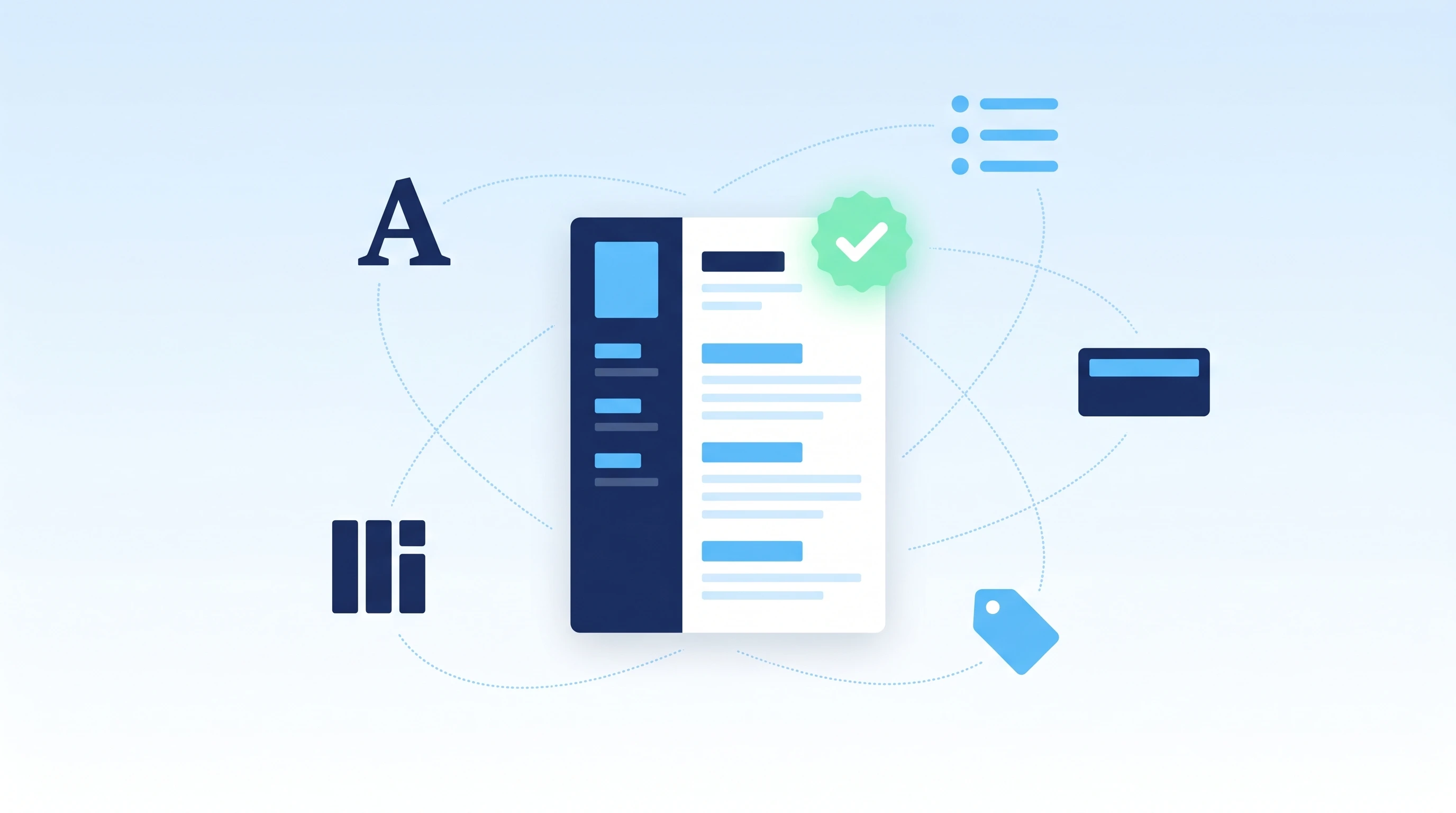
How to Make an ATS-Friendly Resume: 2026 Step-by-Step Guide
Make your resume ATS-friendly in 6 steps: format, keywords, fonts, file type, section headers, and scan-before-you-send. A 15-minute proven workflow.
Alex Carter·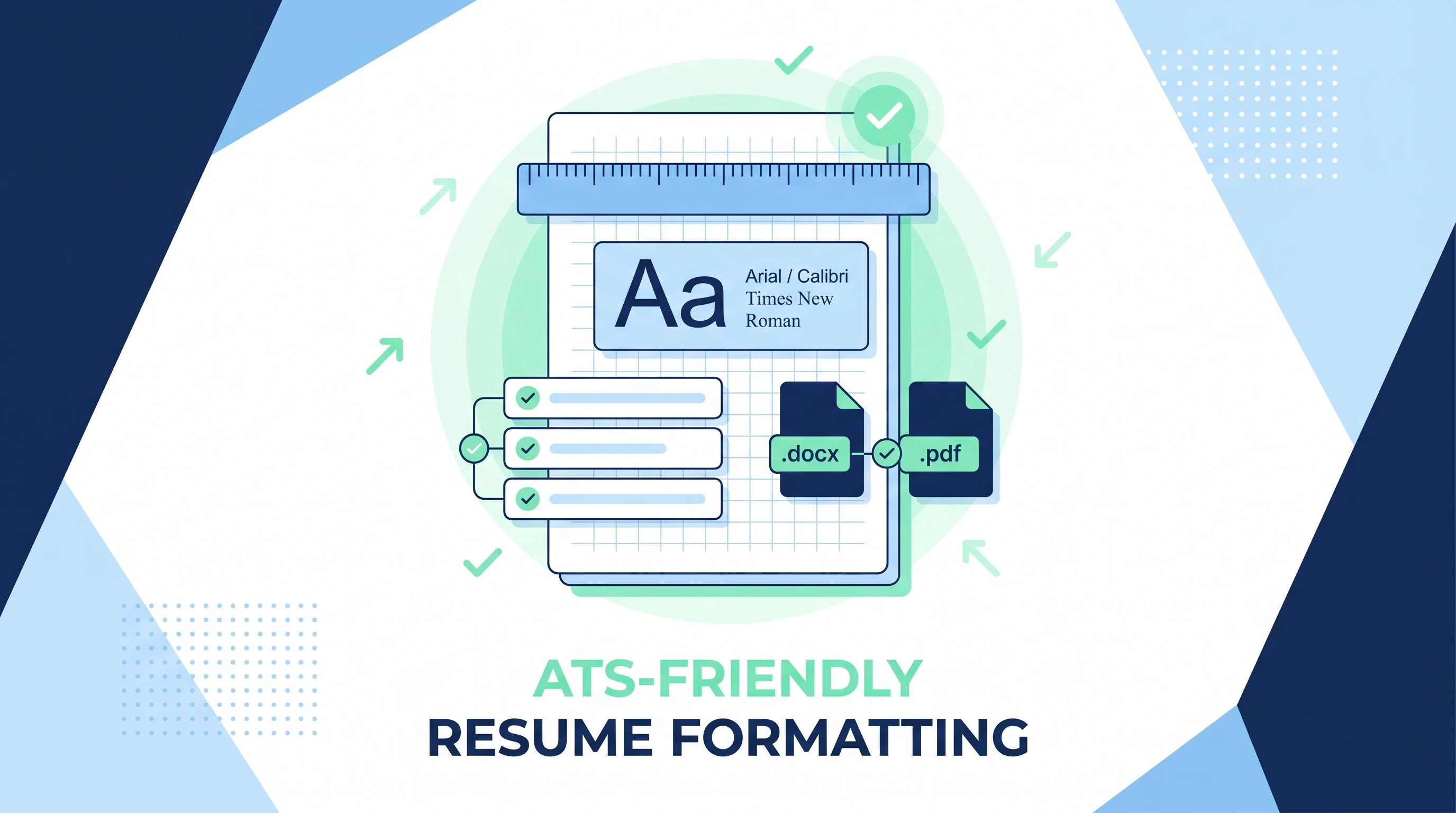
ATS-Friendly Resume Format: Fonts, Spacing & Files (2026)
ATS-friendly resume format spec: fonts (Arial/Calibri/Times), 11-12pt body, 1.15 line height, 1-inch margins, .docx first PDF second, single column.
Alex Carter·Common questions about two-column resume templates
01Are two-column resumes bad for ATS?
Modern parsers handle them well, but some legacy systems read across columns and jumble the order. For applications screened heavily by software, keep a single-column ATS-friendly version ready.
02What goes in a two-column resume's sidebar?
In a two-column resume template, the sidebar works best for skills, tools, certifications, languages, and contact details — short, scannable items. Keep your experience and achievements in the wider main column.
03When is a two-column layout the right call?
When a person will review your resume directly — referrals, smaller companies, design and marketing teams — and you want to use page space efficiently.
04Will a two-column resume get rejected by ATS?
Modern systems read them fine; some older ones jumble the column order. For software-heavy pipelines, keep a single-column ATS-friendly version as a safe backup.
05How do I fit everything in two columns?
Put short, scannable items (skills, tools, languages, certifications) in the sidebar and reserve the wide column for experience. Adjust the column split and spacing in the Design & Font panel.
06Is two-column better than single-column?
Neither is universally better — single-column is safest for ATS, two-column fits more and looks organized for human review. Choose based on how the resume will be screened; the simple collection covers the single-column option.