You ran your resume through a free ATS checker and got back 62/100. Is that good? Bad? Should you submit it anyway? The honest answer depends on what the score is actually measuring — and most candidates have no idea, so they over-tune the wrong things and under-tune the things that matter. This guide breaks down what an ATS score is, what the 5 categories behind it measure, and 4 fast ways to raise yours before you click Apply. Run a free scan first if you want a concrete number to work against while reading.
What is an ATS Score?
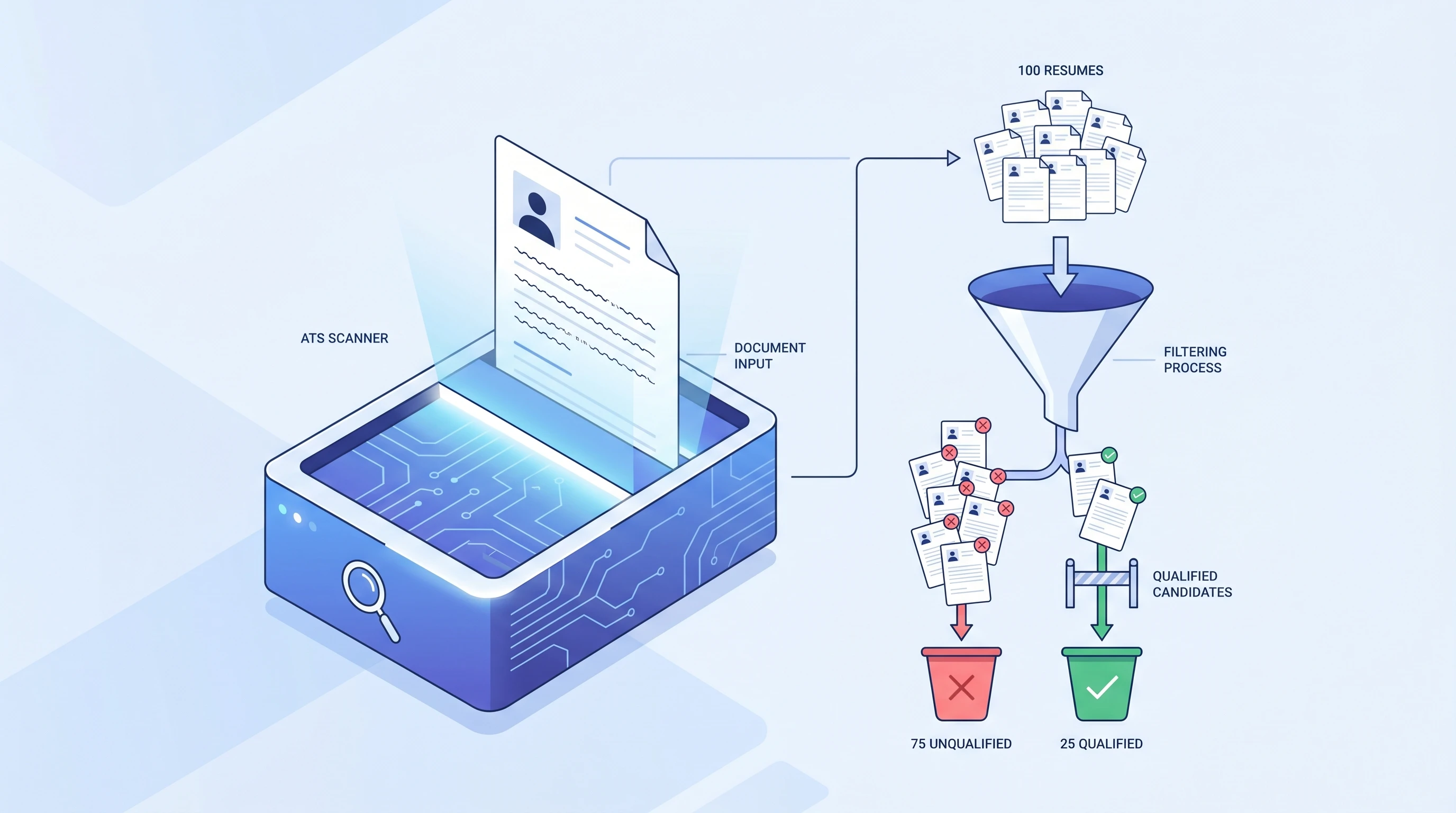
An ATS score is a 0-100 match grade between your resume and a specific job description, produced by an ATS resume scanner. It is not a measure of your resume's absolute quality — it's a snapshot of how well your resume aligns to one job. Submit the same resume against five different jobs and you'll get five different scores. The score is the scanner's best estimate of how high your resume will rank inside a real ATS once you click Apply.
For the broader 4-stage ATS workflow that produces this score, see What is an ATS?. This guide zooms into Stage 4 (Scoring & Ranking) and gives you the levers that move the number.
The 5 Categories Behind Every ATS Score
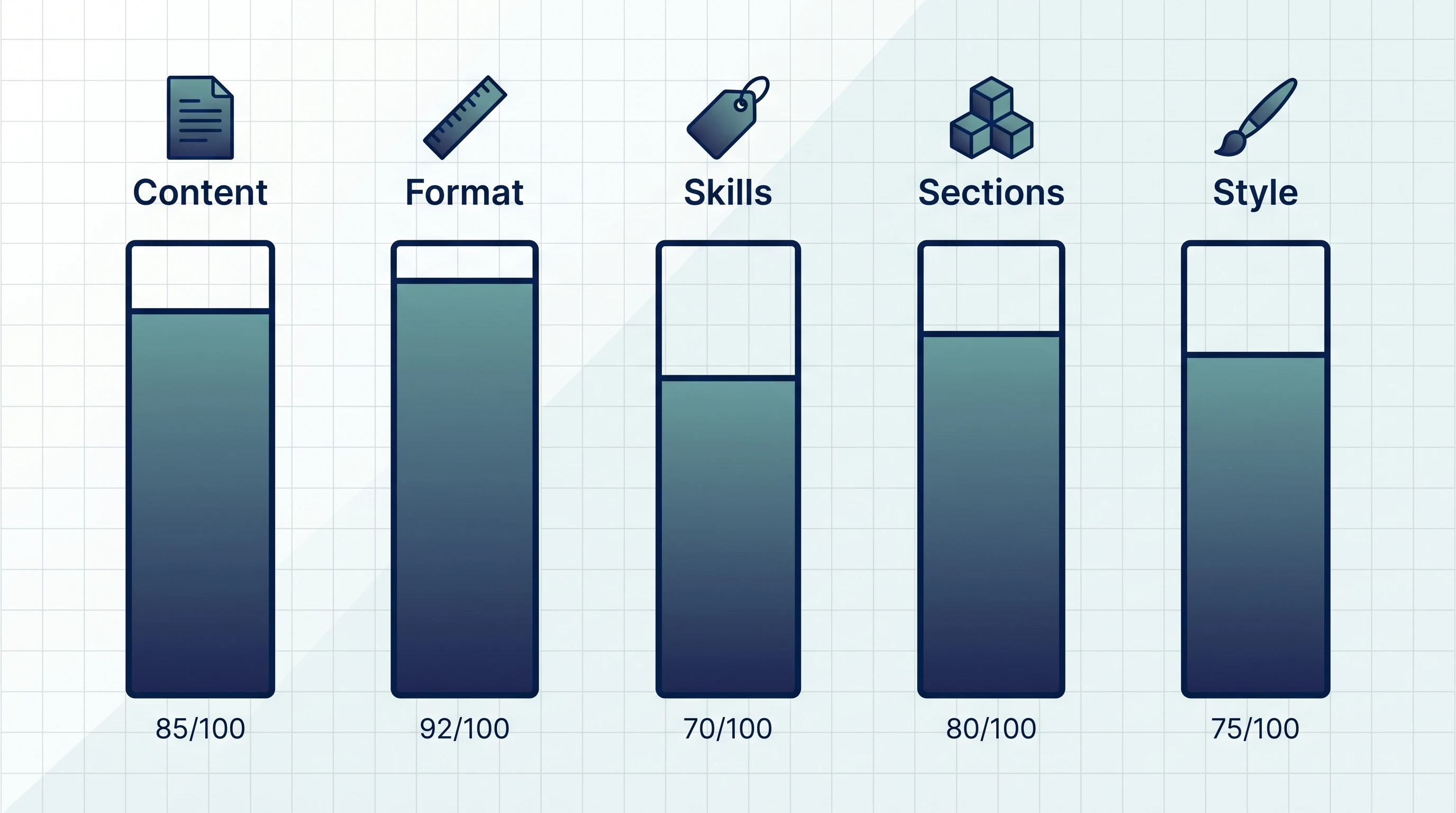
Every consumer-facing ATS scanner breaks the total into roughly the same 5 sub-scores. The exact weights vary by scanner, but the categories are essentially universal:
| Category | What it measures | Typical weight |
|---|---|---|
| Keyword Match | How many of the JD's top phrases appear verbatim in your resume | 30-40% |
| Format Readability | Single column, plain headers, parseable file type | 20-30% |
| Skills Coverage | Hard skills (tools, certifications) that match required + preferred | 15-25% |
| Section Completeness | Standard sections present (Experience, Education, Skills) in expected order | 5-15% |
| Style & Length | Resume length, bullet density, font consistency | 5-15% |
Keyword Match is consistently the heaviest — fix that and the total jumps regardless of how the other 4 score.
How the 5 Categories Combine into Your Total
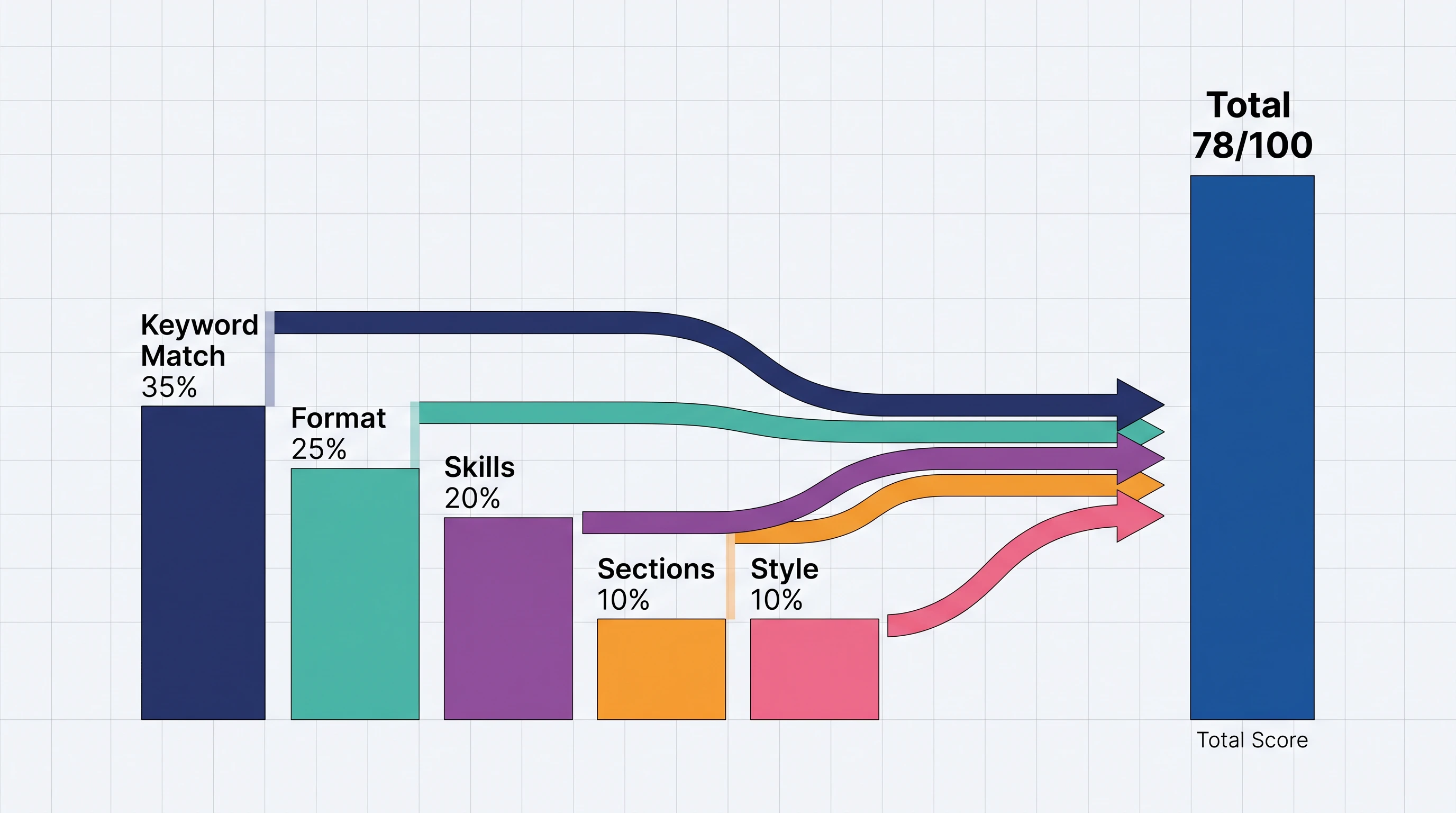
The total is a weighted sum, not a simple average. A typical formula:
Total = 0.35 × Keyword + 0.25 × Format + 0.20 × Skills + 0.10 × Sections + 0.10 × Style
Two real numbers that the weighting implies:
- A perfect Keyword Match (100) with mediocre everything else (60) scores ~76.
- Mediocre Keyword Match (60) with perfect everything else (100) scores ~74.
Same total — but the first version is easier to fix because Keyword Match responds to a single 10-minute tailoring pass, while Format / Skills / Sections often require structural rework. Always start by raising Keyword Match.
What Counts as a "Good" ATS Score?
The honest answer is relative, not absolute: a good score is one high enough to make the recruiter's shortlist for this specific job. The thresholds most scanners use are:
| Score range | What it means | What to do |
|---|---|---|
| 80-100 | Strong match | Submit. Tailor further only if you have spare time. |
| 60-79 | Borderline | Spend 15 minutes adding missing keywords + cleaning format. |
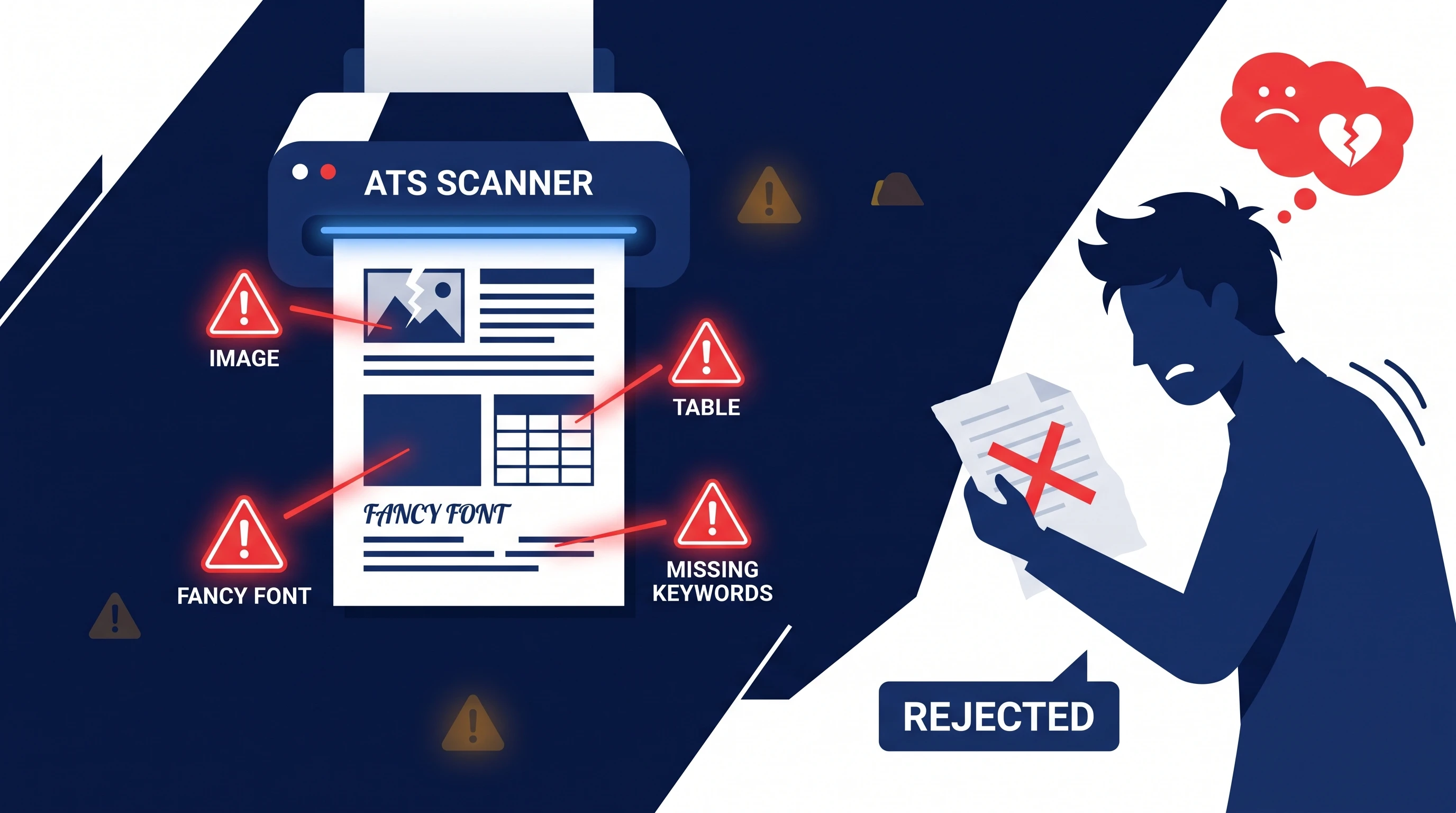
| Below 60 | High rejection risk | Either the resume is wrong for the role, or there are structural issues the parser can't get past. |
The 80+ rule of thumb holds for most mid-level roles. Highly competitive roles (FAANG, top consultancies) realistically need 85+ to reliably get past the first cut.
Curious how your resume actually scores?
Run our free 60-second ATS scan to see your match score, missing keywords, and a 20-point diagnostic — before you click Apply.
Try the Free ATS ScanWhat to Do at Each Score Band
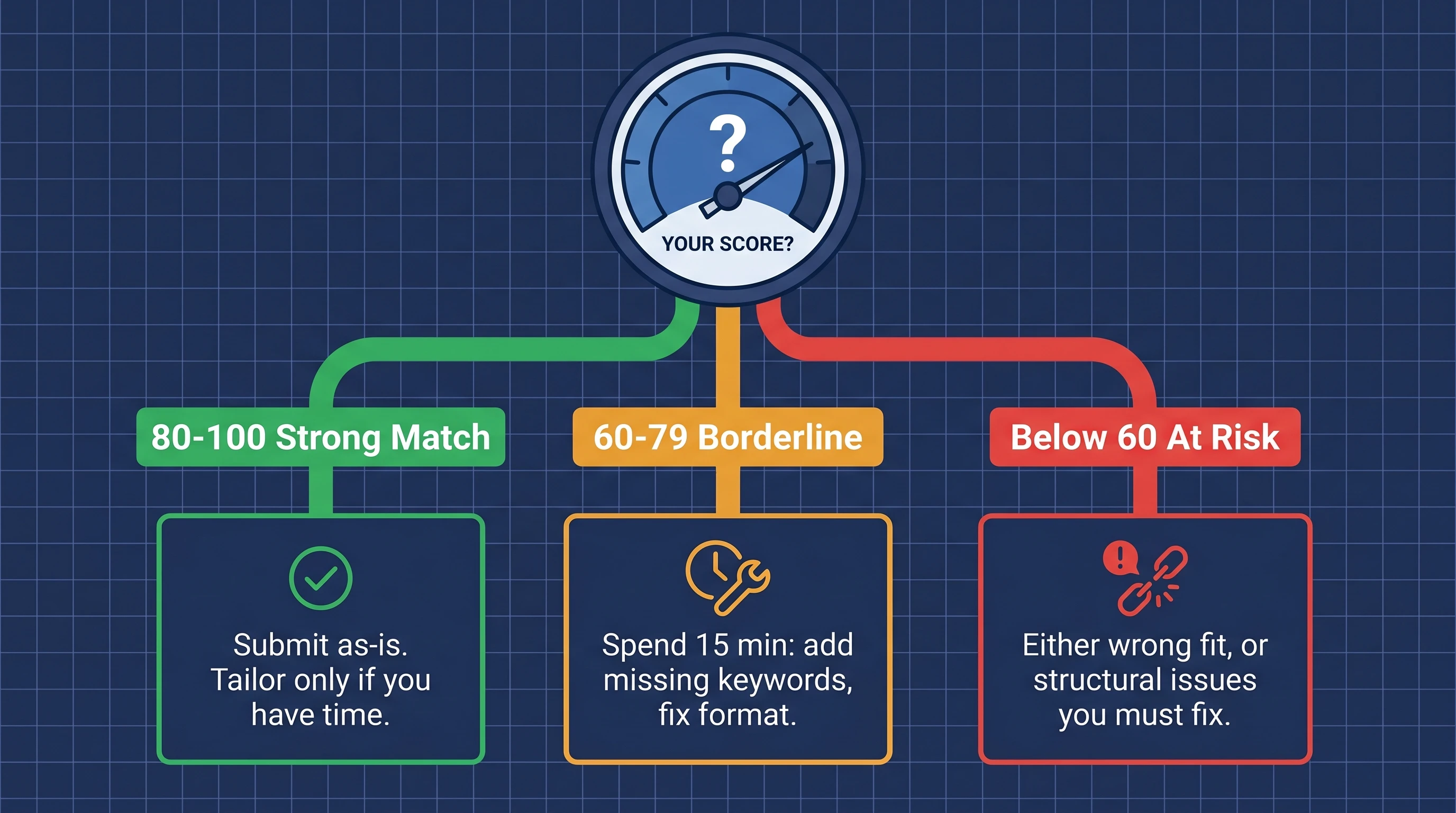
The action you take depends entirely on where you land:
- 80+: Submit. The parser will read your resume cleanly and the keyword match is strong. Spending more time here has diminishing returns.
- 60-79: This is where the 15-minute tailoring pass pays off most. Specifically: add the 3-5 missing JD keywords flagged by the scanner, and fix any single format issue (usually one of the top 10 mistakes). Re-scan; you should land at 80+.
- Below 60: Don't just keep tweaking. Step back and ask: is this resume genuinely a match for this role? If yes, the issue is almost always structural — wrong format (Mistake #1 or #6 from the top mistakes guide), or your resume's actual content lacks the qualifications listed. No amount of keyword stuffing fixes a structural mismatch.
4 Fast Ways to Raise Your ATS Score
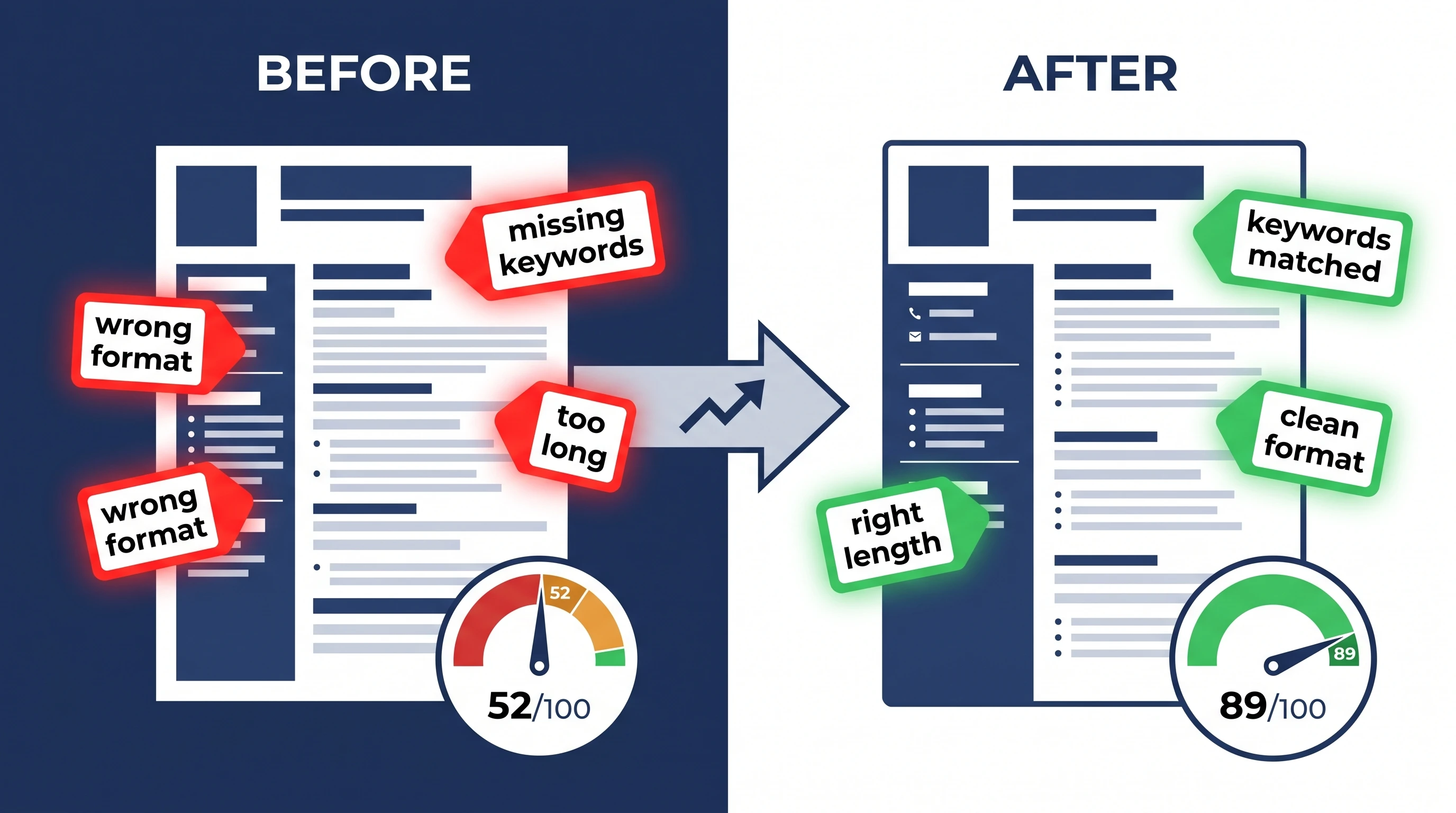
Ranked by impact per minute spent — do them top-down:
- Mirror the JD's top 5-8 phrases verbatim (raises Keyword Match by 15-30 points). Find them in the JD's "Requirements" section, write each one in a natural bullet, exactly once. Don't write "managed stakeholders" when the JD says "stakeholder management" — the parser does a literal match.
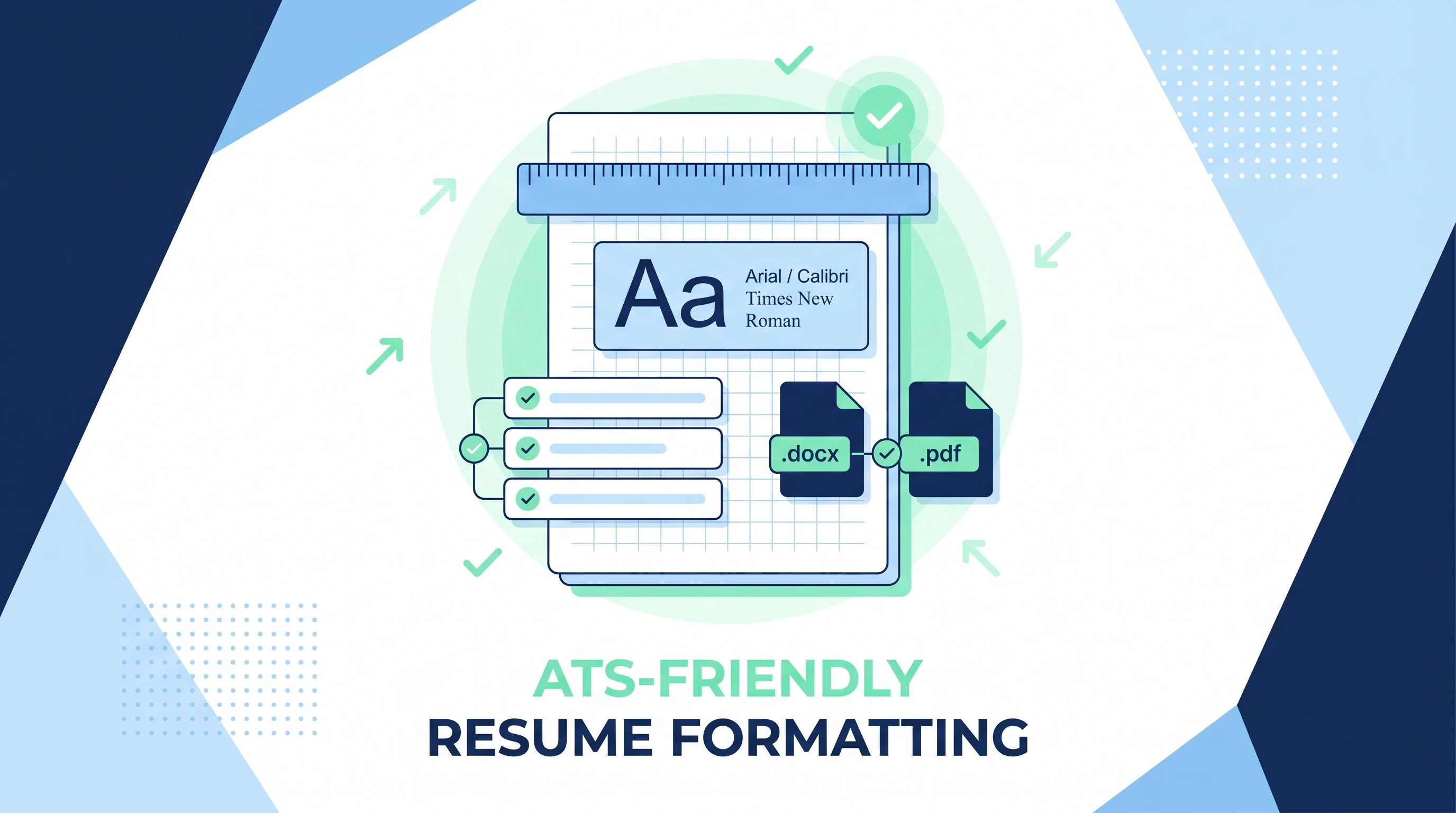
- Strip the resume to single-column plain text (raises Format Readability by 10-25 points). Open in Word, delete columns/tables/text boxes/photos. See the 6-step ATS-friendly workflow for the full pass.
- Spell out tools, certifications, and acronyms at least once (raises Skills Coverage by 5-15 points). Write "Project Management Professional (PMP)" the first time, then just "PMP." The parser indexes both.
- Use standard section names (raises Section Completeness by 3-10 points). Use
EXPERIENCE/EDUCATION/SKILLS, not "My Journey" / "What I Bring."
Combined, these 4 changes typically take a 62 → 88 in about 20 minutes of focused work.
The score is always relative to one JD. A 70 against a job you're a great fit for usually beats an 85 against a job you're stretching for. Don't chase a high absolute number — chase a high score against the right role.
Scan your resume against any job — free
Drop your resume and the job description. Get your ATS match score, missing keywords, and rewrite suggestions in under 60 seconds. No card required.
Start Free ScanWhy the Scanner's Score and the Real ATS's Score Aren't Identical
Consumer-facing ATS scanners (the free tools you use before submitting) produce a proxy score — close to what the real ATS will compute, but not identical. The two diverge because:
- The real ATS knows the recruiter's actual screening criteria; the consumer scanner doesn't.
- Some real ATSes weight skills (Workday-style) or location/visa filters that consumer scanners don't replicate.
- LLM-based second-pass screeners (increasingly common at large companies) re-rank candidates after the ATS score, using semantic match — and they're noisier.
Don't treat the consumer score as exact, but the relative movement is reliable: a resume that goes from 62 to 88 against the JD on a consumer scanner will also score noticeably higher inside the real ATS.
Frequently Asked Questions
What is a good ATS score for a resume?
80 or above is a strong match and usually safe to submit; 60-79 is borderline and worth a 15-minute revision; below 60 means the resume isn't competitive for that specific role. Competitive roles (FAANG, top consultancies) realistically need 85+ to reliably get past the first cut.
Why is my ATS score different on different scanners?
Each scanner uses slightly different category weights and keyword extraction logic. A 78 on one scanner can be a 74 or 82 on another. The relative movement (whether you improve when you tailor) is consistent across scanners — don't chase exact numbers.
Can I submit a resume scoring 65?
You can, but it's a gamble. A 65 on a high-volume posting (200+ applicants) usually doesn't make the shortlist. Spend 15 minutes raising it to 80+ first — see the 4 Fast Ways section above for the order of operations.
Does the ATS score affect the recruiter's hiring decision?
The ATS score affects whether the recruiter ever sees your resume. Once they do, they evaluate the actual content (experience fit, role match, communication quality). The score gets you past the first cut; the bullets get you the interview.
How often should I re-score my resume?
Re-score every time you apply to a new job with a different job description. The score is JD-specific. A resume scoring 88 against Role A might score 64 against Role B — same resume, different match.
What's the single biggest lever to raise my ATS score?
Mirror the JD's top 5-8 phrases verbatim in your resume bullets. Keyword Match is the heaviest category (30-40% of the total) and the easiest to fix in under 15 minutes. The other 4 levers (format, skills, sections, style) matter less per minute spent.