Resume Templates with Photo
Polished layouts with a headshot for people-facing roles where a stronger personal first impression helps.
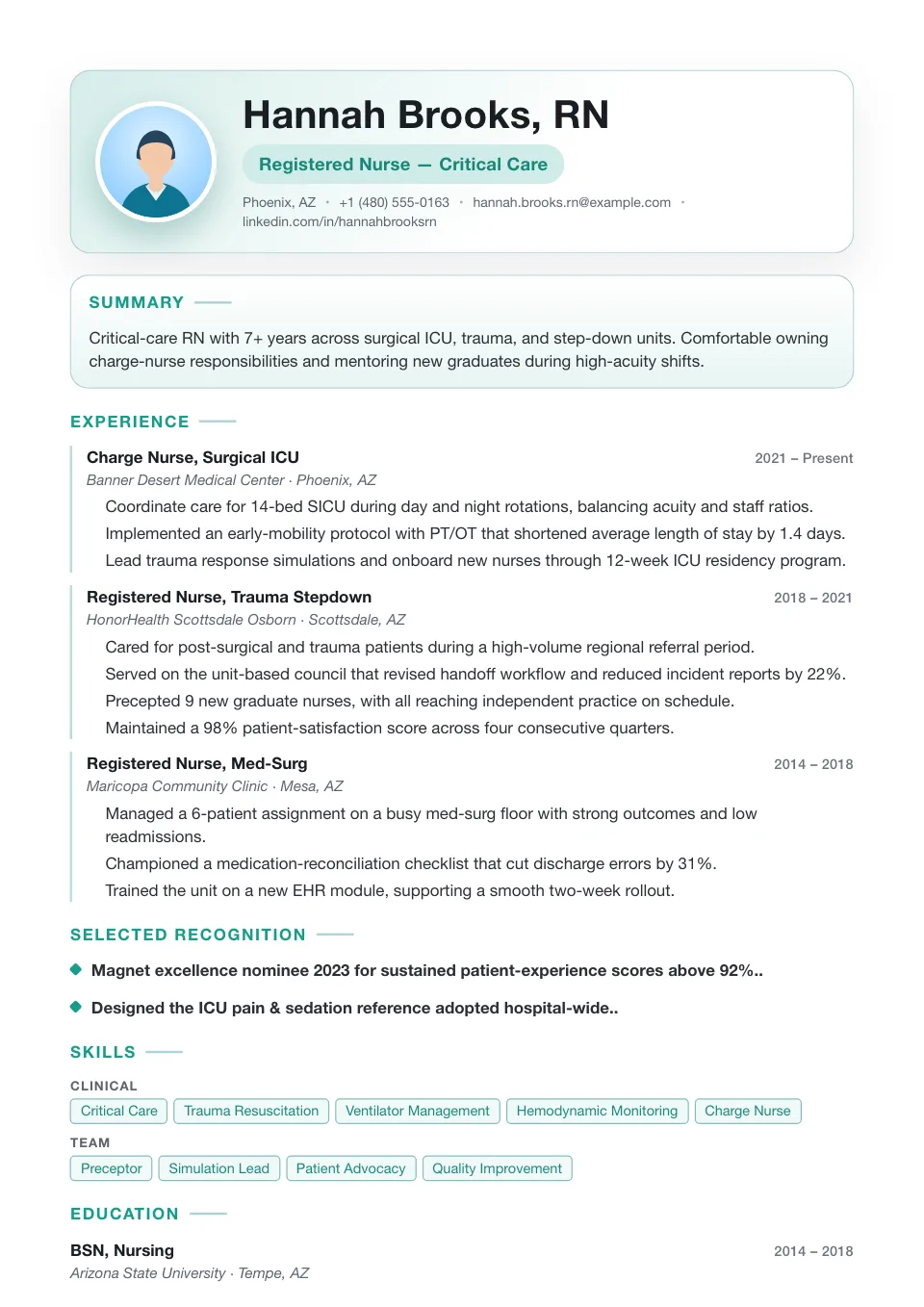
Single Column with Photo
A clean single column led by a photo-first identity block and a calmer reading rhythm — for people-facing roles.
People-facing roles that benefit from a stronger personal first impression
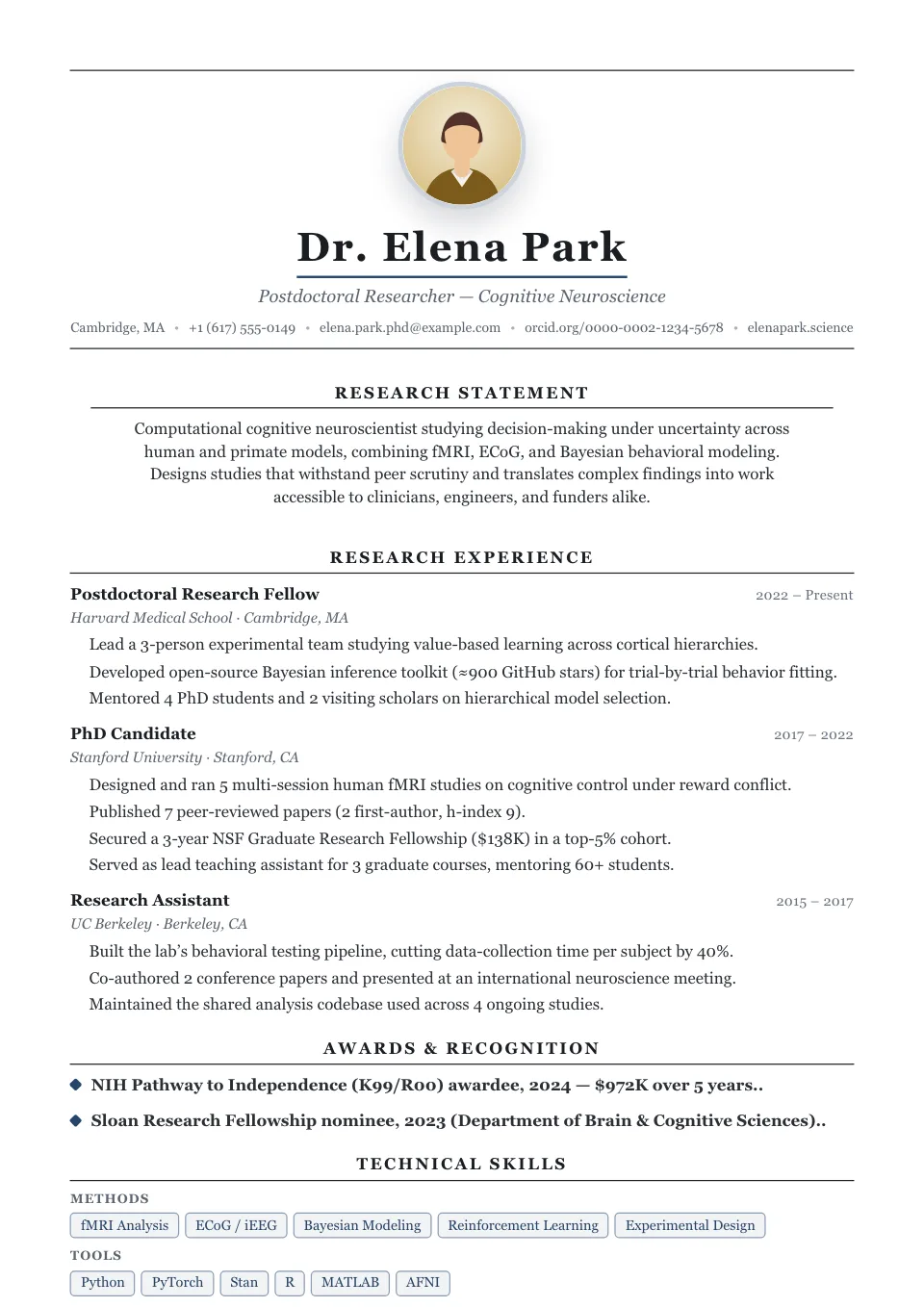
Ivy League with Photo
A prestige-led centered structure with a portrait set into the masthead — academic polish with a human presence.
Senior roles that need a polished academic tone with a human presence
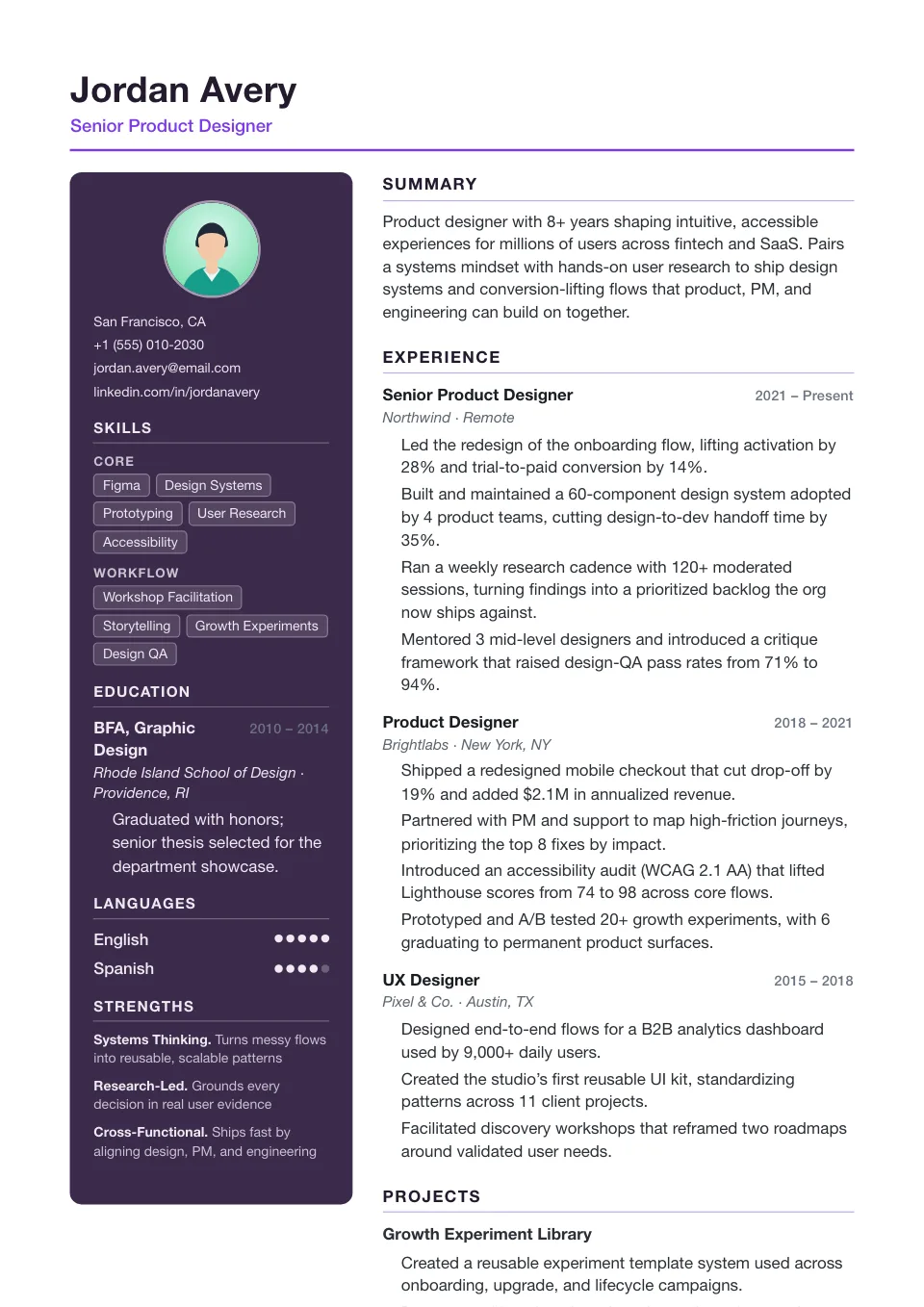
Studio
A plum photo rail anchors your headshot and skills while a confident editorial main column carries the work — portfolio-ready for designers.
Designers and creative leads who want a portfolio feel
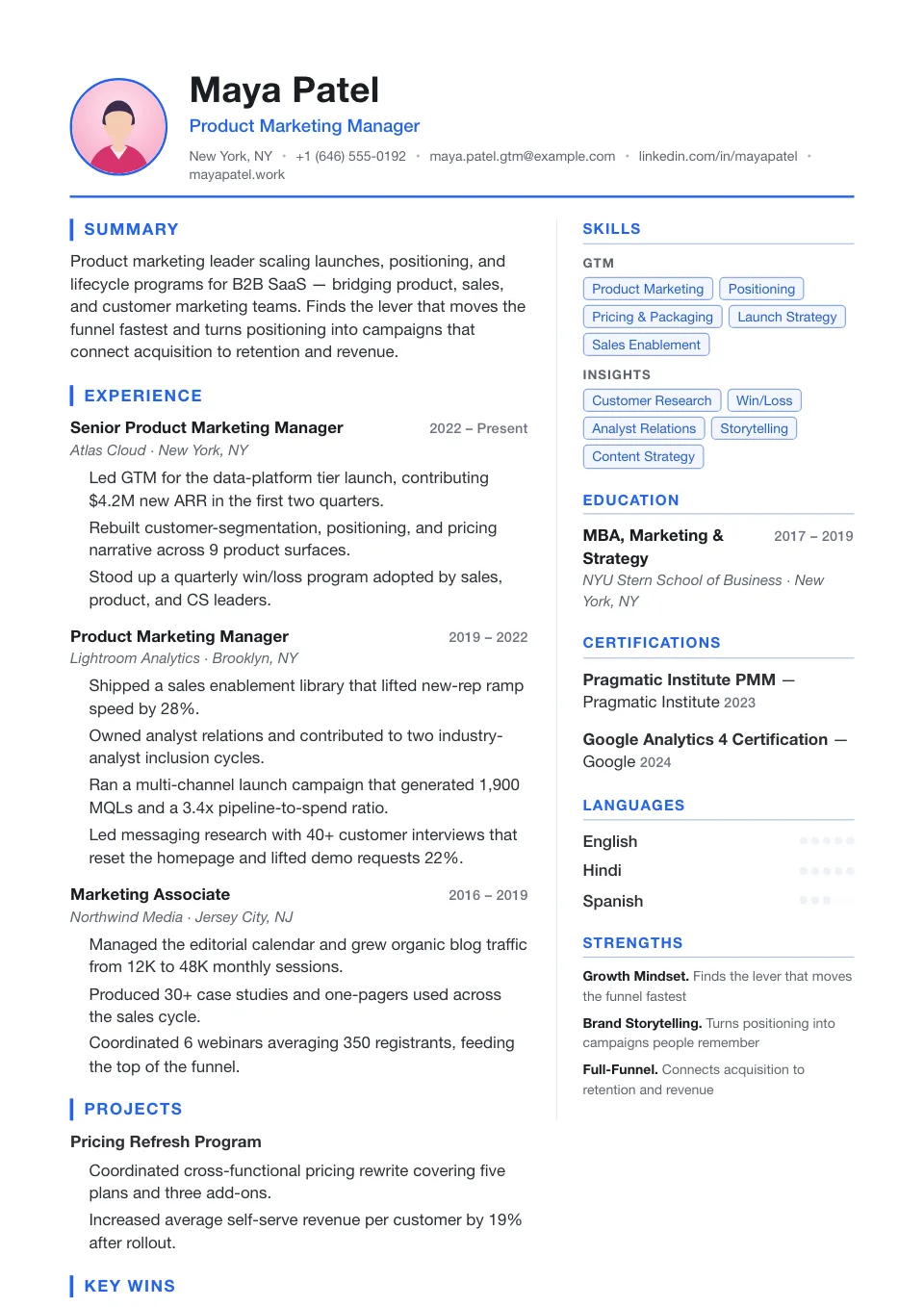
Headshot
A photo identity block over a balanced two-column grid with the sidebar on the right — polished and people-facing.
People-facing roles that want a polished photo-led layout
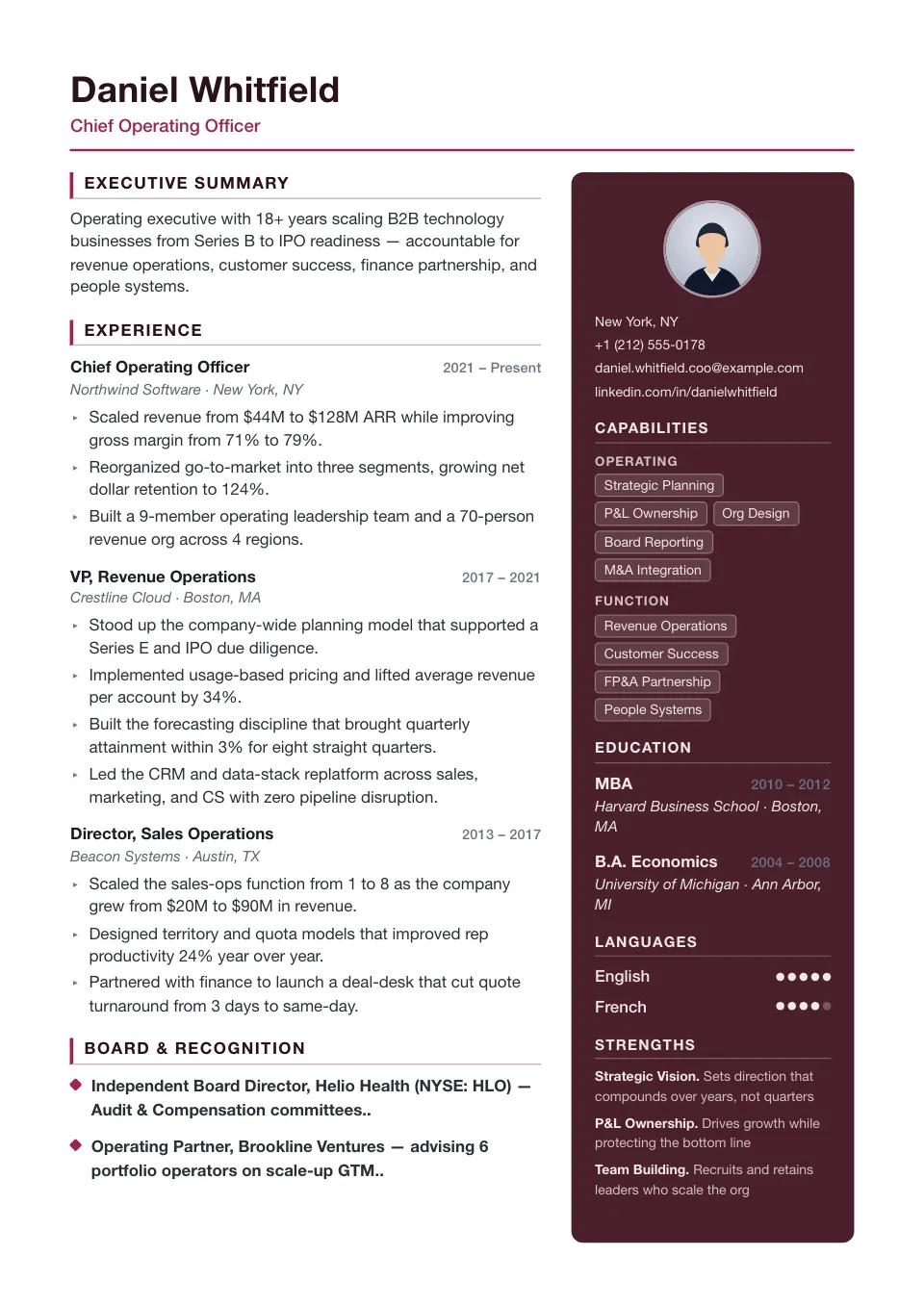
Folio
A right-aligned burgundy photo rail with accent-bar headings and arrow bullets — bold and brand-forward for creative leads.
Portfolio-driven creative and brand roles
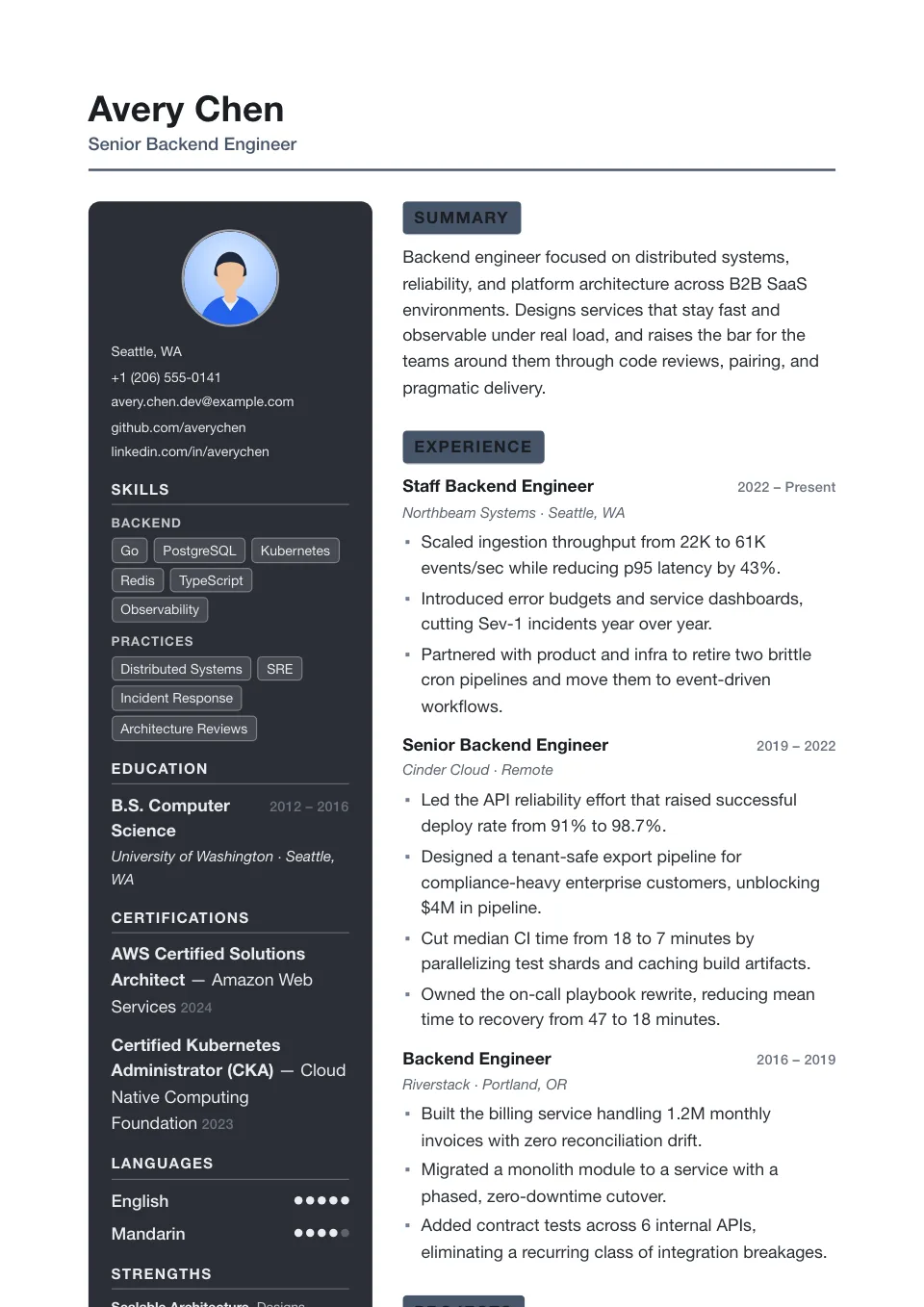
Canvas
A charcoal photo rail, reversed-block headings and gallery-grade whitespace — expressive and spacious for design-led roles.
Designers and creatives who want a gallery-style rail
Resume Templates with Photo
Resume templates with a photo place a professional headshot in the header, giving people-facing applications a stronger personal first impression. They are common for roles in client services, hospitality, and real estate, and in many European and APAC markets.
A photo is optional on every template — these layouts simply integrate one cleanly from the start. Because some US, UK, and Canadian employers screen out photos to avoid bias, check local norms before you include one.
Why use a resume template with a photo?
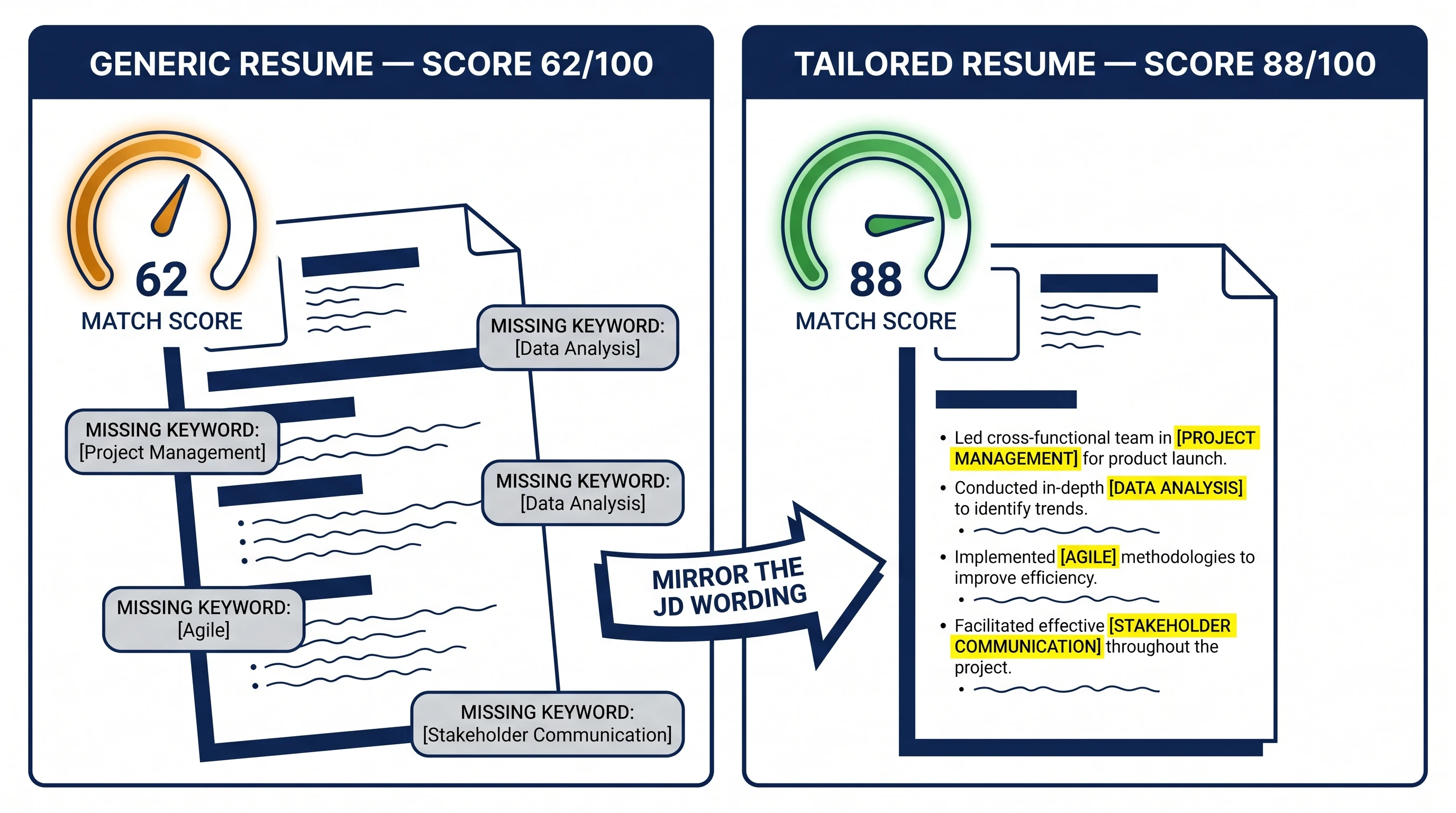
A resume template with a photo places a professional headshot in the header, giving people-facing applications a stronger personal first impression. These layouts integrate the photo cleanly from the start, so it looks designed-in rather than pasted on.
Who should use a resume with a photo?
Photo resumes are common for certain roles and regions:
- Client services, hospitality, and real estate
- Sales and front-of-house positions
- Markets across much of Europe and APAC
- Personal-brand and on-camera roles
How to add or remove a photo
Every template has a Show photo toggle in the Design & Font panel, so you can produce both a photo and a photo-free version from the same resume. Upload a clear, professional headshot, and switch it off for regions or employers where photos are discouraged.
Tips for a strong resume photo
Treat it like a LinkedIn profile picture:
- Use a well-lit, neutral background
- Dress for the role and keep an approachable expression
- Avoid casual snapshots and group photos
- Keep a photo-free simple version for US, UK, and Canada applications
Explore other template styles
Not quite the right fit? Browse the rest of the collection by structure and personality.
Clean, current layouts built for tech, product, and marketing roles — stand out while staying clear, structured, and ATS-friendly.
Conservative, professional layouts for finance, law, and corporate fields where structure, familiarity, and a polished tone matter most.
Distinctive layouts with real personality for design, marketing, and brand roles — eye-catching without sacrificing clarity.
Minimal, easy-to-read single-column layouts that work across almost any industry and put your skills and experience first.
Generous whitespace and quiet typography, so your experience speaks for itself in a clean, distraction-free layout.
Balanced sidebar layouts that fit more on a single page — ideal for skills-rich resumes and human-reviewed applications.
Clean, single-column structures that Applicant Tracking Systems parse reliably — every template here is labelled ATS-friendly.
Chronology-first layouts that make your progression and promotions obvious at a glance — built for experienced professionals.
Resume guides to read next
Short, practical reads on passing the ATS and getting your formatting right before you apply.
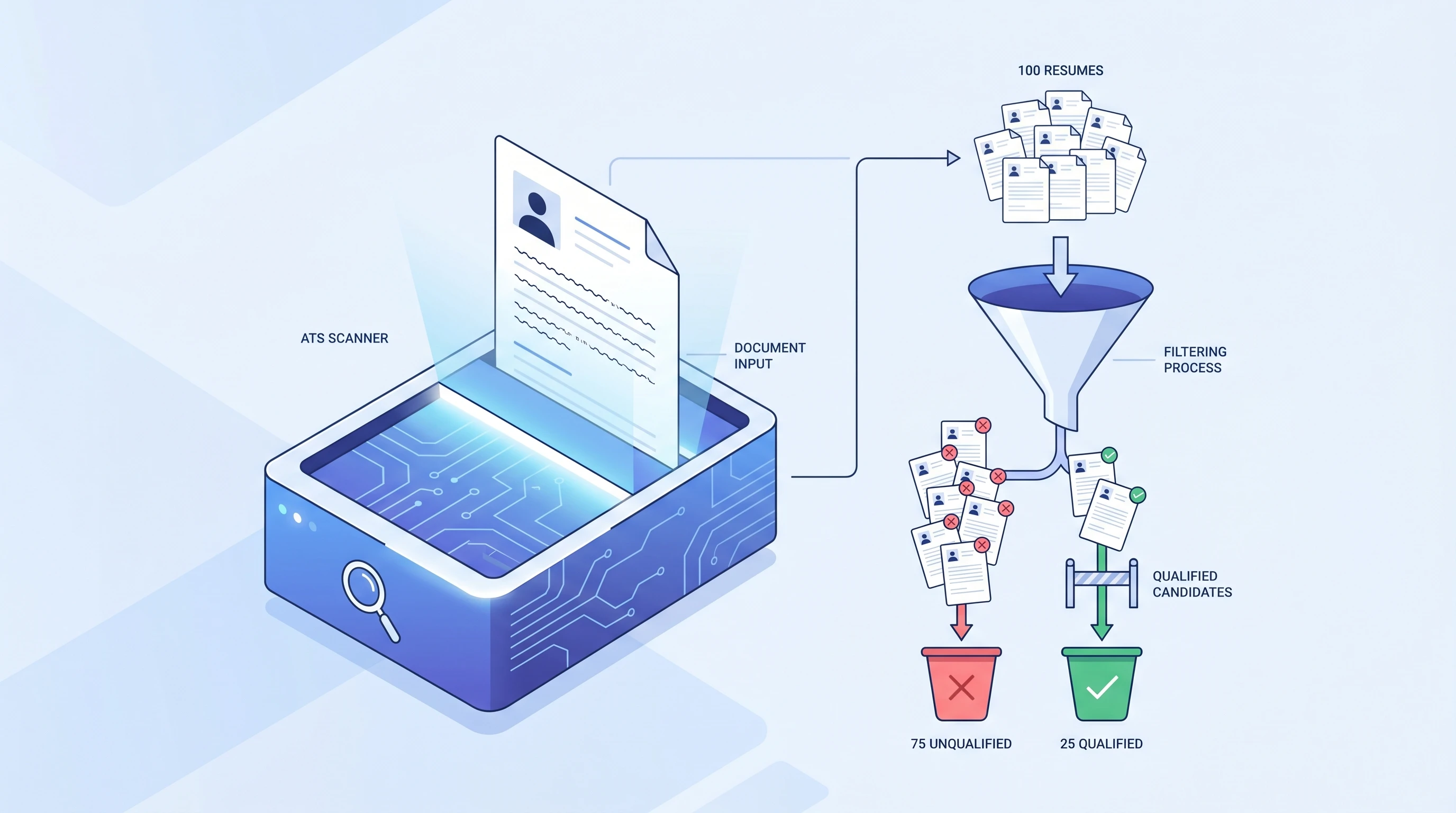
What is an ATS? Applicant Tracking System Explained (2026)
An ATS (Applicant Tracking System) is software companies use to filter resumes before a human ever sees them. Learn how it works and how to beat it.
 Alex Carter·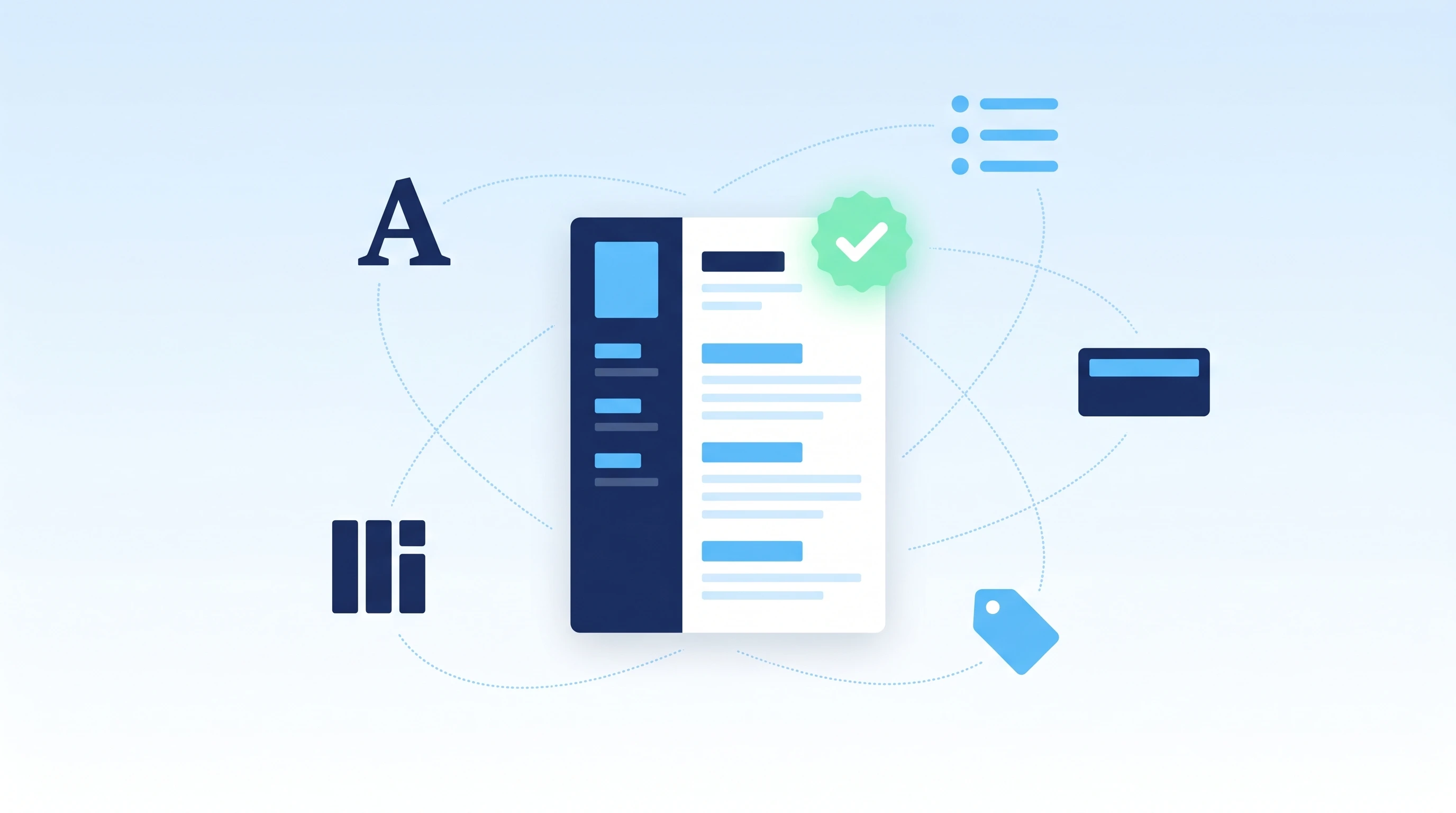
How to Make an ATS-Friendly Resume: 2026 Step-by-Step Guide
Make your resume ATS-friendly in 6 steps: format, keywords, fonts, file type, section headers, and scan-before-you-send. A 15-minute proven workflow.
Alex Carter·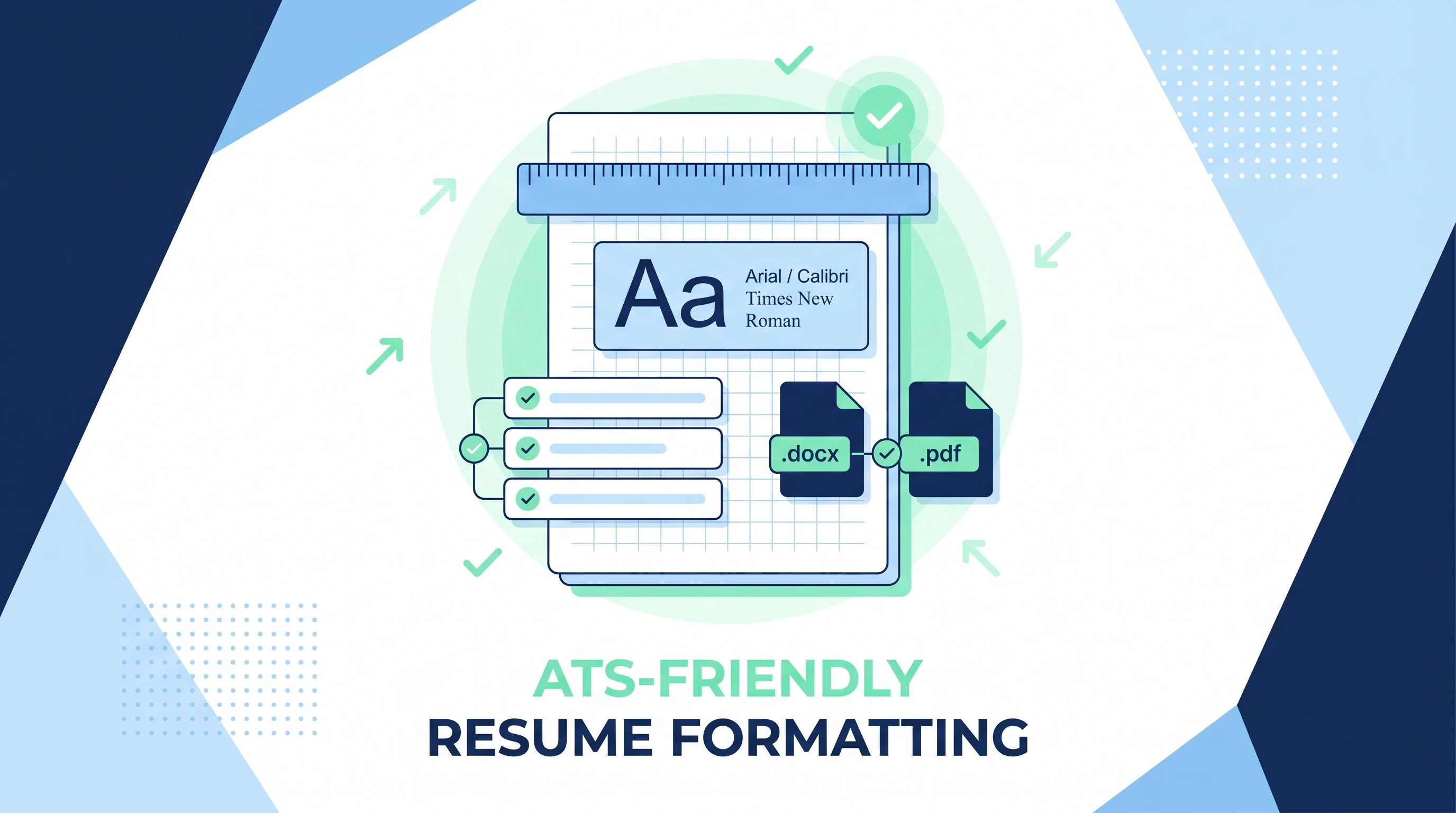
ATS-Friendly Resume Format: Fonts, Spacing & Files (2026)
ATS-friendly resume format spec: fonts (Arial/Calibri/Times), 11-12pt body, 1.15 line height, 1-inch margins, .docx first PDF second, single column.
Alex Carter·Common questions about resume templates with a photo
01Should I put a photo on my resume?
It depends on your region and role. Photos are expected in much of Europe and APAC and for some client-facing jobs, but often discouraged in the US, UK, and Canada. When unsure, a photo-free simple template is the safer choice.
02Do ATS systems read resume photos?
No — tracking systems ignore images entirely, so a photo neither helps nor hurts parsing. The risk is human bias-screening, not the software.
03Can I remove the photo later?
Yes — every template has a Show photo toggle in the Design & Font panel, so you can produce both a photo and a photo-free version from the same resume.
04What kind of photo should I use?
A professional, well-lit headshot with a neutral background and an approachable expression. Avoid casual or group photos — treat it like a LinkedIn profile picture.
05Where is the photo placed?
These templates integrate the headshot into the header or a sidebar from the start, so it looks designed-in rather than pasted on. You can toggle it off any time.
06Are photo resumes ATS-friendly?
The photo itself is ignored by parsers, so it doesn't affect ATS reading. The caution is human bias-screening in some regions — when unsure, keep a photo-free simple version.