Minimalist Resume Templates
Generous whitespace and quiet typography, so your experience speaks for itself in a clean, distraction-free layout.
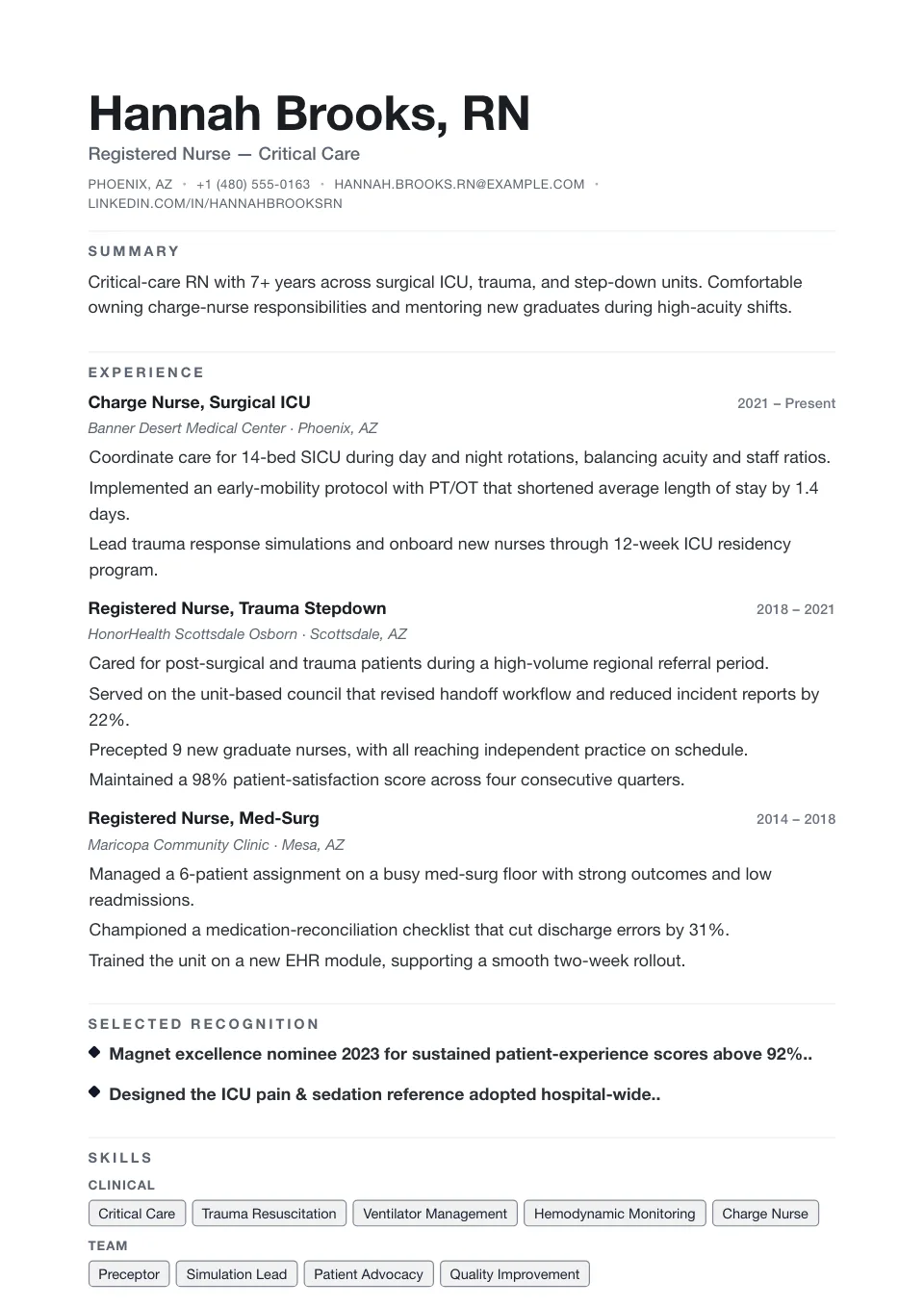
Minimal
An oversized name, no rules, no bullet glyphs and generous whitespace — pure typography for those who let the content speak.
Understated applications where content needs no decoration
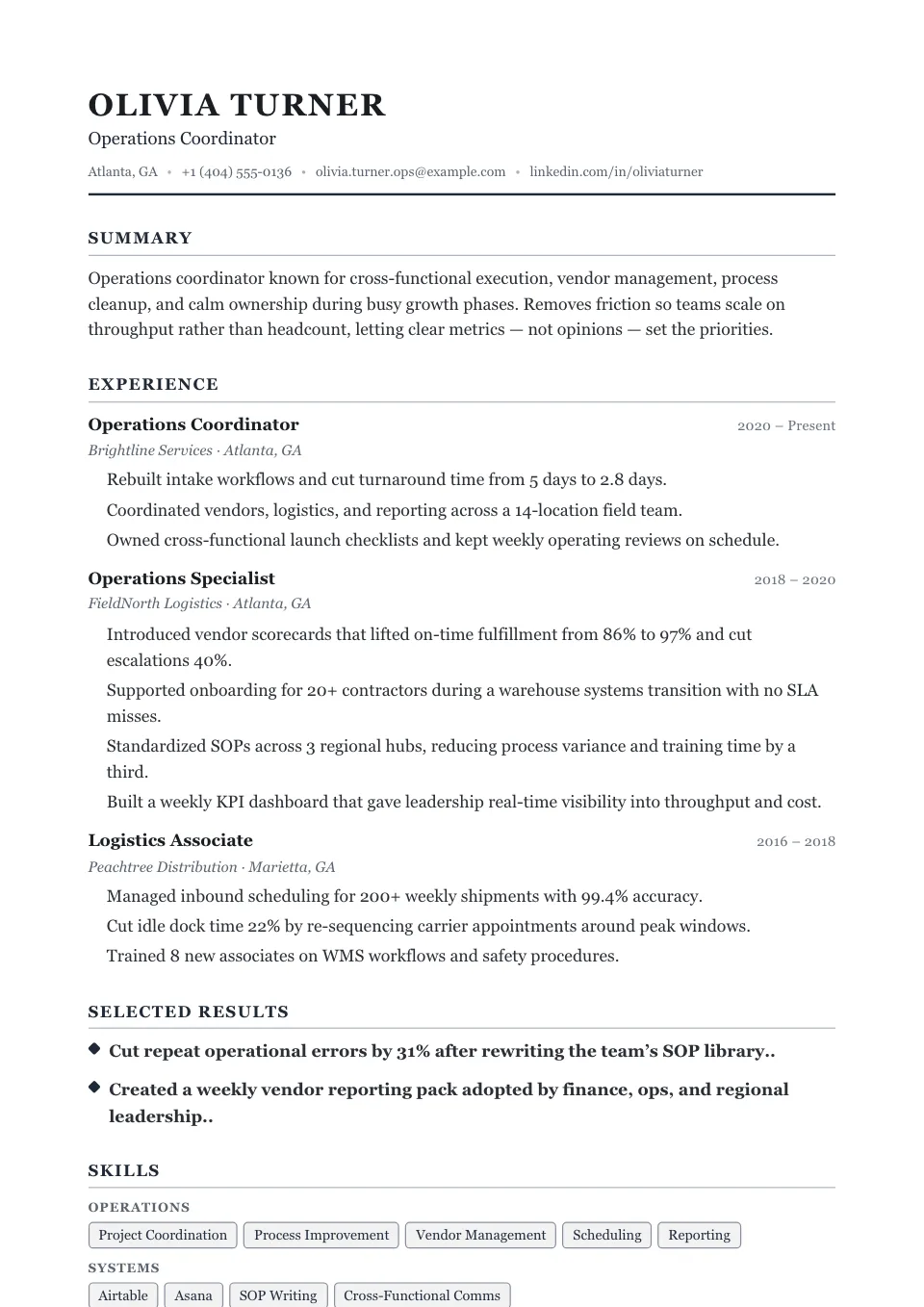
Whitespace
An uppercase serif name with wide tracking, thin underlines and room to breathe between every section — editorial minimalism.
Understated profiles that let content breathe
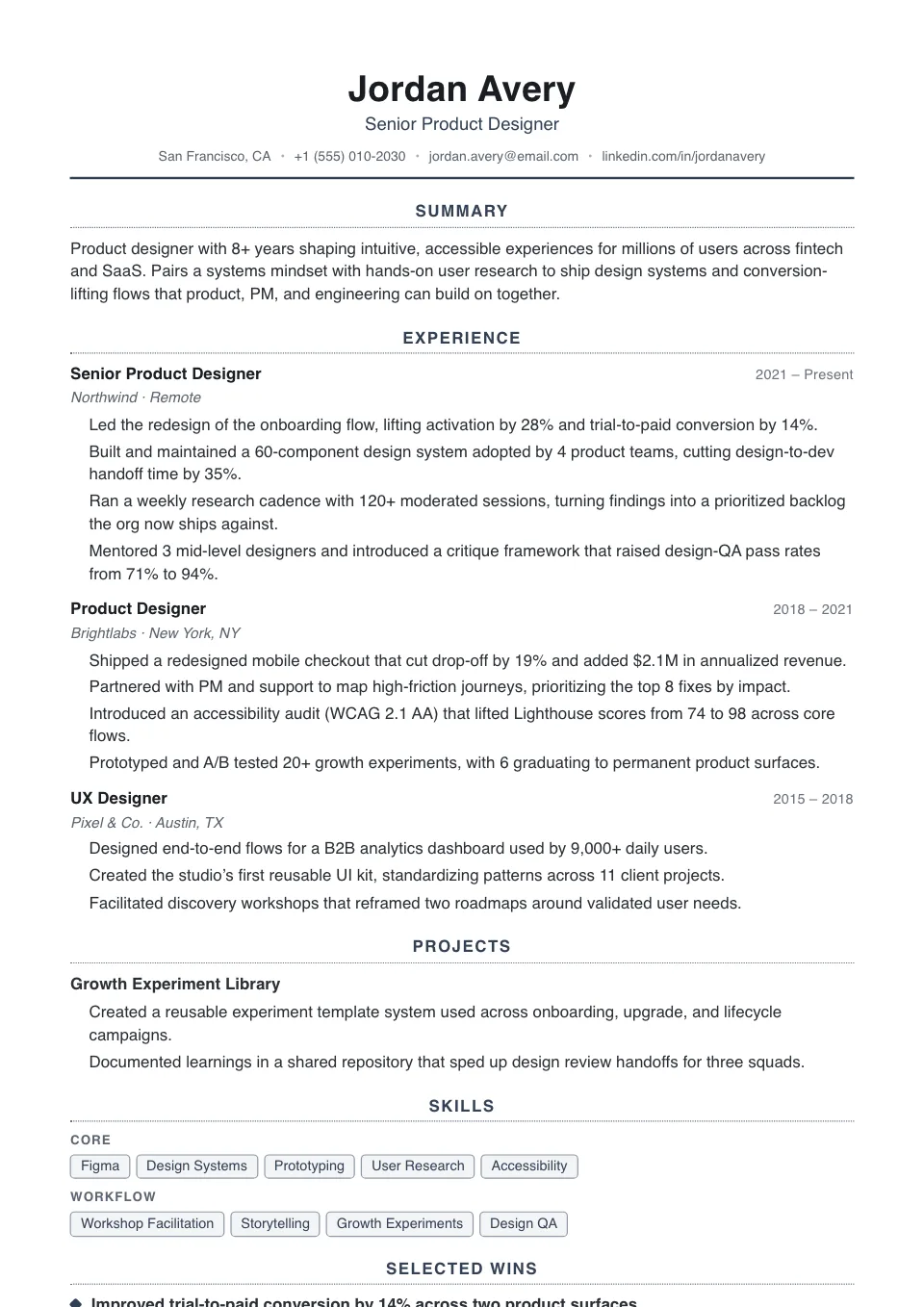
Clarity
Everything centered and balanced, with airy dotted dividers — a quiet, symmetrical single column for operations and program work.
Operations, program, and project roles
Minimalist Resume Templates
Minimalist resume templates take simplicity one step further with generous whitespace, quiet typography, and a restrained palette. They suit senior professionals and anyone whose experience speaks for itself without visual embellishment.
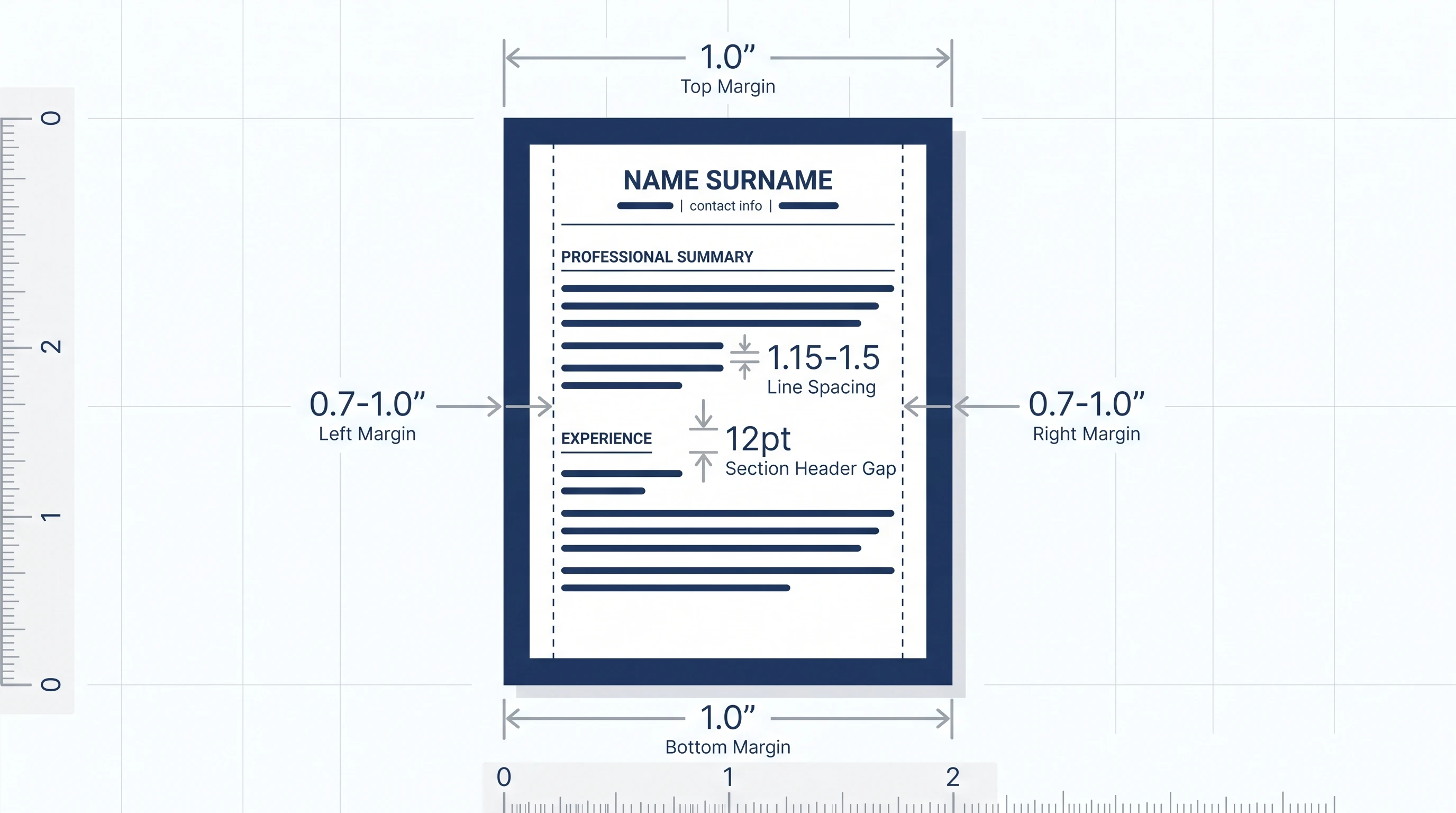
The roomy, distraction-free layout draws the eye straight to your accomplishments and renders cleanly for ATS at the same time. Adjust spacing and font size in the Design & Font panel to balance airiness with how much you need to fit on the page.
Why use a minimalist resume template?
A minimalist resume template uses generous whitespace, quiet typography, and a restrained palette to put all the attention on your accomplishments. It reads as confident and senior, and the clean structure stays ATS-friendly at the same time.
Who should use a minimalist resume template?
Minimalist layouts suit professionals whose experience speaks for itself:
- Senior individual contributors and specialists
- Designers, writers, and architects
- Consultants and strategists
- Anyone who prefers elegant restraint over decoration
How to customize your minimalist resume template
Balance airiness with content in the Design & Font panel: tighten section spacing and margins if you have a lot to fit, or open them up for a more breathable page. A clean sans-serif keeps the restrained look, while a light serif like Georgia adds quiet warmth.
Tips for a standout minimalist resume
Restraint only works when every line earns its place:
- Cut filler — keep only your strongest, most relevant points
- Use consistent spacing and a single accent for hierarchy
- Let quantified results carry the impact
- Compare with the simple collection if you need a fuller page
Explore other template styles
Not quite the right fit? Browse the rest of the collection by structure and personality.
Clean, current layouts built for tech, product, and marketing roles — stand out while staying clear, structured, and ATS-friendly.
Conservative, professional layouts for finance, law, and corporate fields where structure, familiarity, and a polished tone matter most.
Distinctive layouts with real personality for design, marketing, and brand roles — eye-catching without sacrificing clarity.
Minimal, easy-to-read single-column layouts that work across almost any industry and put your skills and experience first.
Polished layouts with a headshot for people-facing roles where a stronger personal first impression helps.
Balanced sidebar layouts that fit more on a single page — ideal for skills-rich resumes and human-reviewed applications.
Clean, single-column structures that Applicant Tracking Systems parse reliably — every template here is labelled ATS-friendly.
Chronology-first layouts that make your progression and promotions obvious at a glance — built for experienced professionals.
Resume guides to read next
Short, practical reads on passing the ATS and getting your formatting right before you apply.
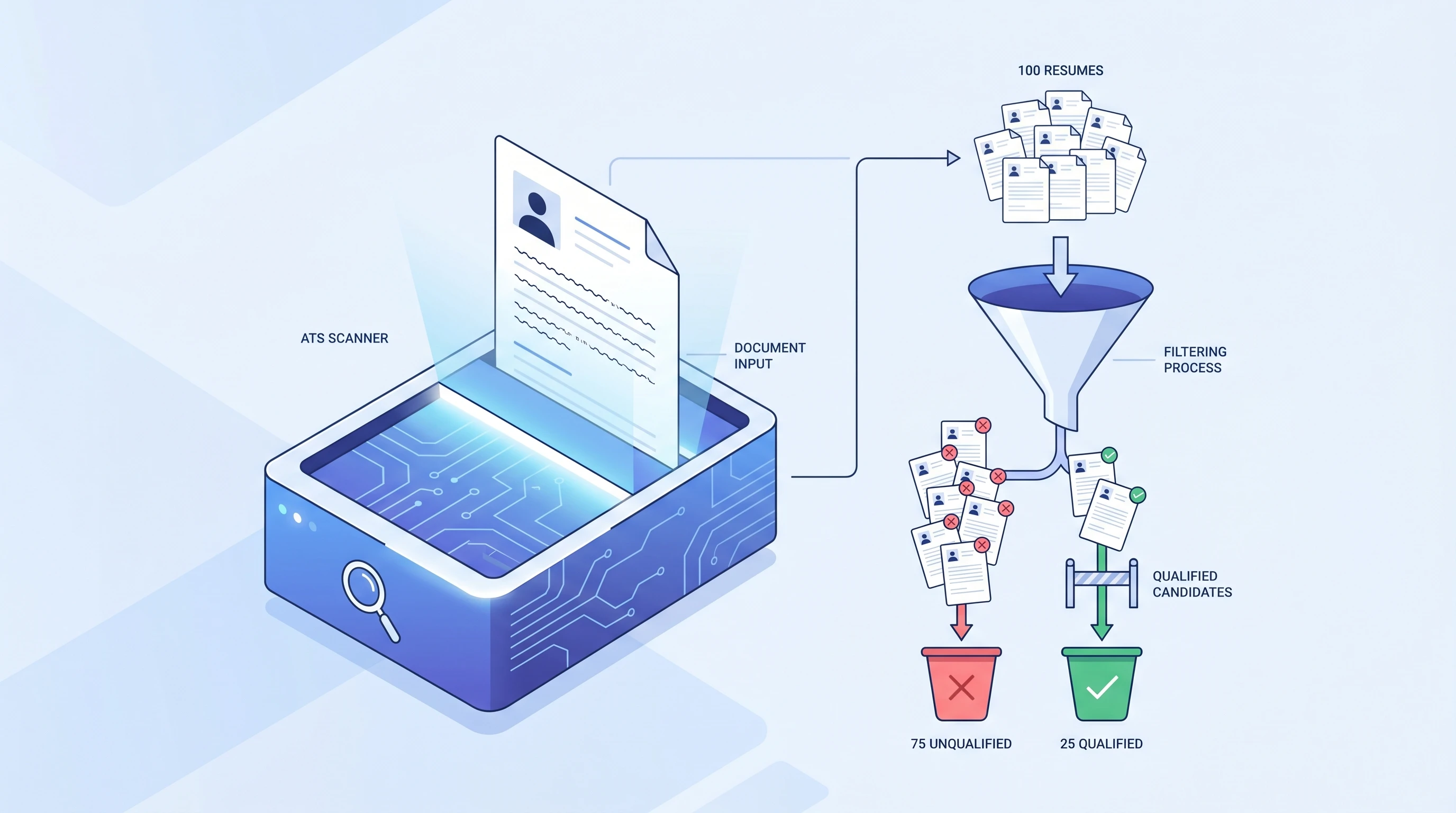
What is an ATS? Applicant Tracking System Explained (2026)
An ATS (Applicant Tracking System) is software companies use to filter resumes before a human ever sees them. Learn how it works and how to beat it.
 Alex Carter·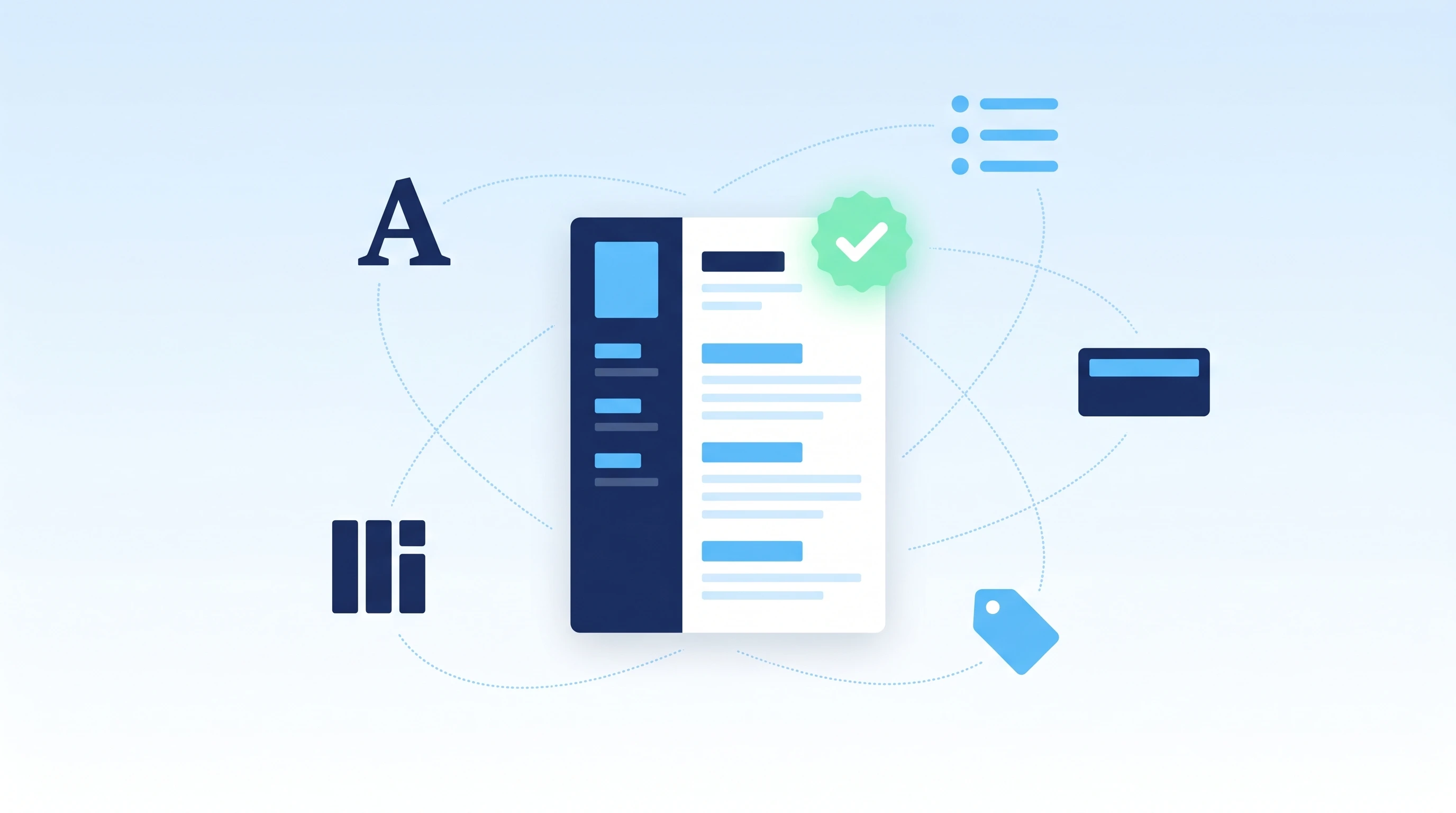
How to Make an ATS-Friendly Resume: 2026 Step-by-Step Guide
Make your resume ATS-friendly in 6 steps: format, keywords, fonts, file type, section headers, and scan-before-you-send. A 15-minute proven workflow.
Alex Carter·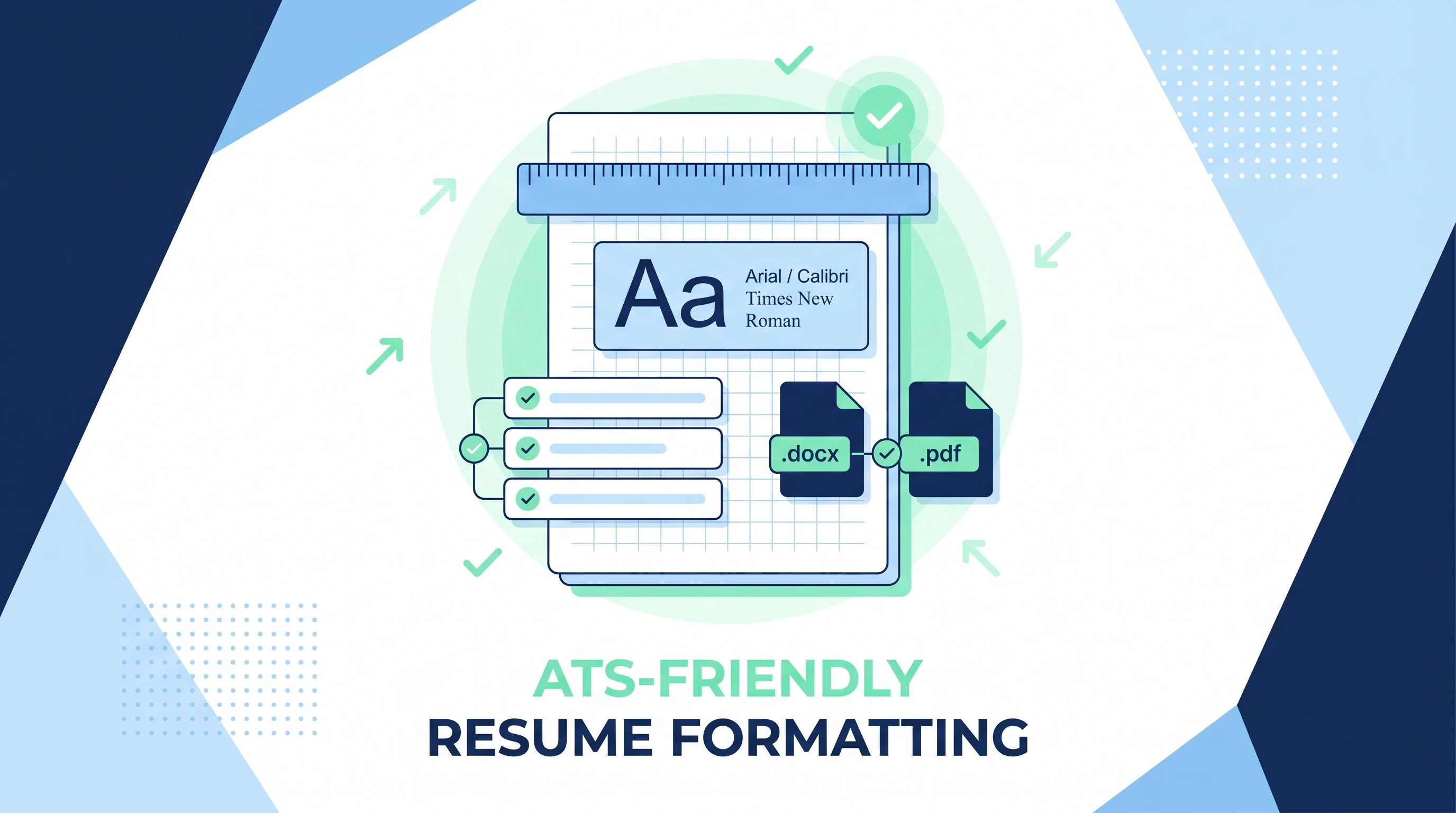
ATS-Friendly Resume Format: Fonts, Spacing & Files (2026)
ATS-friendly resume format spec: fonts (Arial/Calibri/Times), 11-12pt body, 1.15 line height, 1-inch margins, .docx first PDF second, single column.
Alex Carter·Common questions about minimalist resume templates
01What's the difference between simple and minimalist templates?
Simple templates focus on clean structure; minimalist templates push further on whitespace and quiet typography for a more refined, understated feel. If you want a fuller page, the simple collection is a better fit.
02Who should use a minimalist resume?
Senior individual contributors, designers, writers, and professionals who prefer an elegant, content-first impression over decorative layout.
03Does a minimalist resume template waste page space?
It's intentional — but adjustable. Tighten section spacing and margins in the Design & Font panel if you have a lot of experience to fit, without losing the minimalist character.
04Is minimalist a good choice for senior roles?
Yes — generous whitespace and quiet typography read as confident and senior, letting strong accomplishments speak for themselves without decoration.
05What font suits a minimalist resume?
A clean sans-serif like Calibri or Helvetica reinforces the restrained look; a light serif like Georgia adds quiet warmth. Both stay ATS-friendly.
06Minimalist or simple — which should I pick?
Pick minimalist for an understated, whitespace-led feel; pick the simple collection when you need a fuller, more conventional page. Both are clean and parser-safe.