Simple Resume Templates
Minimal, easy-to-read single-column layouts that work across almost any industry and put your skills and experience first.
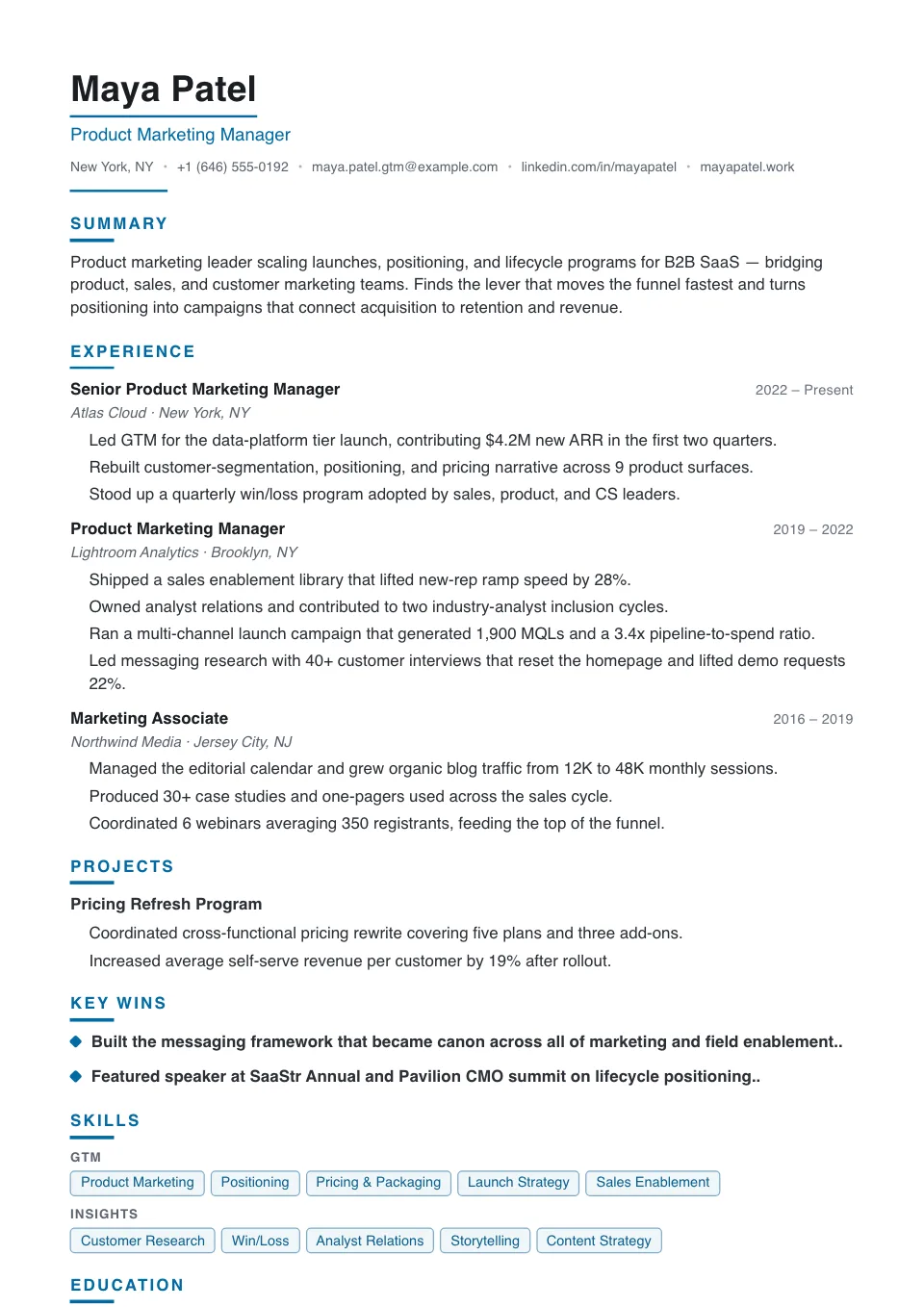
Polished
A ruled name plate over a compact, serif-free body with dotted dividers — refined but never ornate, for mid-senior moves.
Mid-senior roles that need a refined but not ornate tone
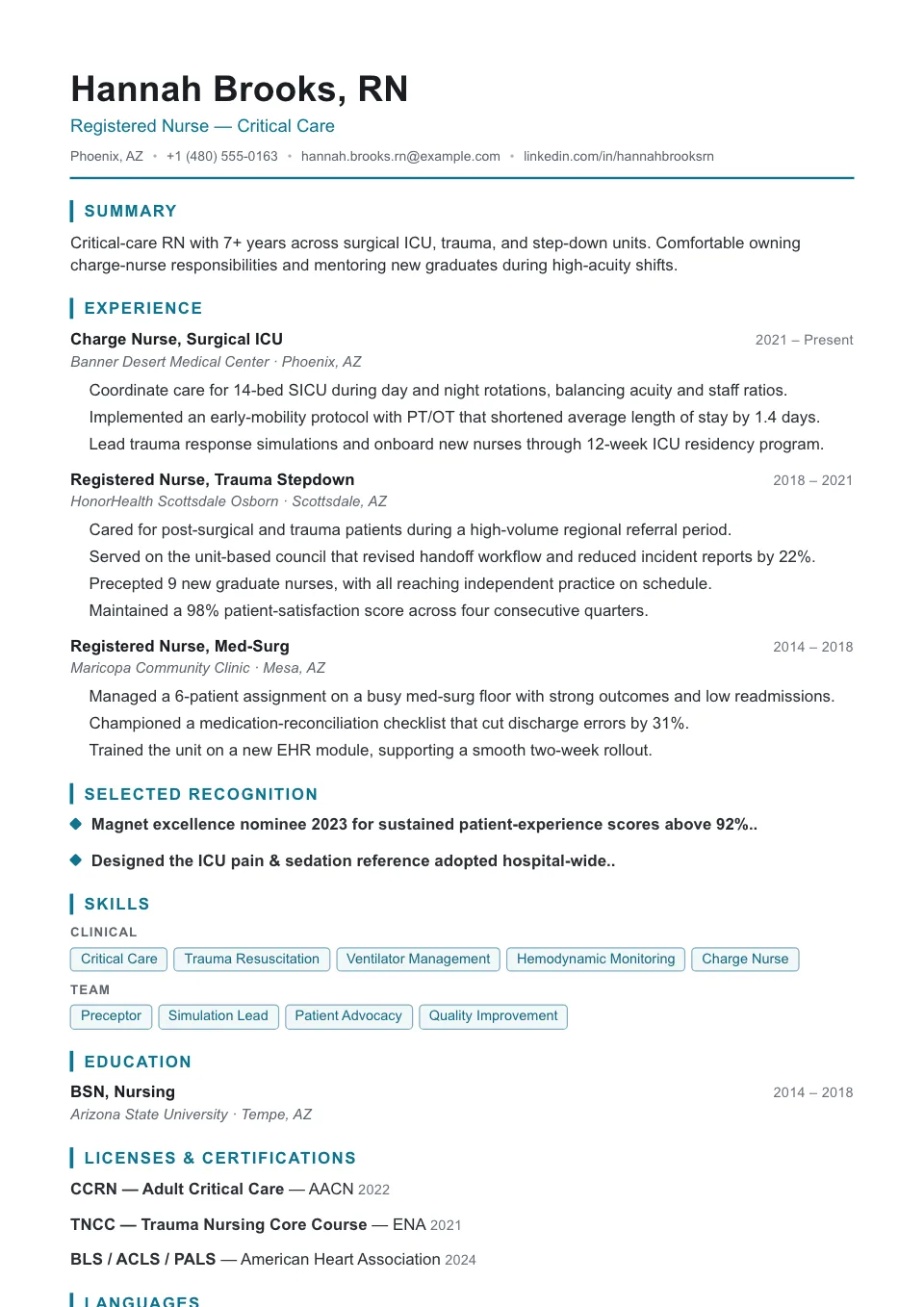
Caregiver
A calm, centered single column with accent-bar headings, tuned to foreground licenses and credentials for nursing and clinical roles.
Nursing, healthcare, and clinical roles
Simple Resume Templates
Simple resume templates strip away everything that competes with your content: one clean column, clear section headings, and comfortable spacing. They work across almost any industry and are the easiest kind of resume for both recruiters and software to read.
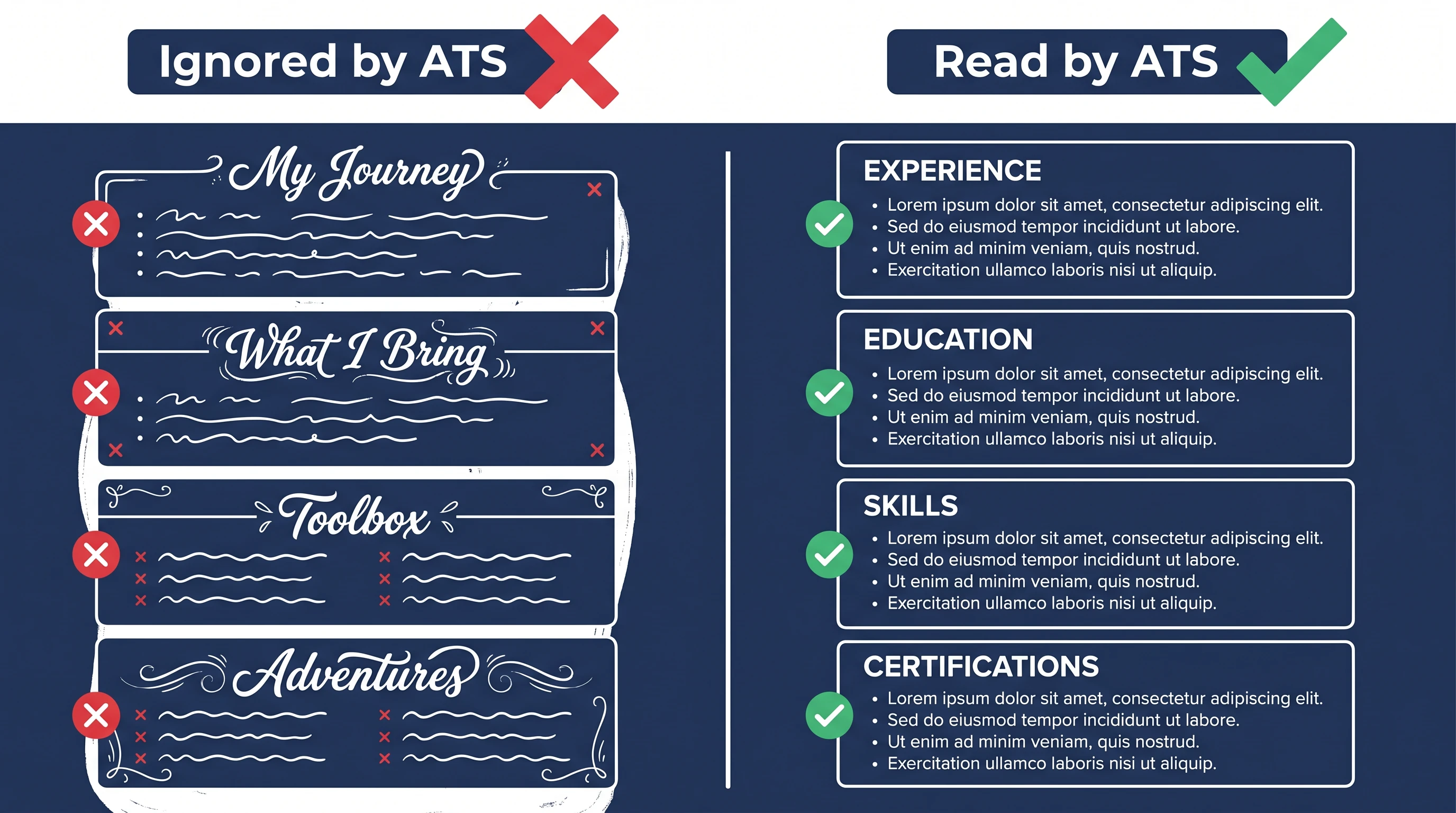
Simplicity is also the safest choice for Applicant Tracking Systems, which parse a single column top-to-bottom without confusion. You still control fonts, spacing, and accent color, so a simple resume can still look distinctly yours.
Why use a simple resume template?
A simple resume template strips away everything that competes with your content: one clean column, clear headings, and comfortable spacing. It works across almost any industry and is the easiest kind of resume for both recruiters and Applicant Tracking Systems to read.
Who should use a simple resume template?
Simple layouts are a safe default for nearly everyone, and especially for:
- Students and recent graduates
- Career changers and first-time applicants
- People applying across multiple industries
- Anyone who wants a fast, no-fuss resume
How to customize your simple resume template
Simple does not mean rigid. Add a single accent color to your headings, choose a font that fits your tone, and adjust spacing in the Design & Font panel. Reorder sections freely, and switch to any other template later without losing a word.
Tips for a standout simple resume
With less decoration, your words do more — make them count:
- Open with a sharp two-line professional summary
- Use strong action verbs and quantified results
- Keep generous white space so the page scans fast
- Tailor your keywords to each job description
Explore other template styles
Not quite the right fit? Browse the rest of the collection by structure and personality.
Clean, current layouts built for tech, product, and marketing roles — stand out while staying clear, structured, and ATS-friendly.
Conservative, professional layouts for finance, law, and corporate fields where structure, familiarity, and a polished tone matter most.
Distinctive layouts with real personality for design, marketing, and brand roles — eye-catching without sacrificing clarity.
Generous whitespace and quiet typography, so your experience speaks for itself in a clean, distraction-free layout.
Polished layouts with a headshot for people-facing roles where a stronger personal first impression helps.
Balanced sidebar layouts that fit more on a single page — ideal for skills-rich resumes and human-reviewed applications.
Clean, single-column structures that Applicant Tracking Systems parse reliably — every template here is labelled ATS-friendly.
Chronology-first layouts that make your progression and promotions obvious at a glance — built for experienced professionals.
Resume guides to read next
Short, practical reads on passing the ATS and getting your formatting right before you apply.
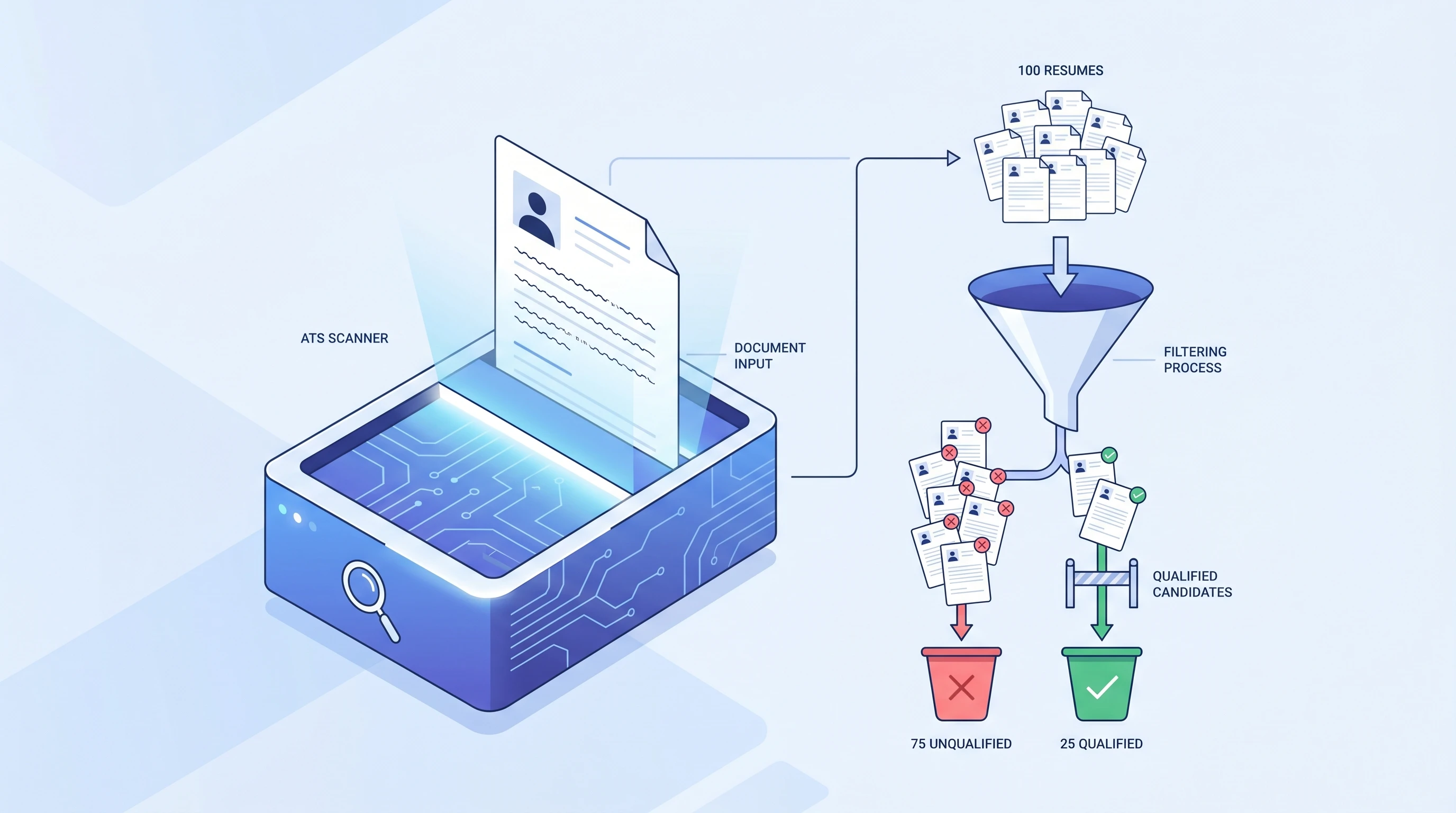
What is an ATS? Applicant Tracking System Explained (2026)
An ATS (Applicant Tracking System) is software companies use to filter resumes before a human ever sees them. Learn how it works and how to beat it.
 Alex Carter·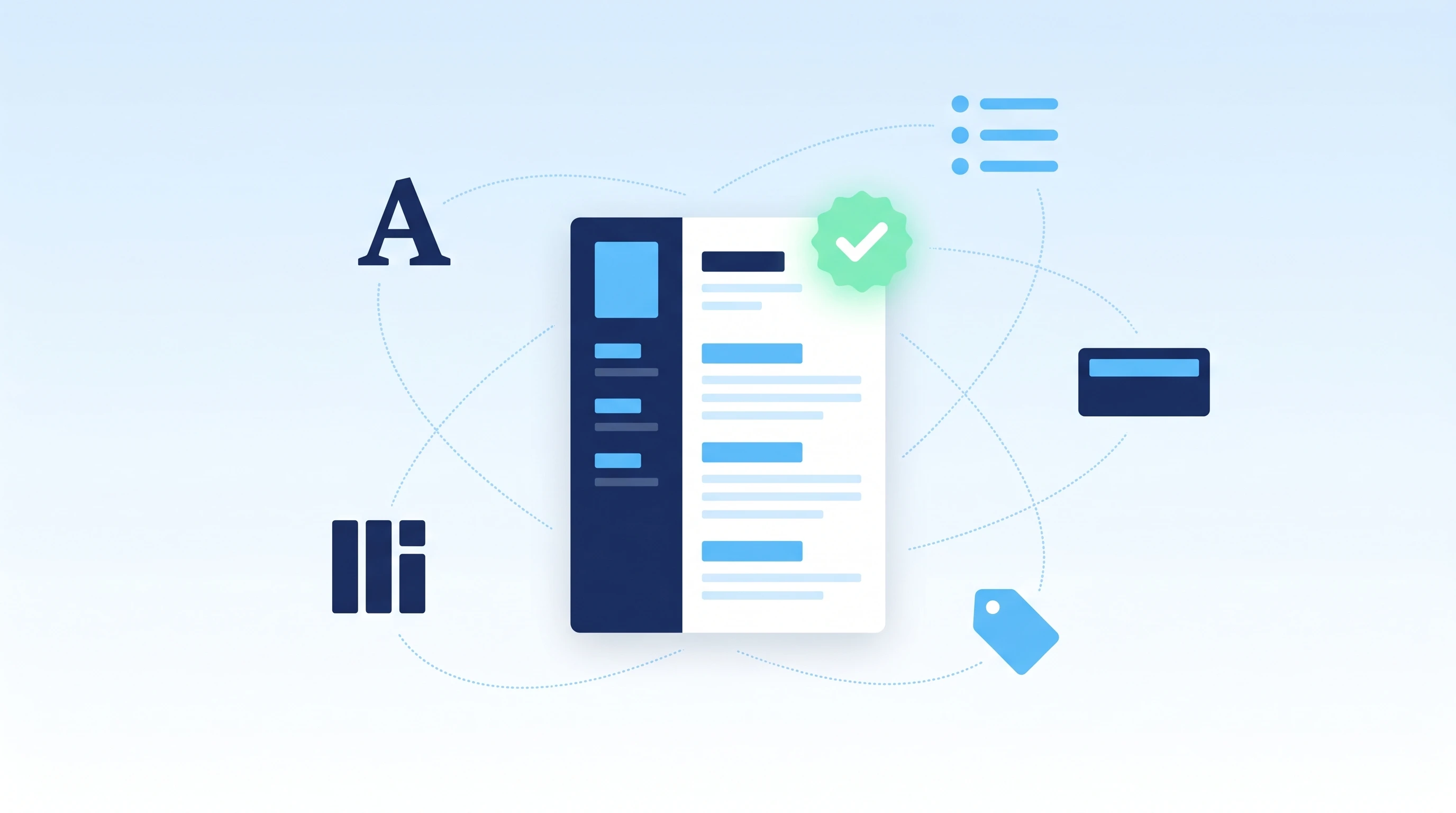
How to Make an ATS-Friendly Resume: 2026 Step-by-Step Guide
Make your resume ATS-friendly in 6 steps: format, keywords, fonts, file type, section headers, and scan-before-you-send. A 15-minute proven workflow.
Alex Carter·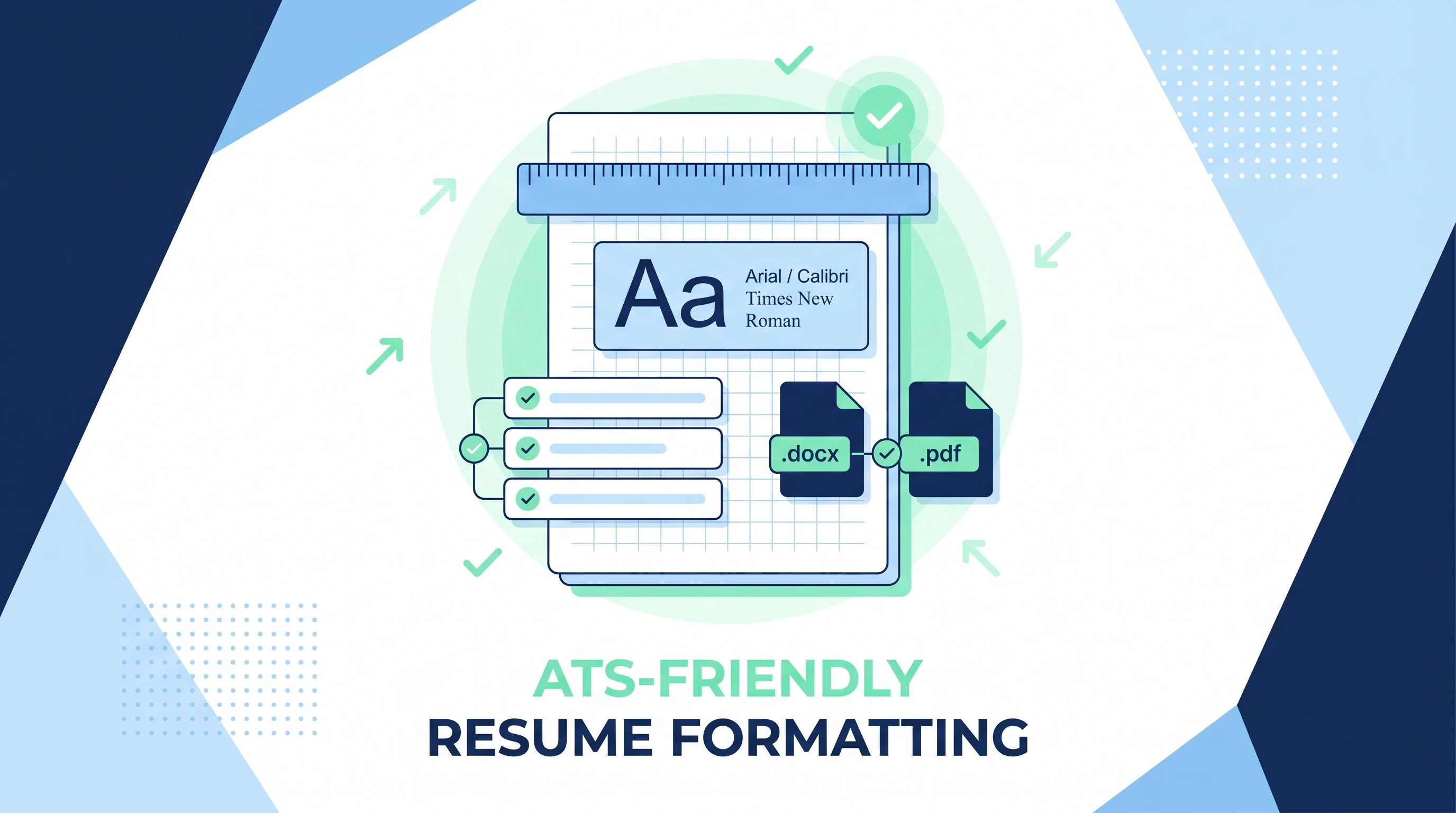
ATS-Friendly Resume Format: Fonts, Spacing & Files (2026)
ATS-friendly resume format spec: fonts (Arial/Calibri/Times), 11-12pt body, 1.15 line height, 1-inch margins, .docx first PDF second, single column.
Alex Carter·Common questions about simple resume templates
01Is a simple resume template too plain?
Not at all — simple means uncluttered, not generic. Clear hierarchy and good spacing make a strong impression, and recruiters consistently prefer resumes they can scan quickly.
02Which jobs are simple templates good for?
Almost all of them. They are a safe default for career changers, students, and anyone applying across multiple industries. For a more visual field, browse the creative collection instead.
03Are simple templates ATS-friendly?
Yes — single-column simple layouts are among the most reliable for ATS parsing, which is why several also appear in the ATS-friendly collection.
04Is a simple template good for a first resume?
Yes — it's one of the best choices for students and career changers, because clear structure makes limited experience read confidently. Add a strong summary and let the layout do the rest.
05How is simple different from minimalist?
Simple keeps a fuller, conventional page; the minimalist collection pushes further on whitespace for a more understated look. Both are clean and ATS-friendly.
06Can I add color to a simple template?
Yes — a single accent color on headings adds personality while keeping the clean, scannable feel. Switch it any time in the Design & Font panel.