Modern Resume Templates
Clean, current layouts built for tech, product, and marketing roles — stand out while staying clear, structured, and ATS-friendly.
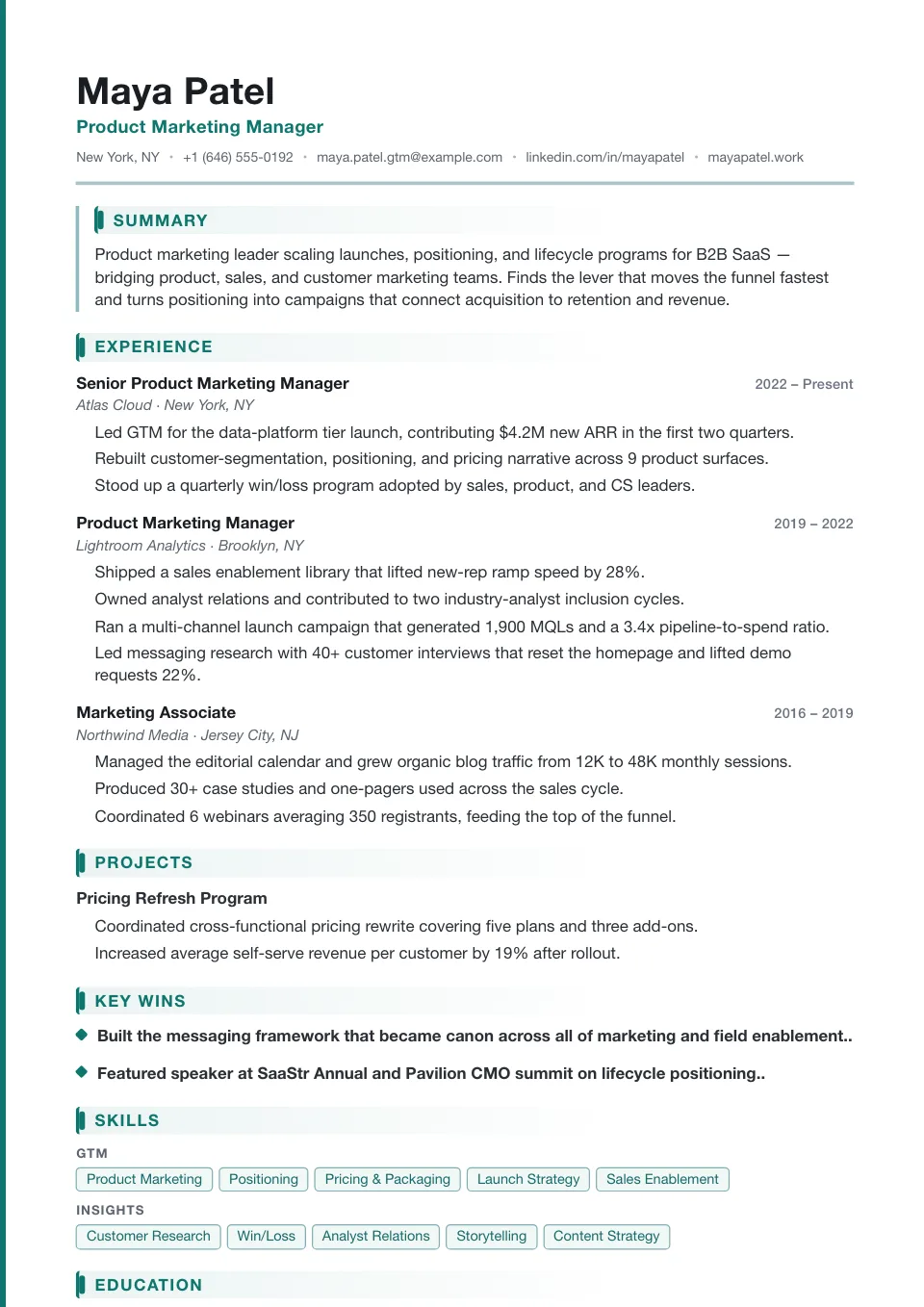
Modern
A teal accent band runs down the left edge while bar headings keep experience crisp — contemporary and confident for product and growth teams.
Product, growth, and digital-first teams
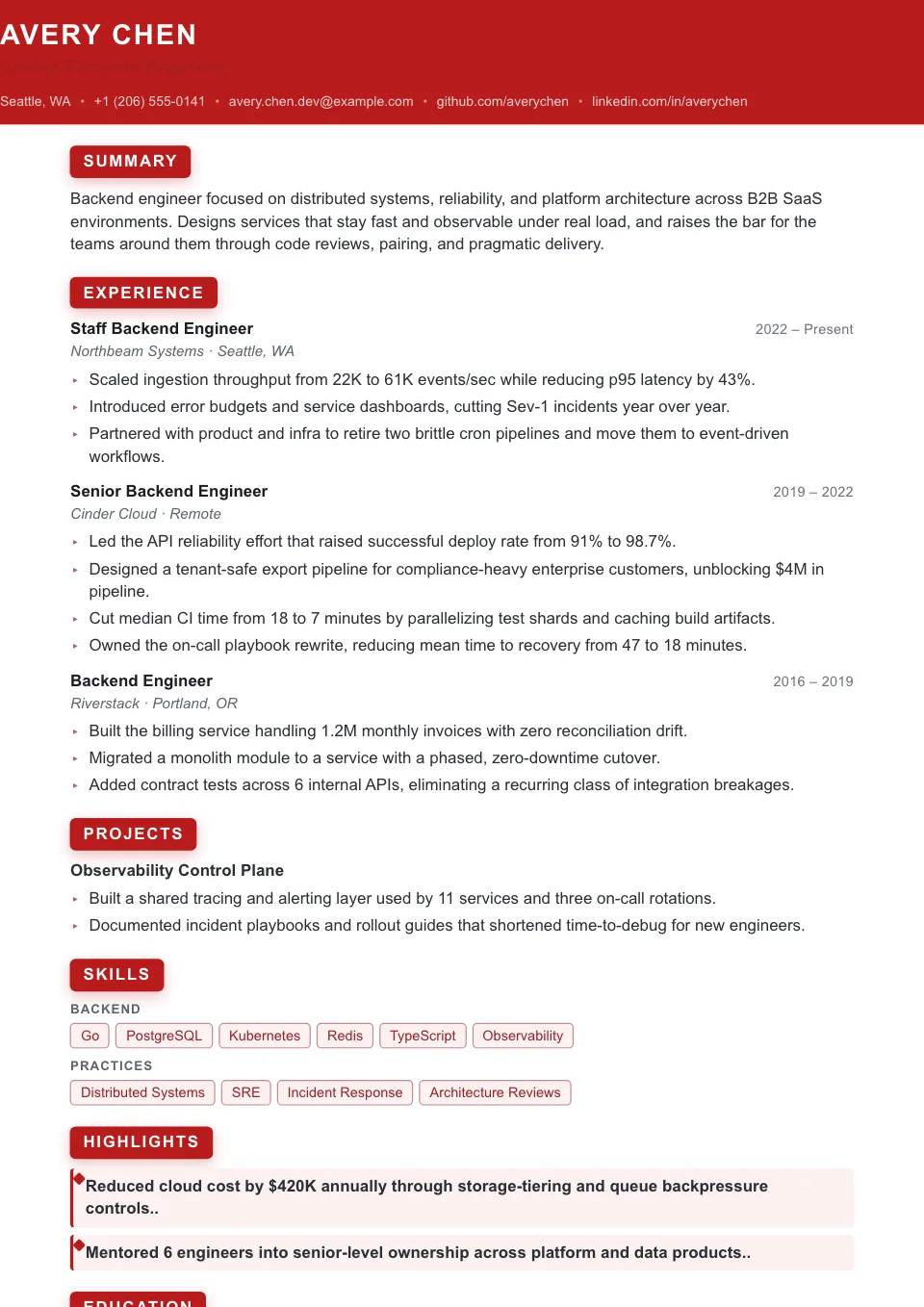
High Performer
A full-width red masthead and reversed-block headings put quantified wins front and center — bold and metrics-first.
Metrics-heavy resumes that need stronger emphasis
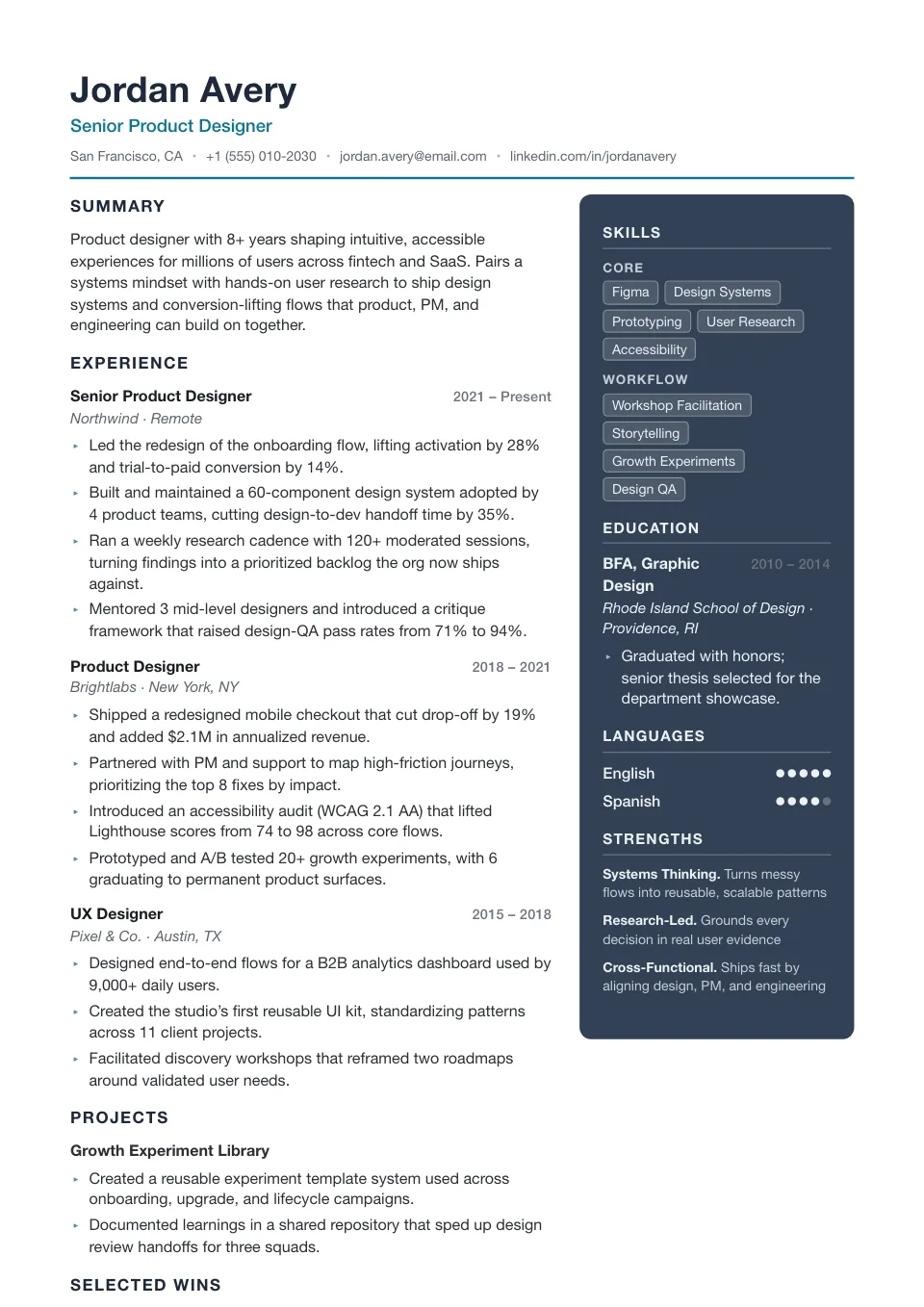
Tech Lead
A deep slate sidebar on the right with arrow bullets, tightened and technical — for engineering managers and senior ICs.
Engineering managers and senior individual contributors
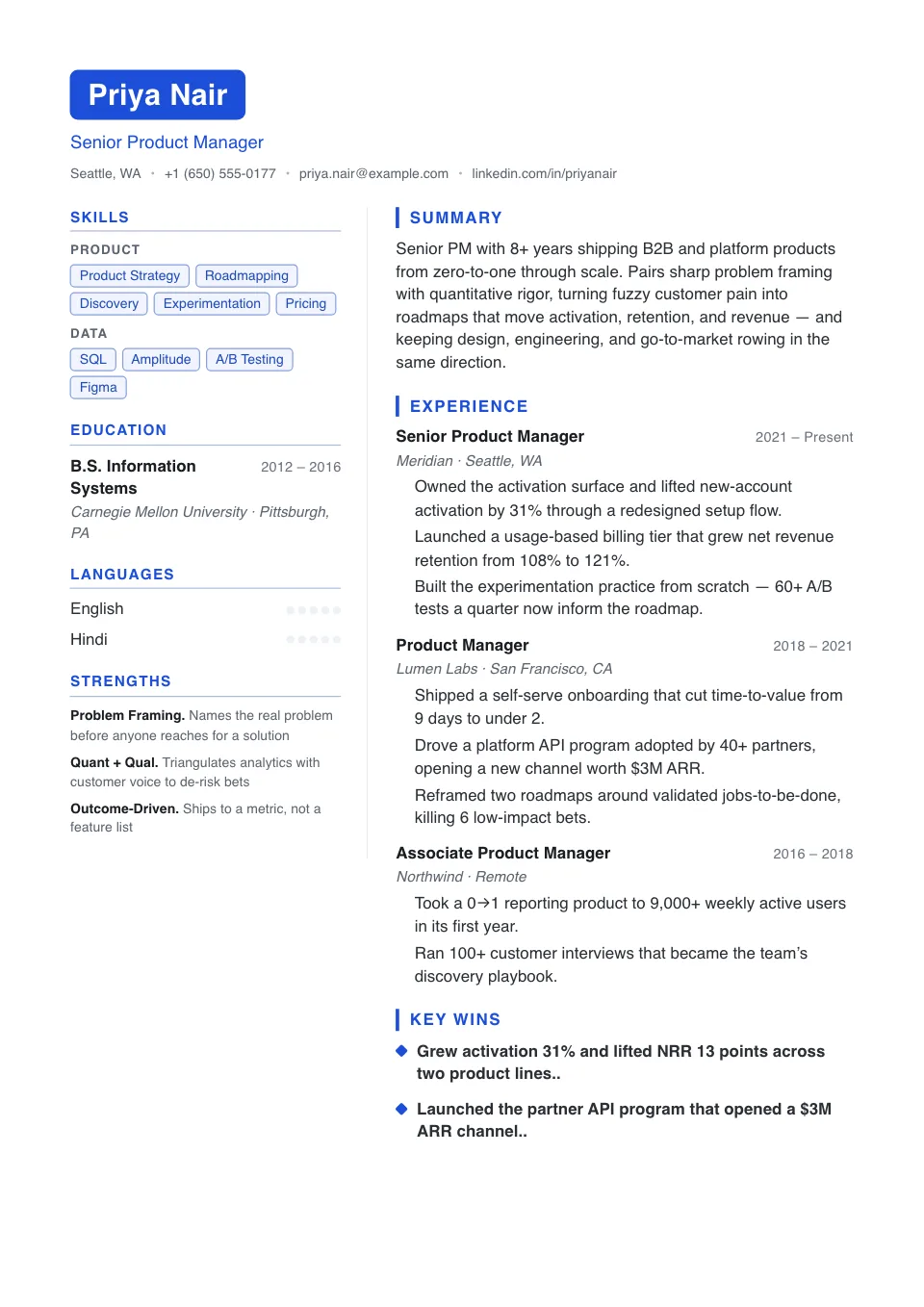
Pipeline
A two-tone boxed name over a light two-column with a results-forward main column — built to foreground numbers for sales and revenue roles.
Sales, partnerships, and revenue roles
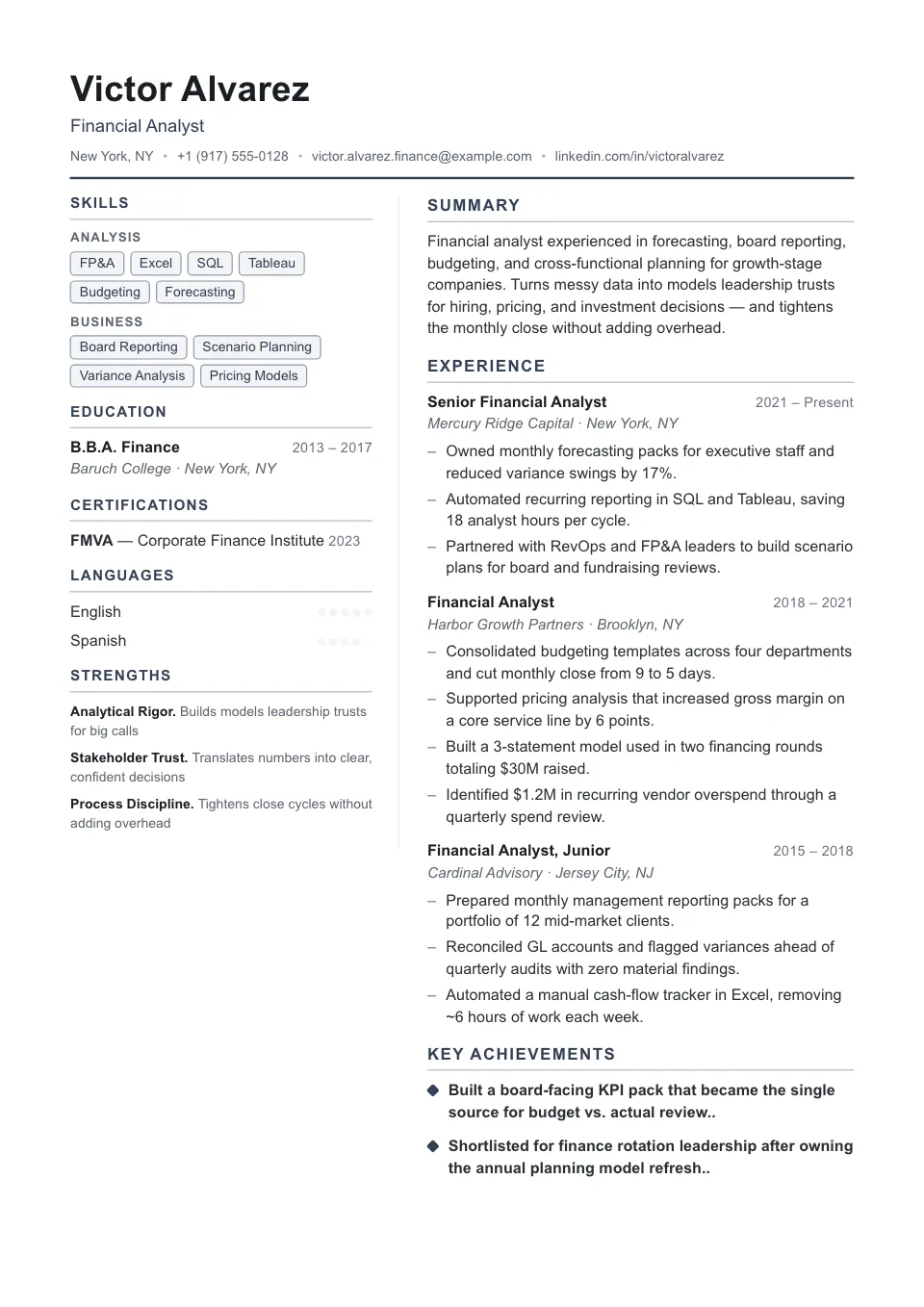
Ledger
A precise, numbers-friendly two-column with a restrained black-and-white sidebar — accounting, FP&A and finance operations.
Accounting, FP&A, and finance operations
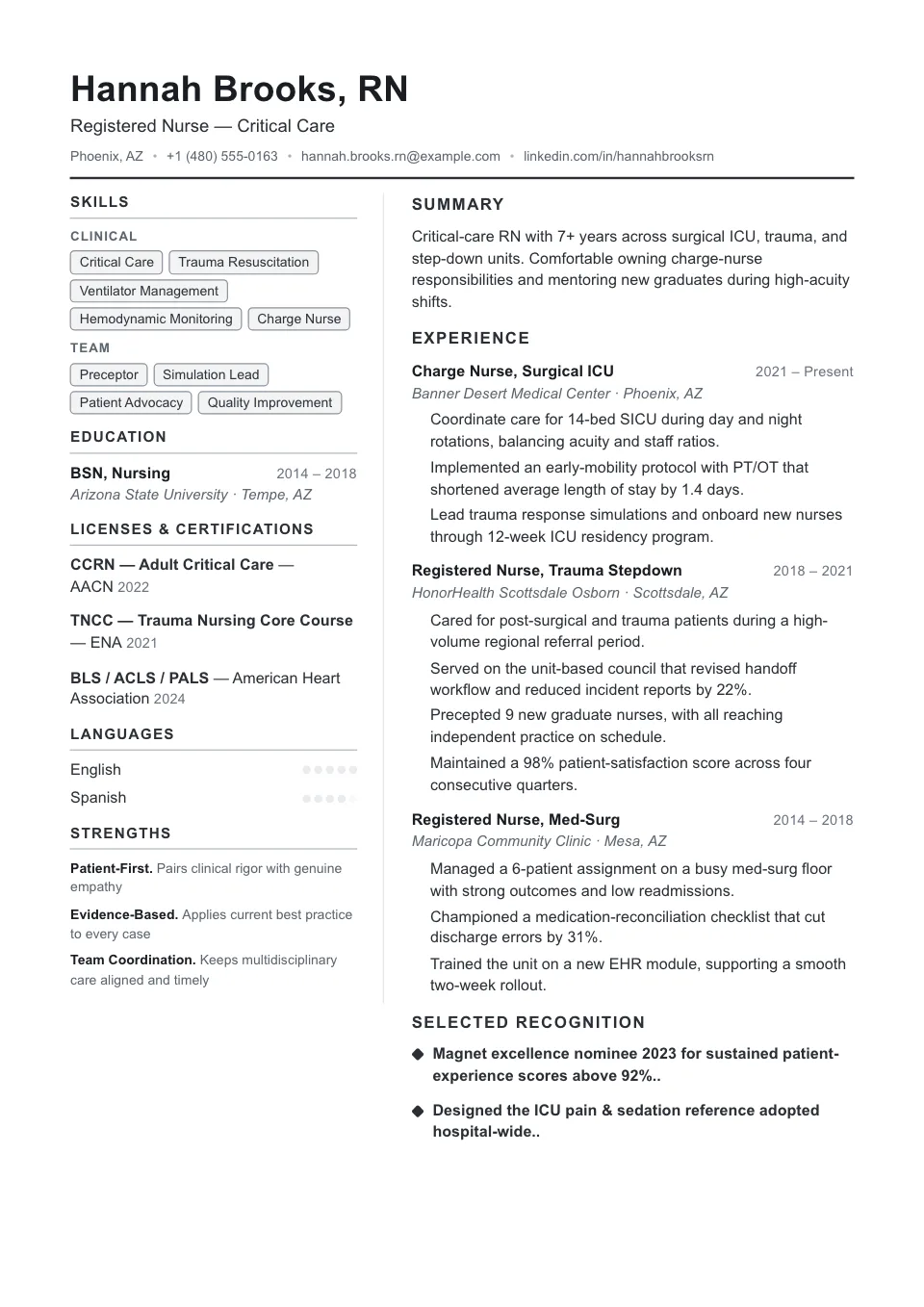
Dense
The tightest two-column we offer — a charcoal sidebar and trimmed spacing to fit a lot on one page.
Senior profiles with a lot to fit on one page
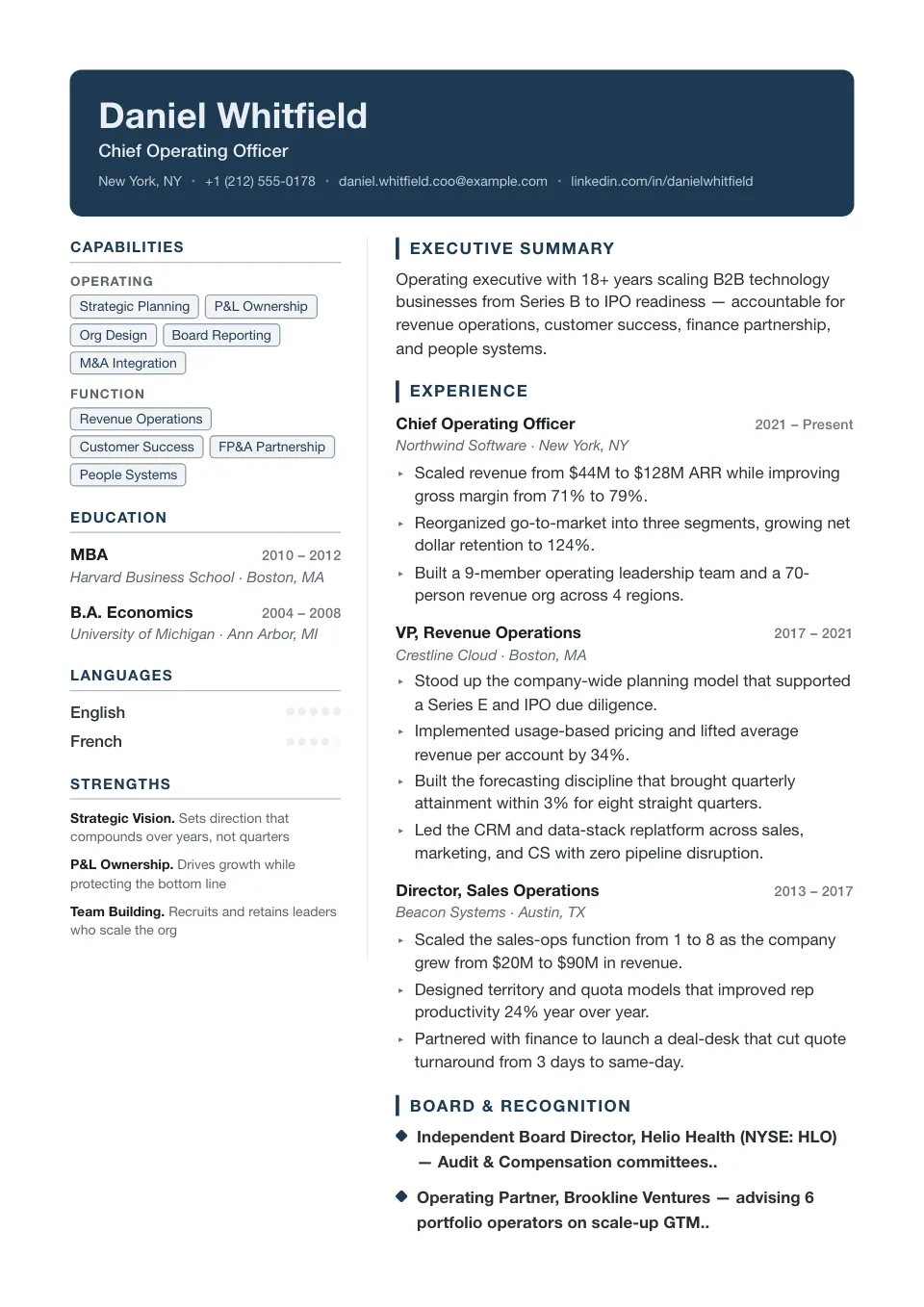
Banner Bold
A full-width navy banner over a structured two-column body with arrow bullets — a strong masthead for modern profiles.
Modern profiles that want a strong masthead
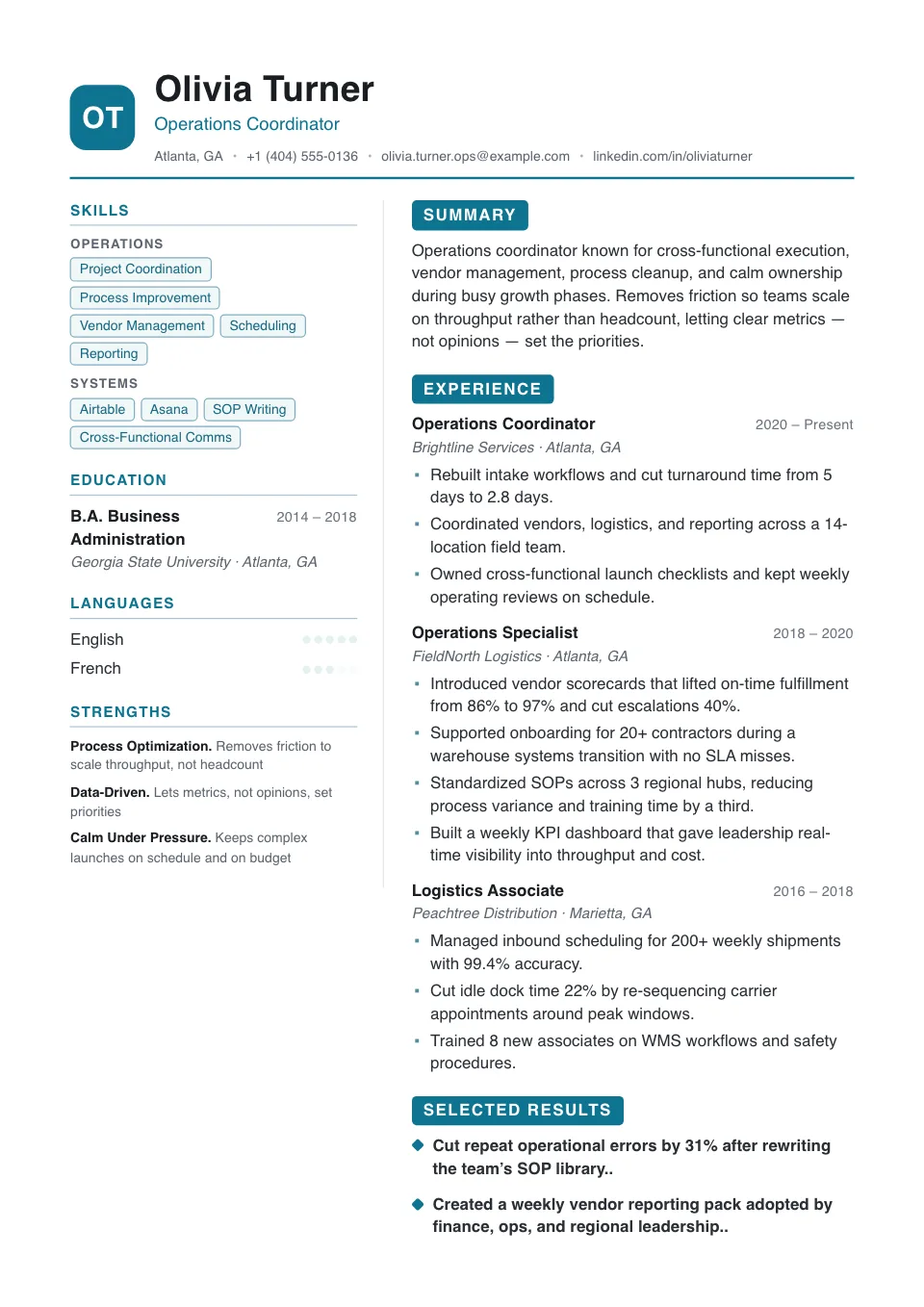
Metro
A monogram initials mark over a teal two-column with reversed-block headings — contemporary for growth and marketing.
Growth, marketing, and business operations
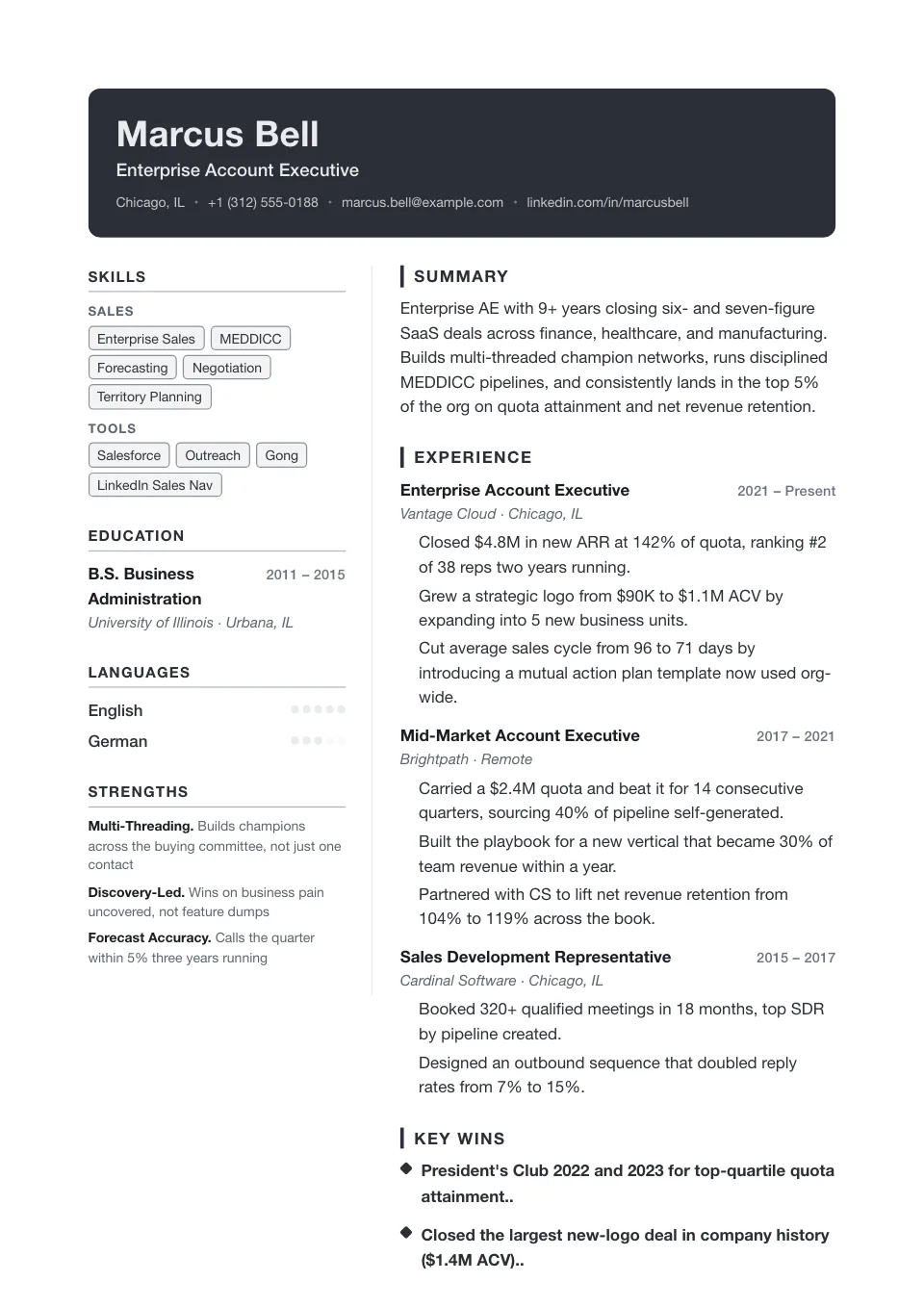
Vanguard
A full-width charcoal banner with extra breathing room over a two-column body — for technical leaders who want presence.
Technical leaders who want a strong masthead
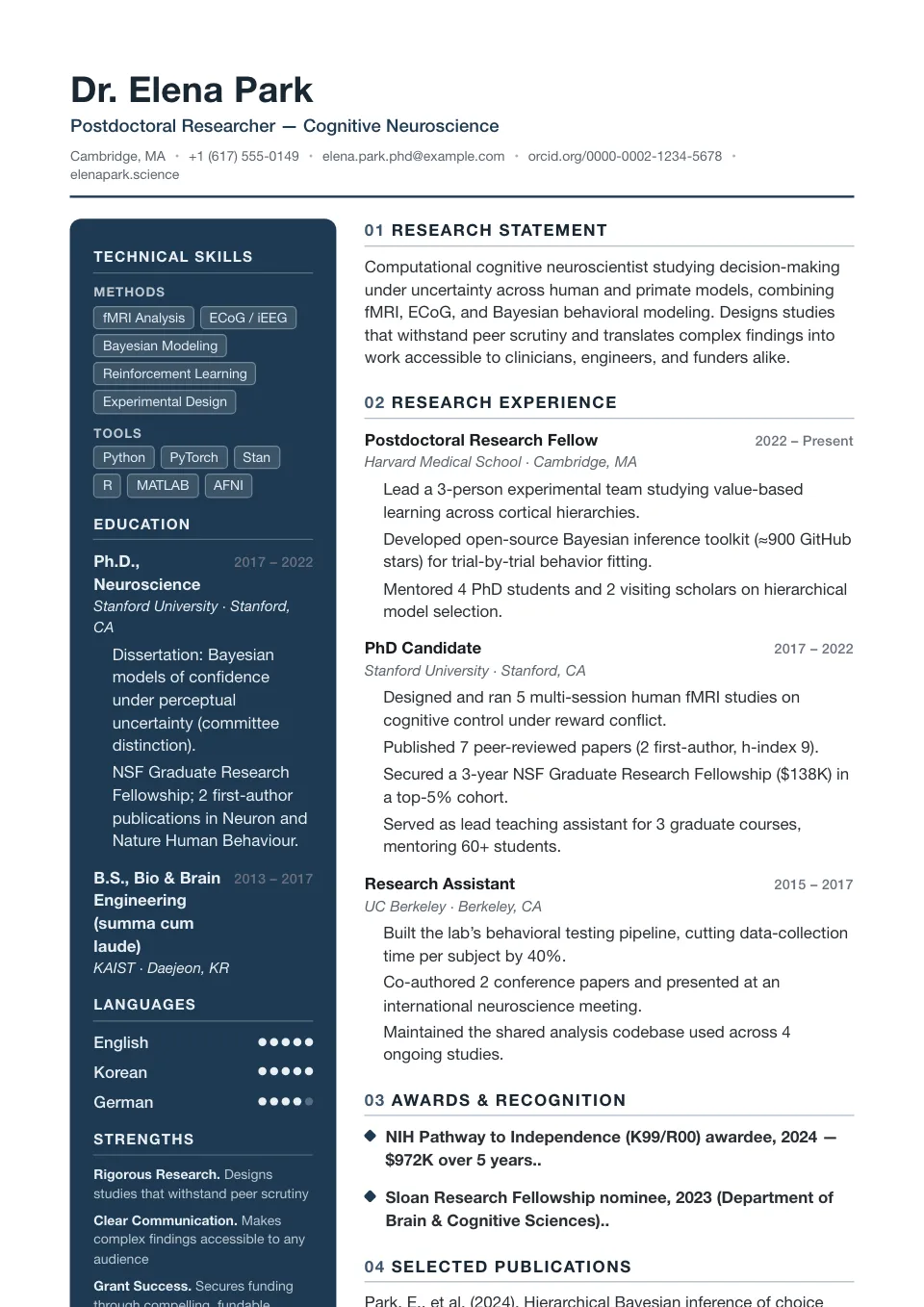
Quantum
Numbered 01·02 section headings over a deep navy narrow sidebar — a sharp, technical grid for engineering and data roles.
Engineering and data roles that want a sharp grid
Modern Resume Templates
Modern resume templates pair contemporary typography with a clear visual hierarchy, so recruiters can scan your latest role, headline results, and core skills in seconds. They fit fields where a current, design-aware look signals that you keep pace with your industry — software, product, growth, and digital marketing.
Each modern layout renders from the same engine as our strictest ATS-friendly templates, so a sharper look never costs you parseability. Swap accent colors, fonts, and spacing in the Design & Font panel to match your field — your content stays untouched the whole time.
Why use a modern resume template?
A modern resume template gives you a clean, contemporary design that reads as current without sacrificing readability. It saves hours of formatting, keeps spacing and margins consistent, and still parses cleanly through an Applicant Tracking System (ATS) — so you can focus on your content, not on fighting your word processor.
Who should use a modern resume template?
Modern templates suit fast-moving, design-aware fields where a current look signals that you keep pace with your industry:
- Software engineers, product managers, and designers
- Growth, digital marketing, and data roles
- Startup and tech-company applicants
- Anyone moving into a more contemporary field
How to customize your modern resume template
Every modern template is fully editable in the builder. Switch between ATS-friendly fonts, pick from eight accent colors, and adjust spacing, margins, and font size in the Design & Font panel. Add or reorder sections, toggle a photo on or off, and your content carries over instantly — no rebuilding required.
Tips for a standout modern resume
Let the layout do the work and let your results lead:
- Open each bullet with a quantified result (%, $, time saved)
- Use one accent color consistently — restraint reads as senior
- Keep it to one page early-career, two pages for senior roles
- Run a live ATS check before you apply
Explore other template styles
Not quite the right fit? Browse the rest of the collection by structure and personality.
Conservative, professional layouts for finance, law, and corporate fields where structure, familiarity, and a polished tone matter most.
Distinctive layouts with real personality for design, marketing, and brand roles — eye-catching without sacrificing clarity.
Minimal, easy-to-read single-column layouts that work across almost any industry and put your skills and experience first.
Generous whitespace and quiet typography, so your experience speaks for itself in a clean, distraction-free layout.
Polished layouts with a headshot for people-facing roles where a stronger personal first impression helps.
Balanced sidebar layouts that fit more on a single page — ideal for skills-rich resumes and human-reviewed applications.
Clean, single-column structures that Applicant Tracking Systems parse reliably — every template here is labelled ATS-friendly.
Chronology-first layouts that make your progression and promotions obvious at a glance — built for experienced professionals.
Resume guides to read next
Short, practical reads on passing the ATS and getting your formatting right before you apply.
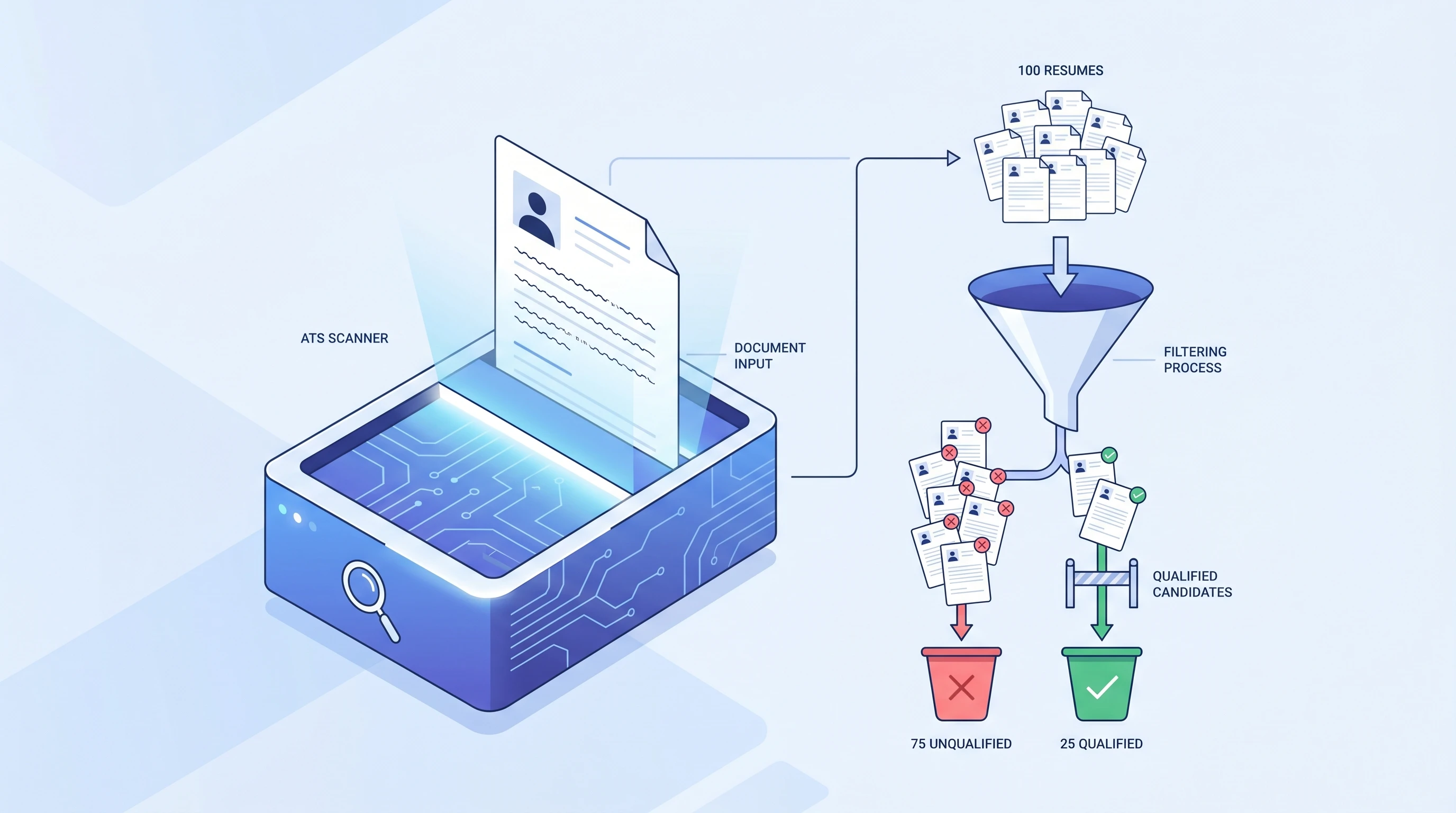
What is an ATS? Applicant Tracking System Explained (2026)
An ATS (Applicant Tracking System) is software companies use to filter resumes before a human ever sees them. Learn how it works and how to beat it.
 Alex Carter·
How to Make an ATS-Friendly Resume: 2026 Step-by-Step Guide
Make your resume ATS-friendly in 6 steps: format, keywords, fonts, file type, section headers, and scan-before-you-send. A 15-minute proven workflow.
Alex Carter·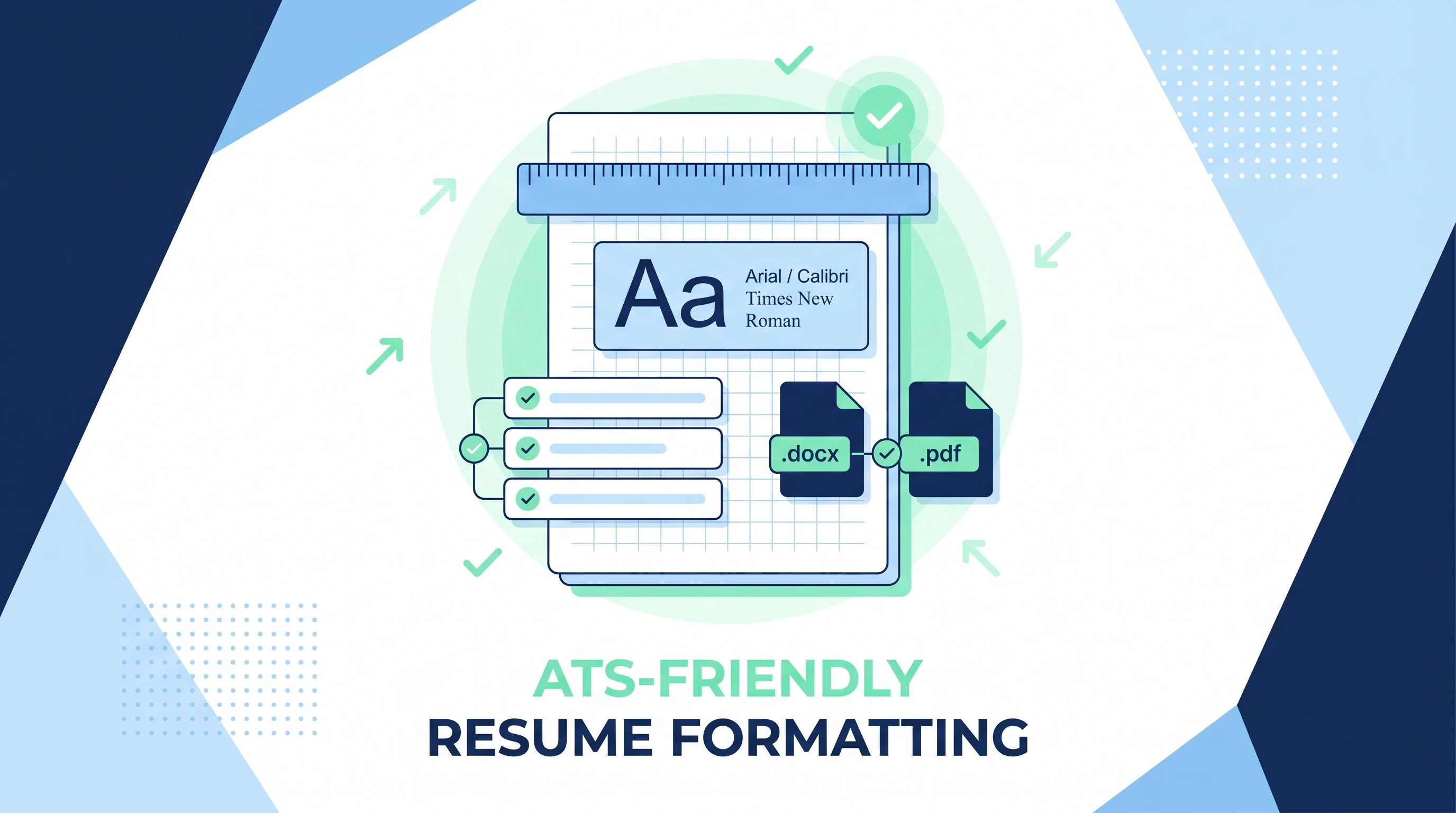
ATS-Friendly Resume Format: Fonts, Spacing & Files (2026)
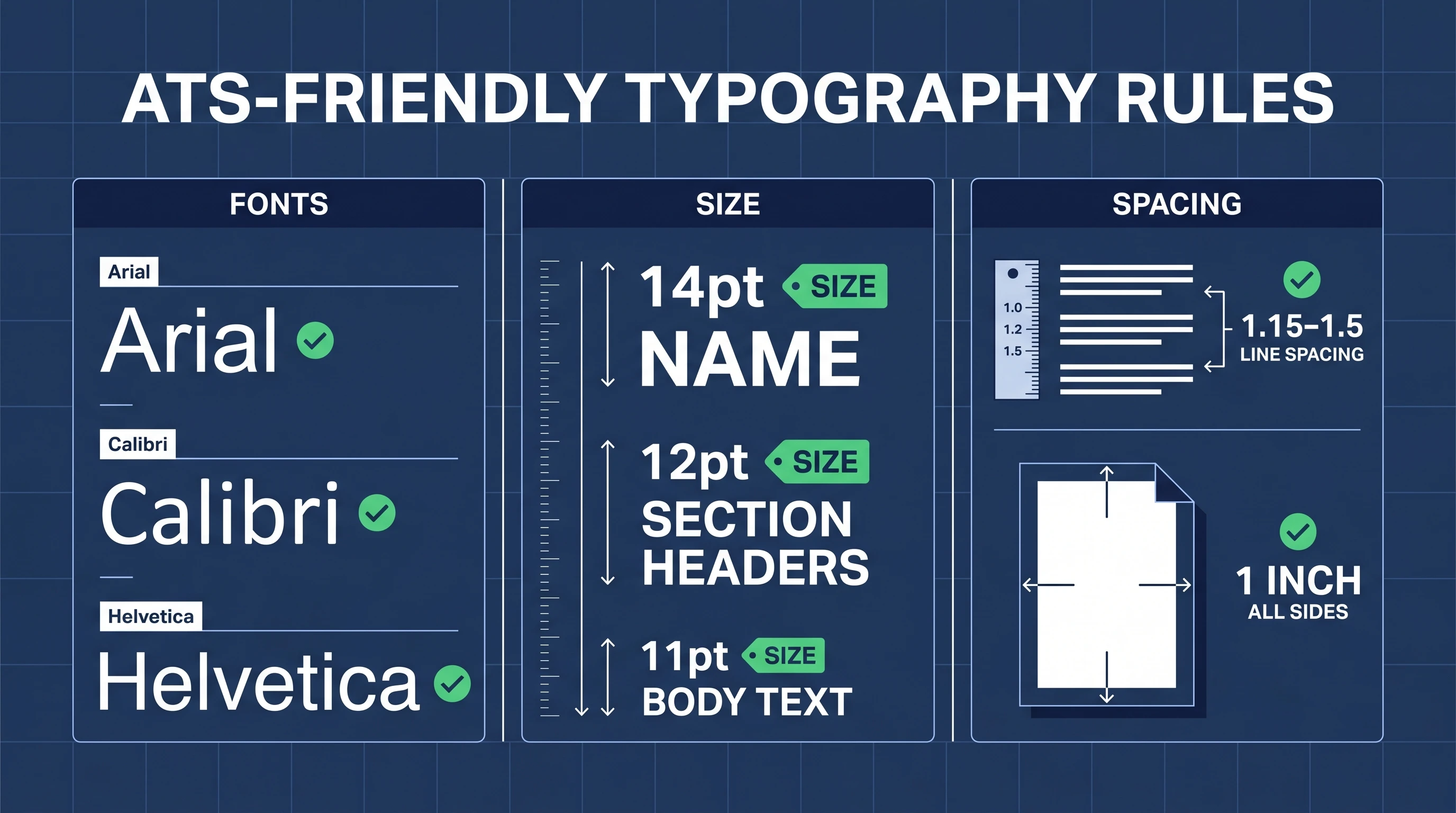
ATS-friendly resume format spec: fonts (Arial/Calibri/Times), 11-12pt body, 1.15 line height, 1-inch margins, .docx first PDF second, single column.
Alex Carter·Common questions about modern resume templates
01Are modern resume templates ATS-friendly?
Yes. Single-column modern layouts are labelled ATS-friendly and parse top-to-bottom like any tracking system expects. The more visual two-column options carry a 'use with care' note so you can match the template to how your application will be screened.
02Which roles suit a modern template best?
Tech, product, growth, design-adjacent, and digital-marketing roles, where a current look reinforces that you stay up to date. For conservative fields like law or banking, a traditional template usually reads as a safer match.
03Can I make a modern template feel more formal?
Yes — switch to a navy or charcoal accent, a serif font like Georgia, and tighter section spacing. The structure stays modern while the tone turns noticeably more conservative.
04Which font works best on a modern template?
A clean sans-serif like Calibri or Arial keeps the contemporary feel and stays ATS-friendly. Every font in the Design & Font panel is parser-friendly, so choose by tone, not by risk.
05Will a modern template look dated in a year?
These layouts lean on hierarchy and spacing rather than trendy graphics, so they age well. Refresh the accent color any time you want a quick, no-rewrite update.
06Can recruiters tell I used a modern resume template?
No — recruiters see a clean, well-structured resume, not a brand. What stands out is your content and clarity, which is exactly what a modern template is built to support.