ATS-Friendly Resume Templates
Clean, single-column structures that Applicant Tracking Systems parse reliably — every template here is labelled ATS-friendly.
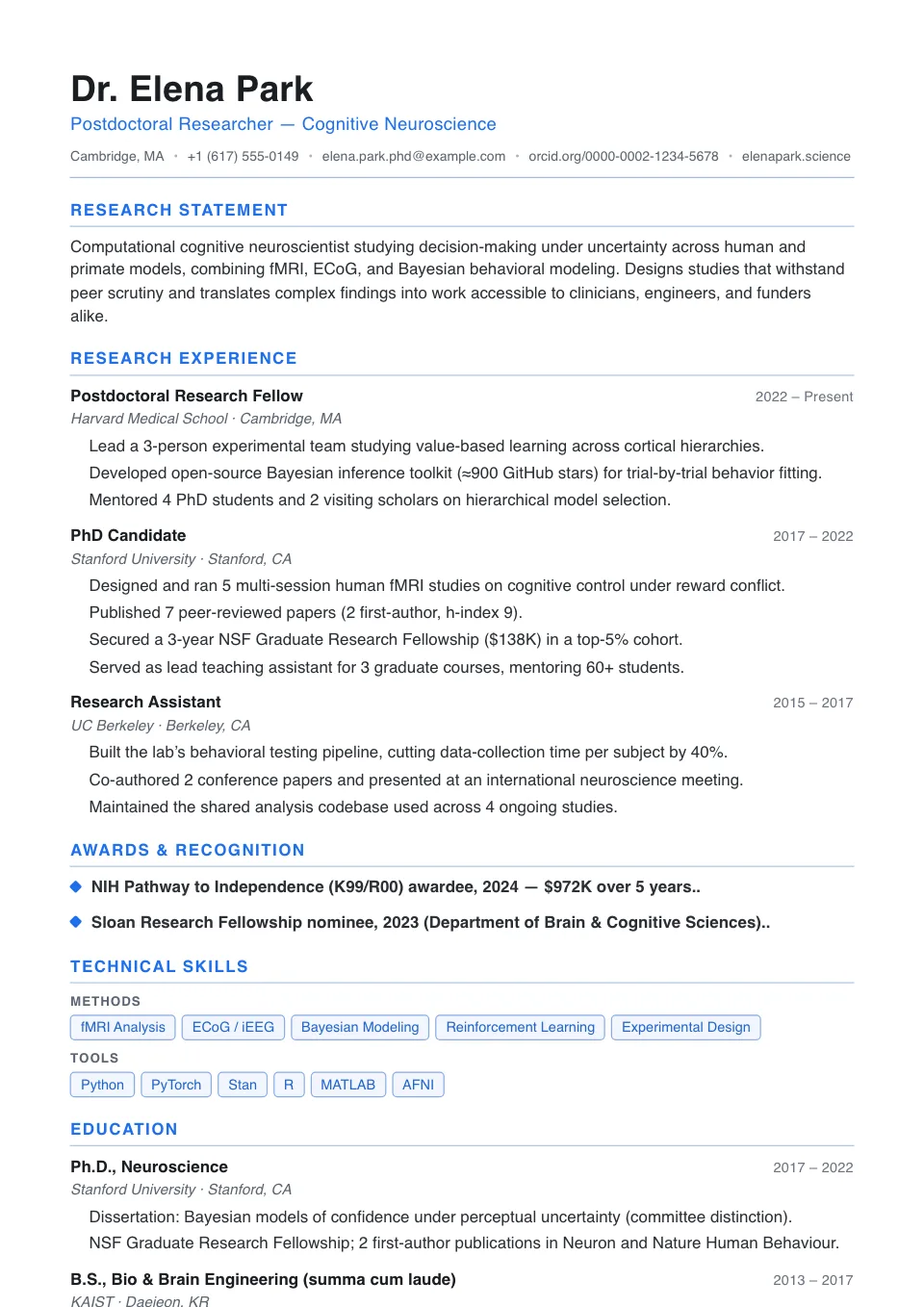
Single Column
One clean full-width column with thin section rules — the most parser-friendly layout, built to clear Workday, Taleo and Greenhouse line by line.
General applications and ATS-first submissions
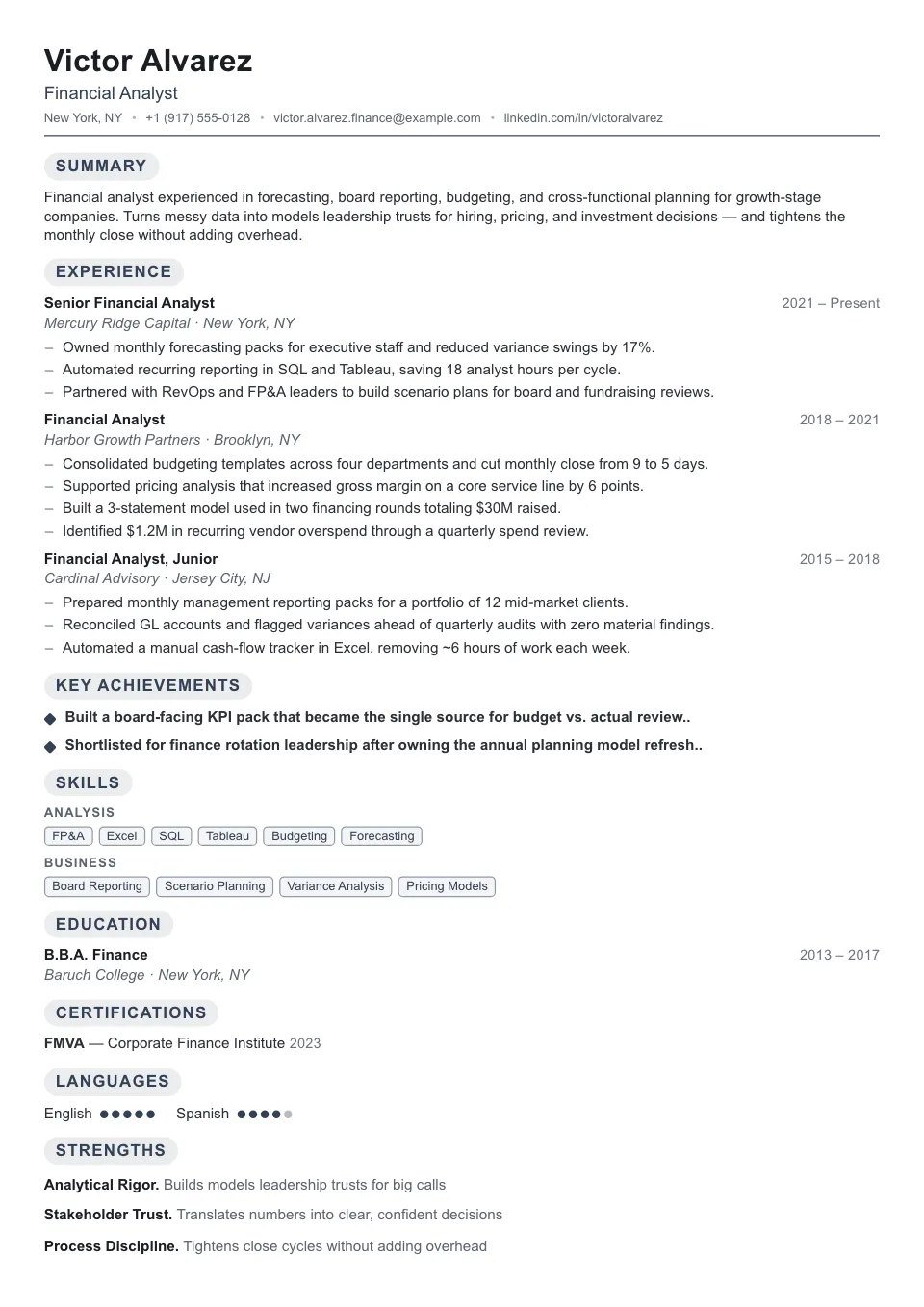
Compact
The densest single column we ship: trimmed spacing and plain headings to fit a senior career on one page without losing scannability.
High-volume job searches and fast ATS submissions
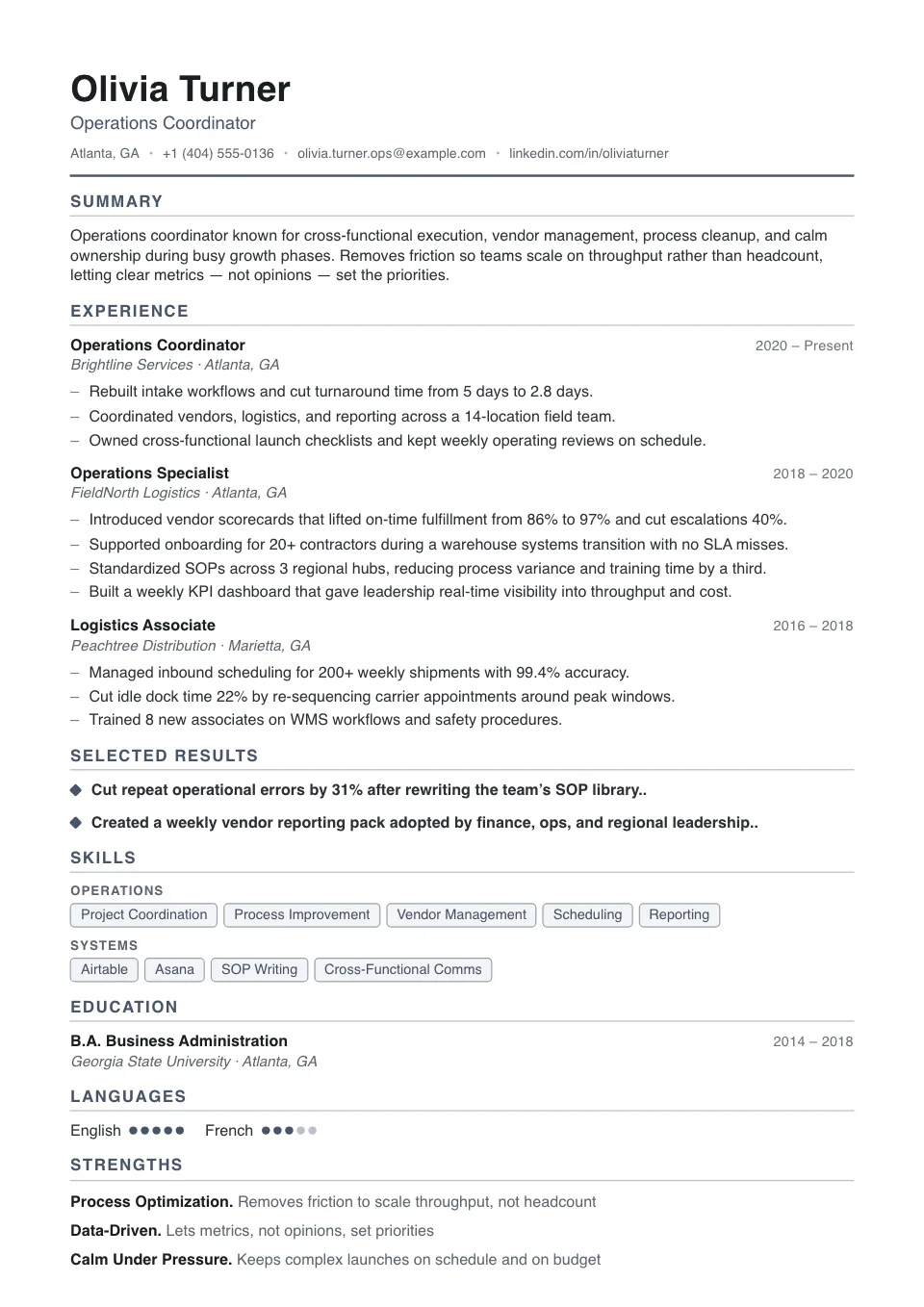
Essential
A no-frills single column packed a notch tighter, with dash bullets and quiet rules — maximum content, zero parsing risk.
Anyone who wants a dependable, no-fuss single column
ATS-Friendly Resume Templates
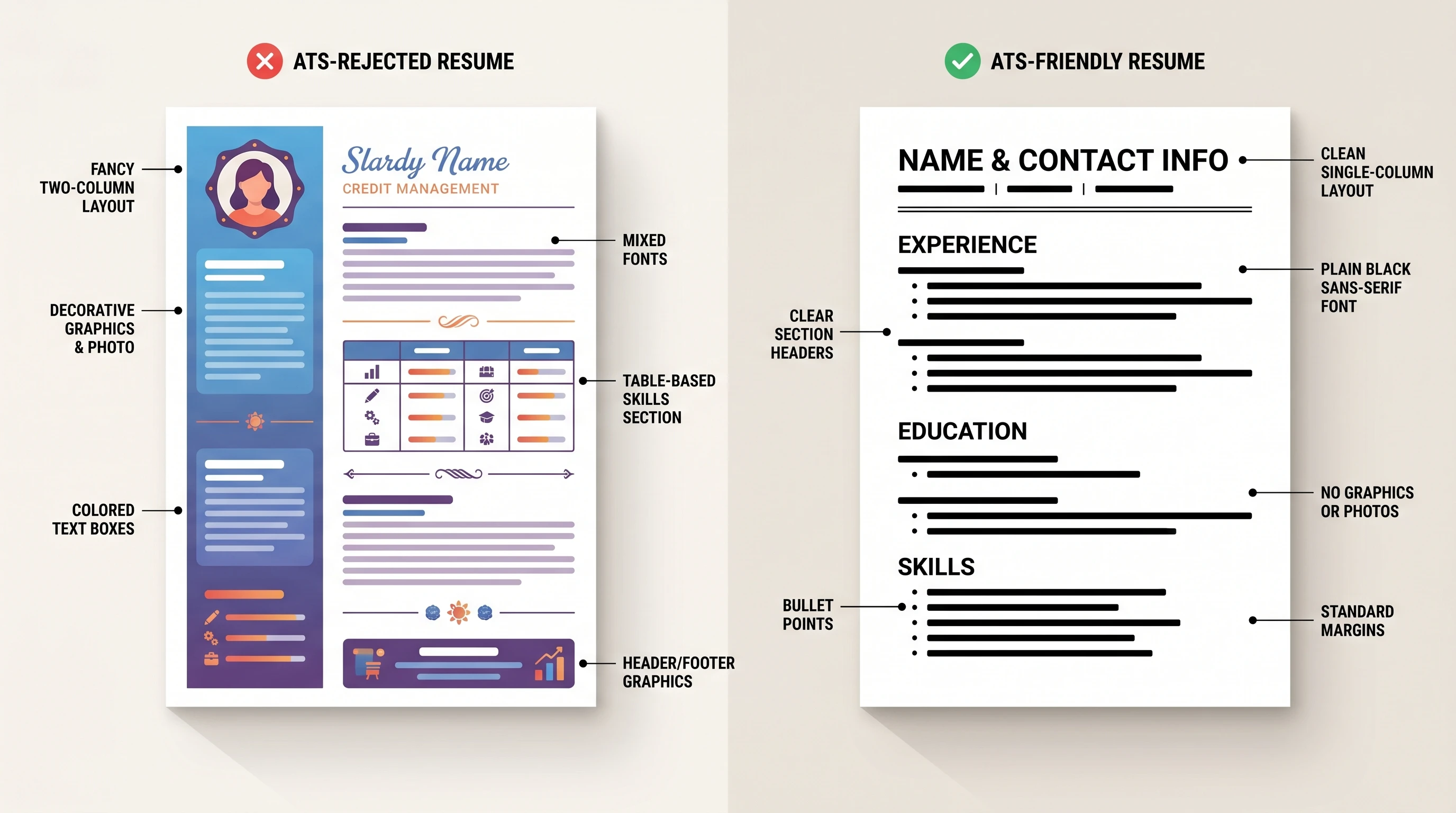
ATS-friendly resume templates are built around one rule: an Applicant Tracking System must be able to read every line. That means a clean single column, standard section headings, real text instead of graphics, and a top-to-bottom reading order.
Every template in this collection is labelled ATS-friendly, so you never have to guess. They are the right starting point whenever you're applying through an online portal or a large company's careers page.
What makes a resume template ATS-friendly?
An ATS-friendly resume template is built so an Applicant Tracking System can read every line: a clean single column, standard section headings, real selectable text instead of graphics, and a top-to-bottom reading order. Every template in this collection is labelled ATS-friendly, so you never have to guess. Learn more about what an ATS is.
Who should use an ATS-friendly resume template?
Reach for an ATS-friendly layout whenever software screens your resume first:
- Online job portals and large company careers pages
- High-volume roles and popular job postings
- Corporate, finance, and enterprise applications
- Any application where you cannot confirm a human will review it
How to keep your resume ATS-friendly
Formatting gets you parsed; keywords get you matched. In the builder, a live ATS score grades structure, formatting, and keyword match in real time and flags exactly what to fix. Pair an ATS-friendly template with keywords drawn straight from the job description.
ATS resume formatting checklist
Quick checks before you submit:
- Use standard headings: Experience, Education, Skills
- Avoid text boxes, images, and complex tables
- Keep contact details in the body, not the header or footer
- Export a clean PDF or ATS-friendly DOCX
Explore other template styles
Not quite the right fit? Browse the rest of the collection by structure and personality.
Clean, current layouts built for tech, product, and marketing roles — stand out while staying clear, structured, and ATS-friendly.
Conservative, professional layouts for finance, law, and corporate fields where structure, familiarity, and a polished tone matter most.
Distinctive layouts with real personality for design, marketing, and brand roles — eye-catching without sacrificing clarity.
Minimal, easy-to-read single-column layouts that work across almost any industry and put your skills and experience first.
Generous whitespace and quiet typography, so your experience speaks for itself in a clean, distraction-free layout.
Polished layouts with a headshot for people-facing roles where a stronger personal first impression helps.
Balanced sidebar layouts that fit more on a single page — ideal for skills-rich resumes and human-reviewed applications.
Chronology-first layouts that make your progression and promotions obvious at a glance — built for experienced professionals.
Resume guides to read next
Short, practical reads on passing the ATS and getting your formatting right before you apply.
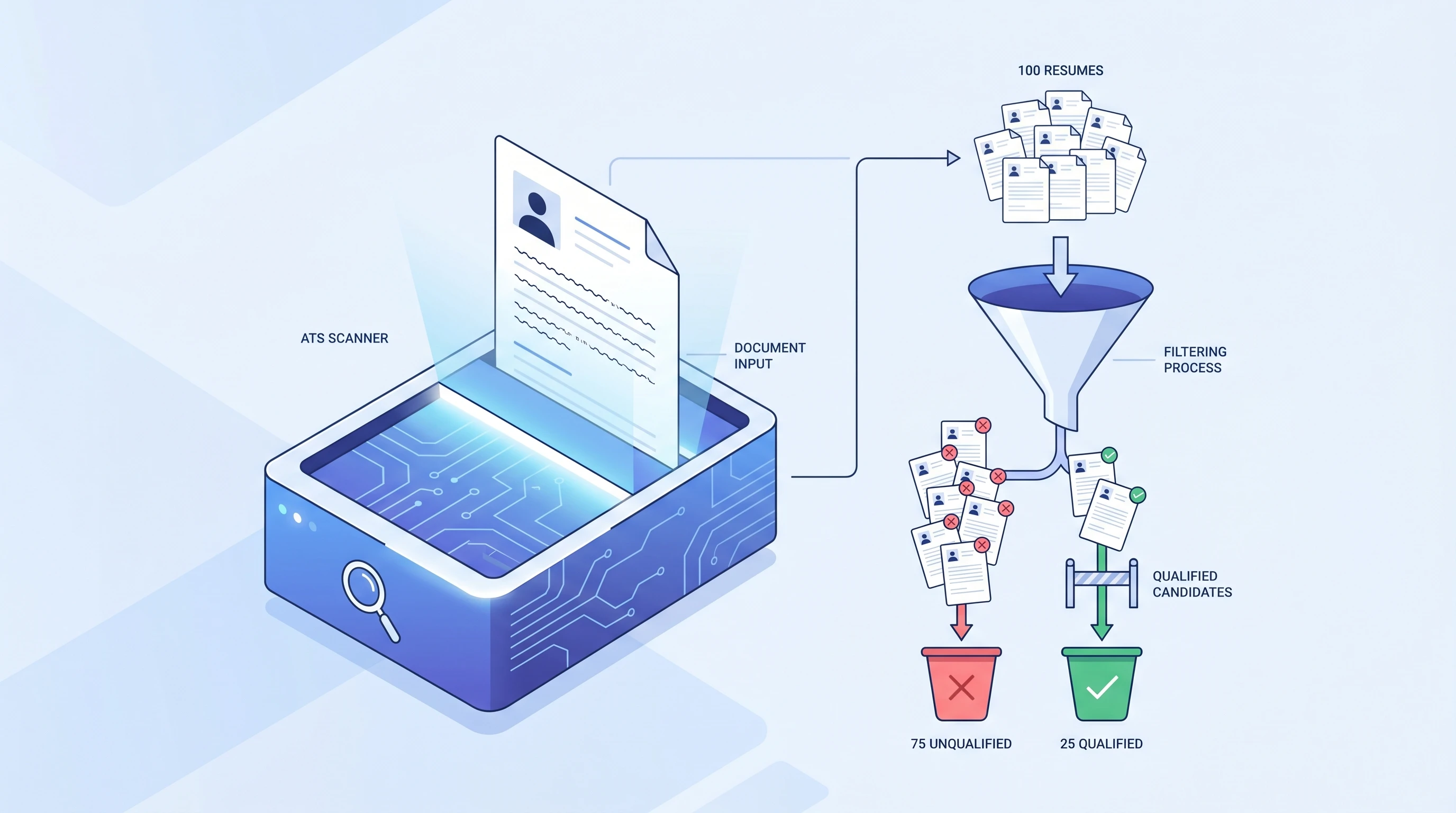
What is an ATS? Applicant Tracking System Explained (2026)
An ATS (Applicant Tracking System) is software companies use to filter resumes before a human ever sees them. Learn how it works and how to beat it.
 Alex Carter·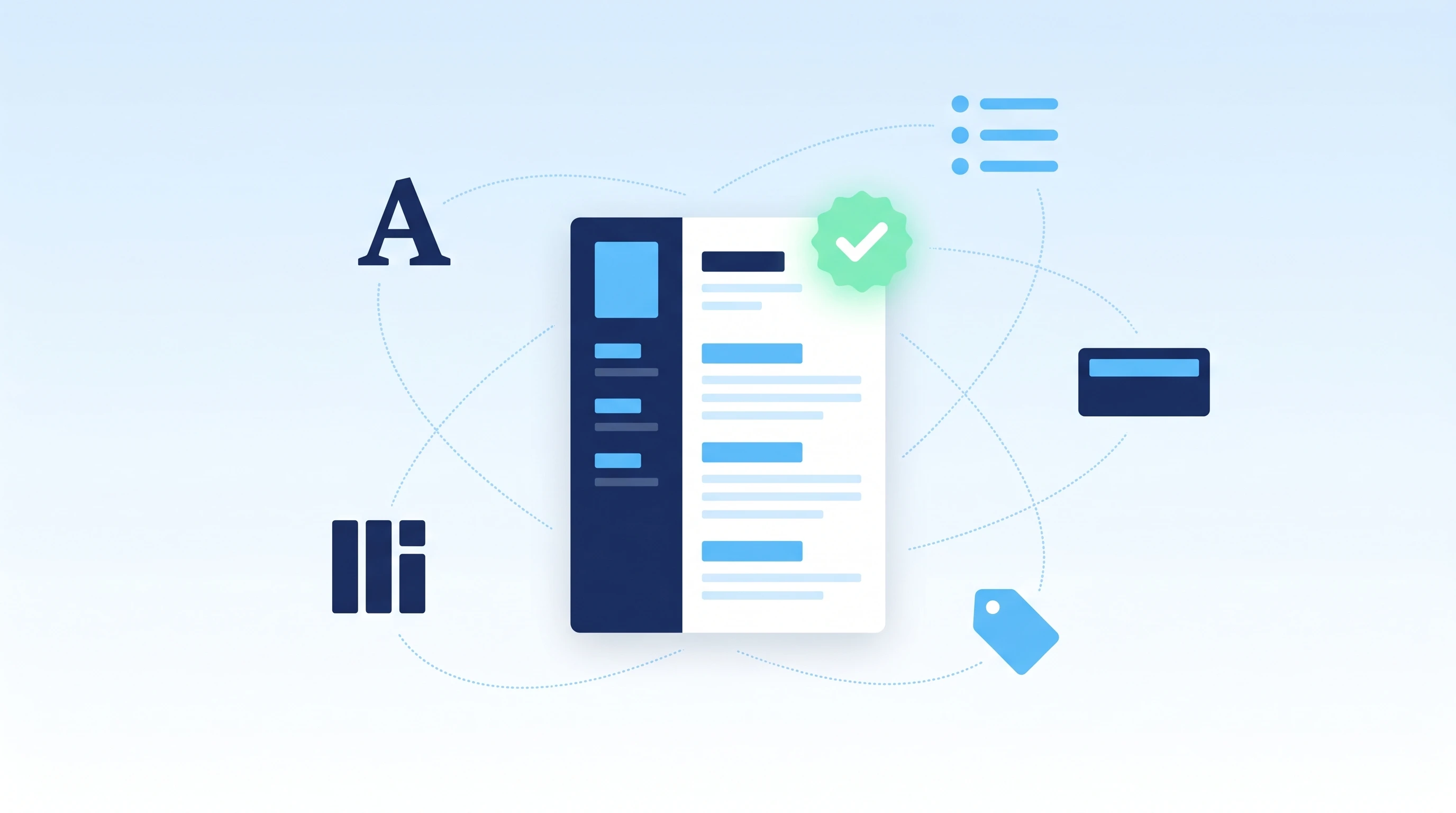
How to Make an ATS-Friendly Resume: 2026 Step-by-Step Guide
Make your resume ATS-friendly in 6 steps: format, keywords, fonts, file type, section headers, and scan-before-you-send. A 15-minute proven workflow.
Alex Carter·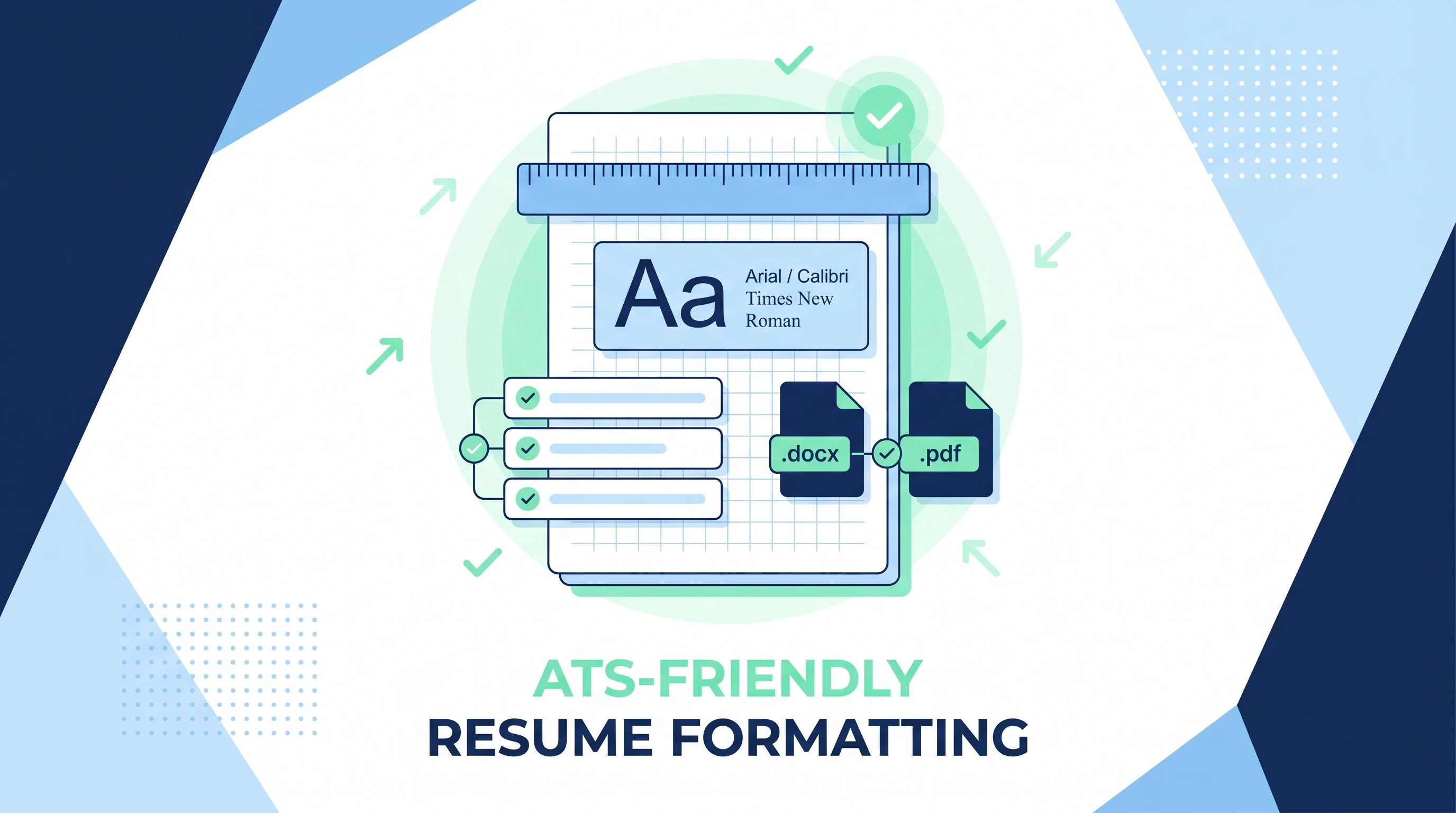
ATS-Friendly Resume Format: Fonts, Spacing & Files (2026)
ATS-friendly resume format spec: fonts (Arial/Calibri/Times), 11-12pt body, 1.15 line height, 1-inch margins, .docx first PDF second, single column.
Alex Carter·Common questions about ATS-friendly resume templates
01What makes a resume template ATS-friendly?
A single-column structure, standard headings (Experience, Education, Skills), selectable text rather than images, and no critical content trapped in headers or footers. Want the full picture? Read what an ATS is.
02Do I still need keywords if the template is ATS-friendly?
Yes — formatting gets you parsed, but keywords from the job description get you matched. Our builder shows a live ATS score and missing keywords as you write.
03Are two-column templates ever ATS-friendly?
Some are, but single-column is the safer bet. If you prefer a sidebar look, compare options in the two-column collection and keep an ATS-friendly backup.
04How do I know if my resume is ATS-friendly?
Run it through our live ATS score in the builder — it grades structure, formatting, and keyword match in real time and flags exactly what to fix. See how scoring works.
05Do tables and columns break ATS parsing?
Complex tables and multi-column layouts can confuse older parsers. The templates here use a clean single-column structure (or parser-safe tables) so your content reads top-to-bottom.
06Is PDF or DOCX better for ATS?
Both work with modern systems; a clean, text-based PDF is the safe default, and we also export an ATS-clean DOCX. The format guide covers when to use each.