Creative Resume Templates
Distinctive layouts with real personality for design, marketing, and brand roles — eye-catching without sacrificing clarity.
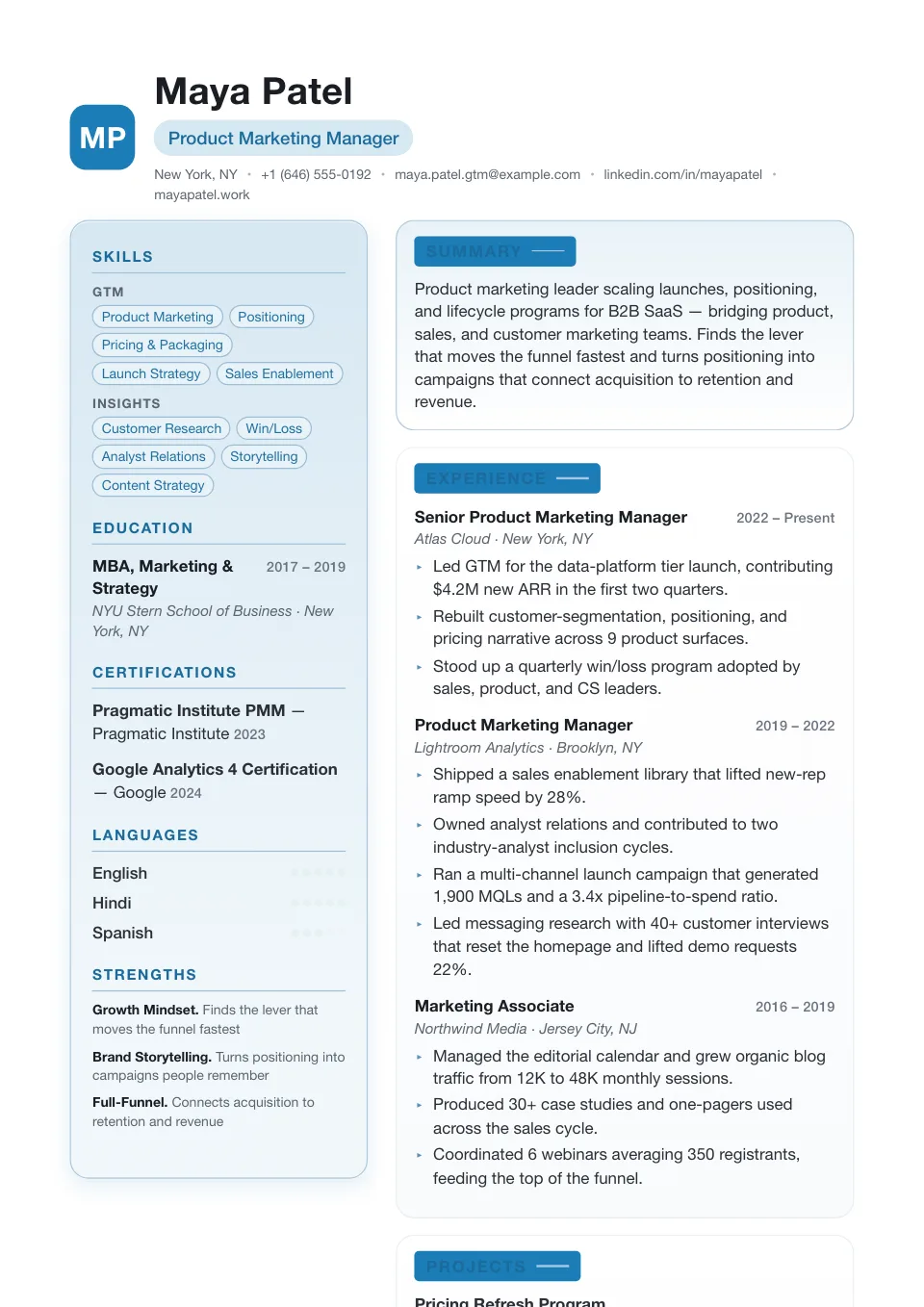
Stylish
A monogram initials mark over a light teal two-column with reversed-block headings — editorial and modern without losing clarity.
Brand, growth, and modern business roles that benefit from a stronger visual frame
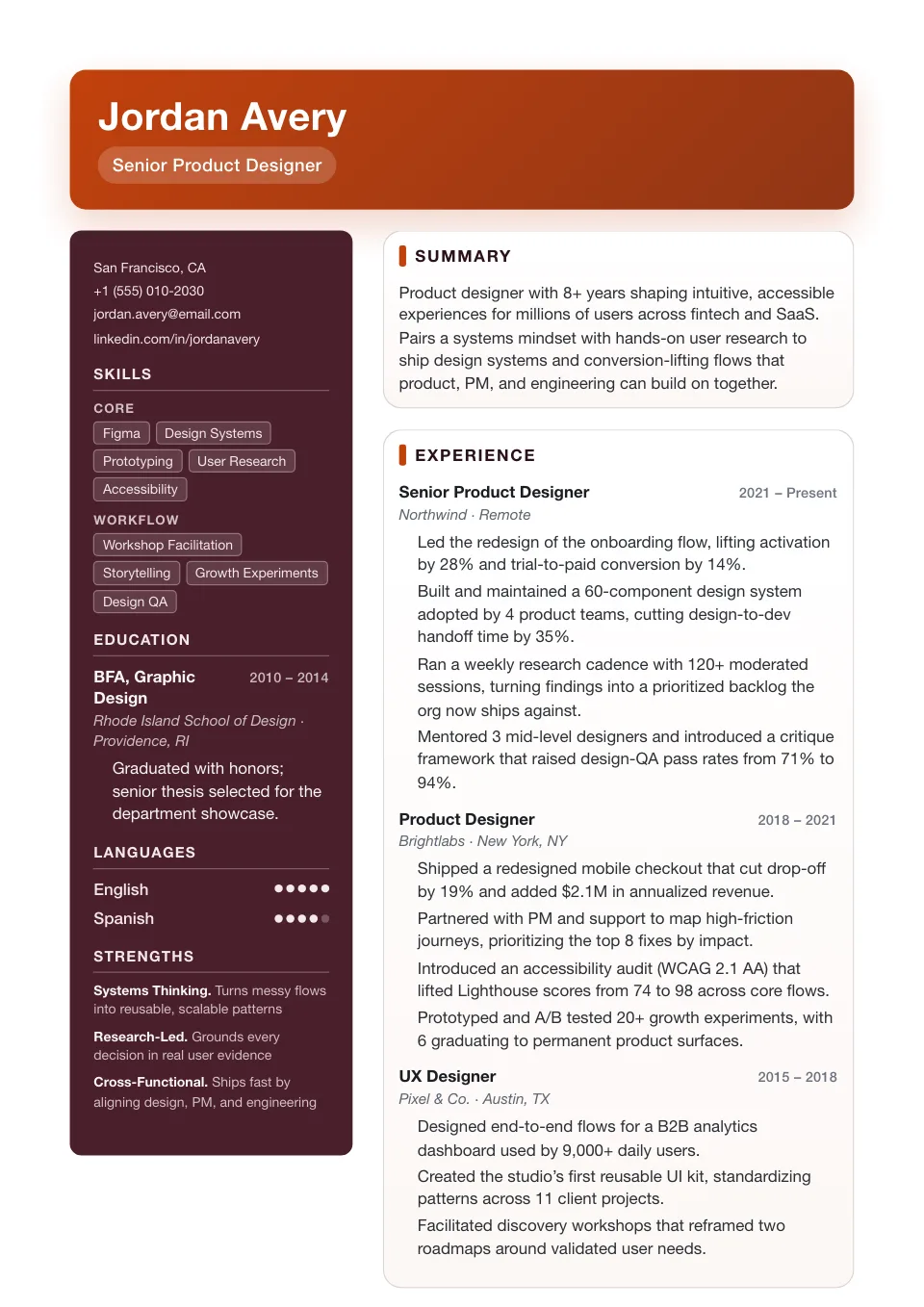
Creative
An accent-driven burgundy sidebar carries personality without freeform chaos — a stronger visual first impression for creative fields.
Creative industries that reward a stronger visual first impression
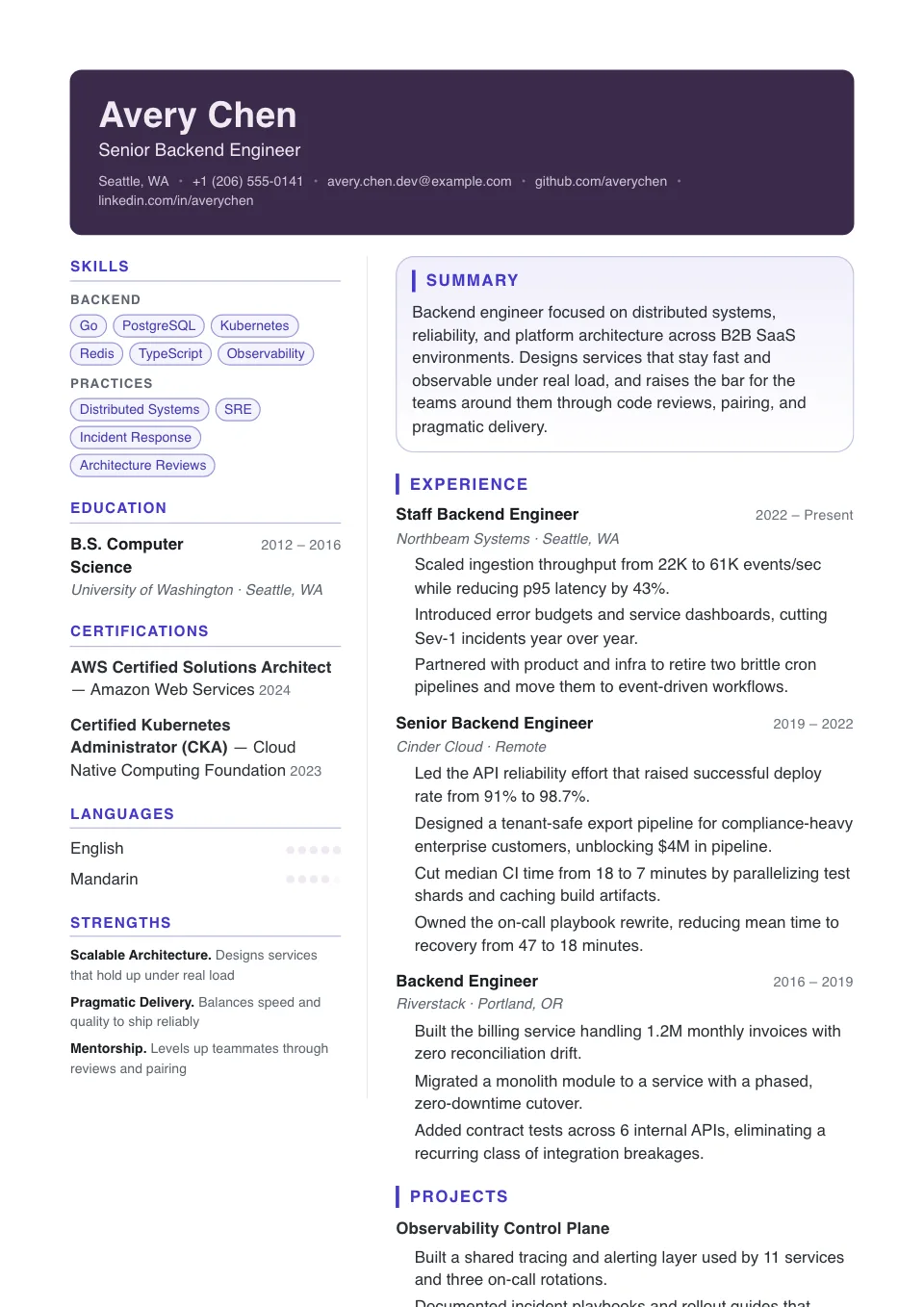
Contemporary
A full-width plum banner over a deep two-column body — high visual energy for modern, design-aware brands.
Modern teams that still value structure and polish
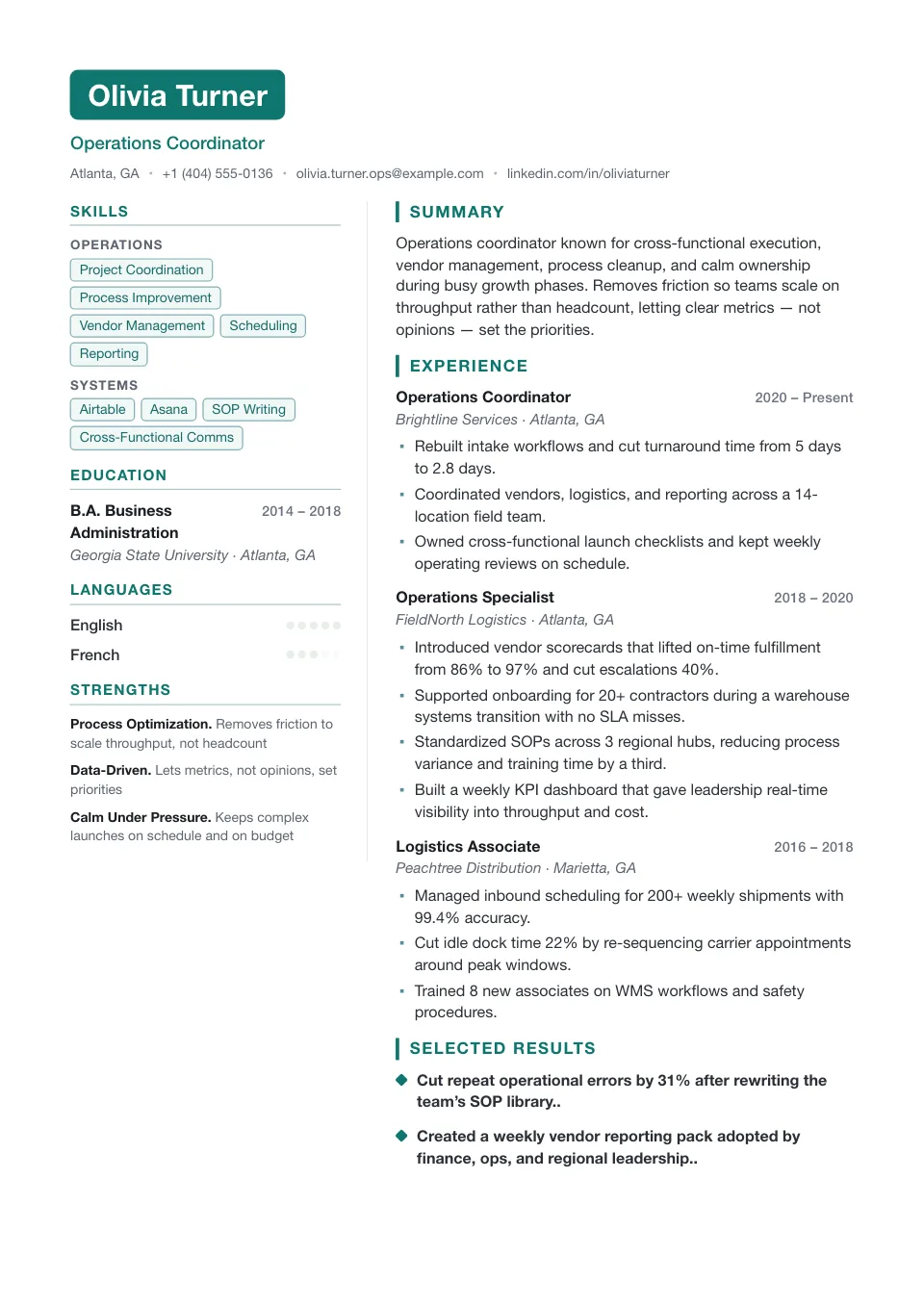
Launch
A two-tone boxed name over a light two-column with accent-bar headings — clean and energetic for startup, growth and product-marketing.
Startup, growth, and product-marketing roles
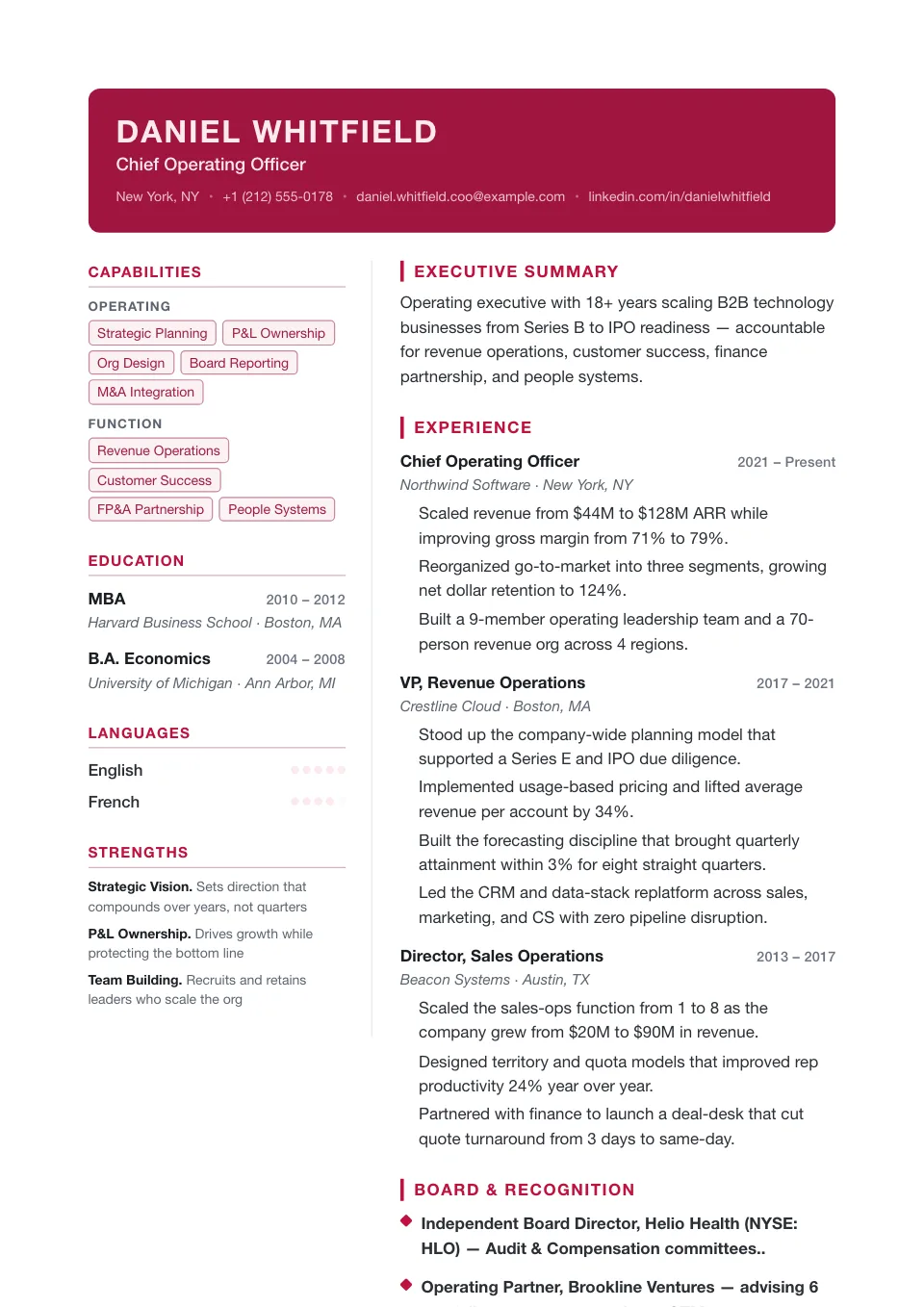
Spotlight
A full-width burgundy banner with an uppercase name and accent-bar headings over a light body — a bold first impression for brand and marketing.
Brand and marketing roles that want a bold first impression
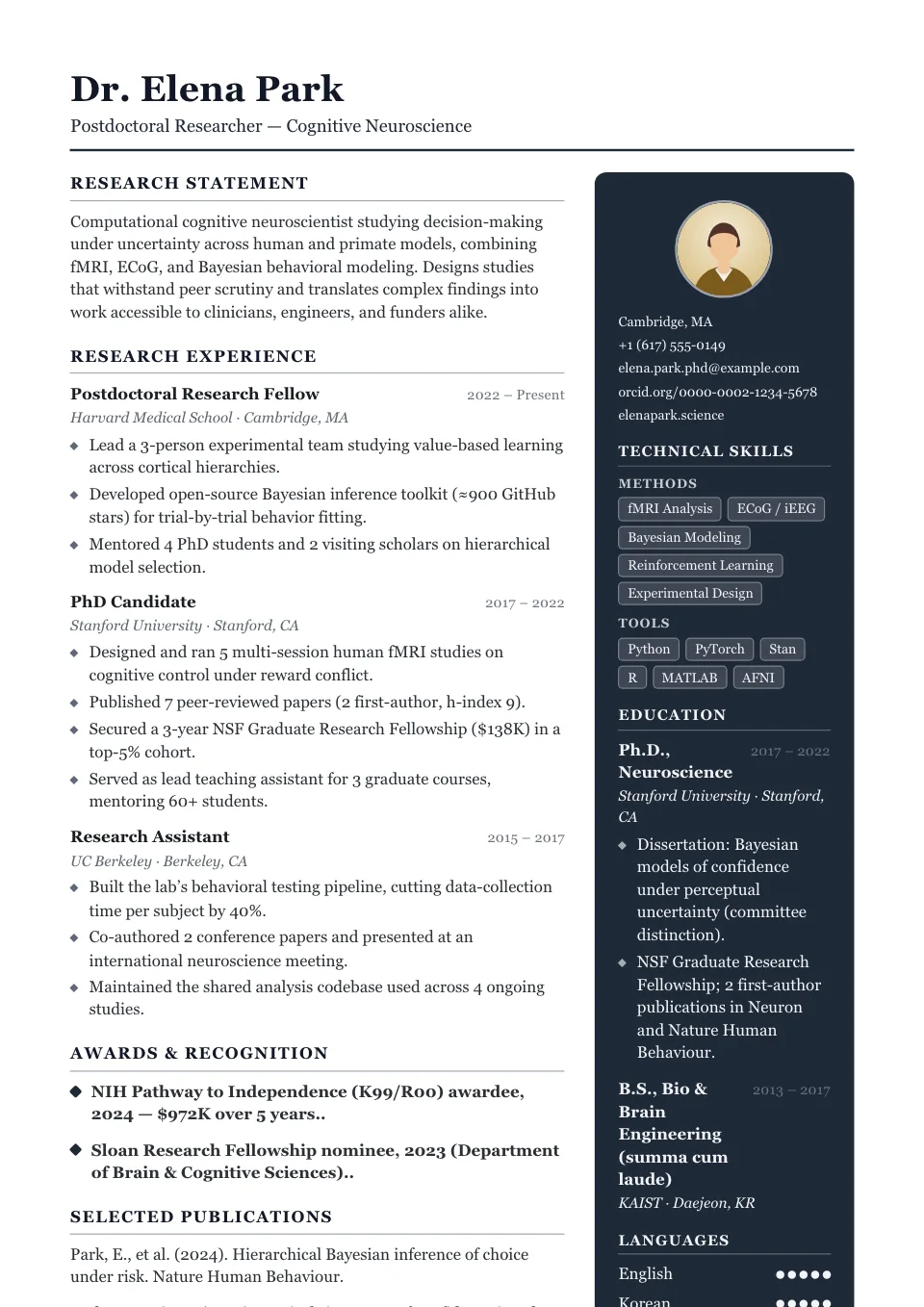
Atelier
A monochrome studio rail on the right with serif editorial type and diamond markers — restrained, art-directed and distinctive.
Brand, art direction, and studio roles
Creative Resume Templates
Creative resume templates lead with personality — bold accent color, expressive headers, and a sidebar that frames your skills and profile. They are built for design, marketing, brand, and content roles where standing out is part of the job.
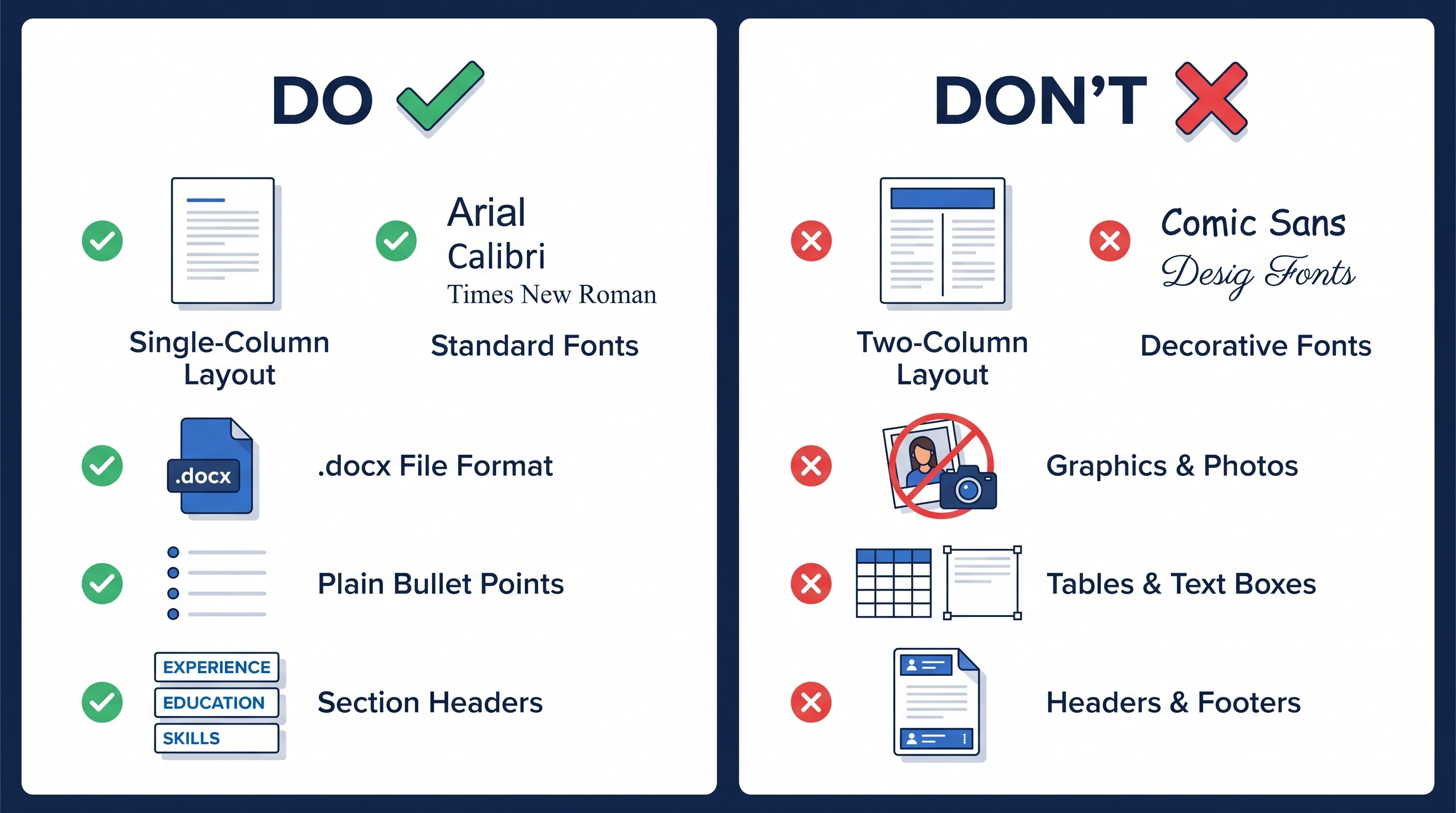
Most creative layouts use two columns, so they are best for applications a human will actually look at — portfolios, referrals, and design teams. If you are worried about a strict ATS pipeline, you can switch to a single-column template without rewriting a word.
Why use a creative resume template?
A creative resume template leads with personality — bold accent color, an expressive header, and a sidebar that frames your skills and profile. For design, marketing, and brand roles, a distinctive first impression is part of the pitch, and these layouts help you stand out while staying organized.
Who should use a creative resume template?
Creative templates fit visual fields where a person — not just software — reviews your resume:
- Graphic, UX, and product designers
- Marketing, brand, and content specialists
- Art directors and creative leads
- Portfolio-driven and agency applicants
How to customize your creative resume template
Dial the personality up or down in the Design & Font panel: adjust the accent intensity, switch the sidebar palette, add a photo, or drop to a single column for stricter pipelines. Pair the design with a strong portfolio link in your header so reviewers can go deeper.
Tips for a standout creative resume
Let the work shine, not the clutter:
- Keep a single-column ATS-friendly version for online portals
- Put skills, tools, and a short profile in the sidebar
- Add a portfolio or case-study link near the top
- Limit yourself to one or two accent colors
Explore other template styles
Not quite the right fit? Browse the rest of the collection by structure and personality.
Clean, current layouts built for tech, product, and marketing roles — stand out while staying clear, structured, and ATS-friendly.
Conservative, professional layouts for finance, law, and corporate fields where structure, familiarity, and a polished tone matter most.
Minimal, easy-to-read single-column layouts that work across almost any industry and put your skills and experience first.
Generous whitespace and quiet typography, so your experience speaks for itself in a clean, distraction-free layout.
Polished layouts with a headshot for people-facing roles where a stronger personal first impression helps.
Balanced sidebar layouts that fit more on a single page — ideal for skills-rich resumes and human-reviewed applications.
Clean, single-column structures that Applicant Tracking Systems parse reliably — every template here is labelled ATS-friendly.
Chronology-first layouts that make your progression and promotions obvious at a glance — built for experienced professionals.
Resume guides to read next
Short, practical reads on passing the ATS and getting your formatting right before you apply.
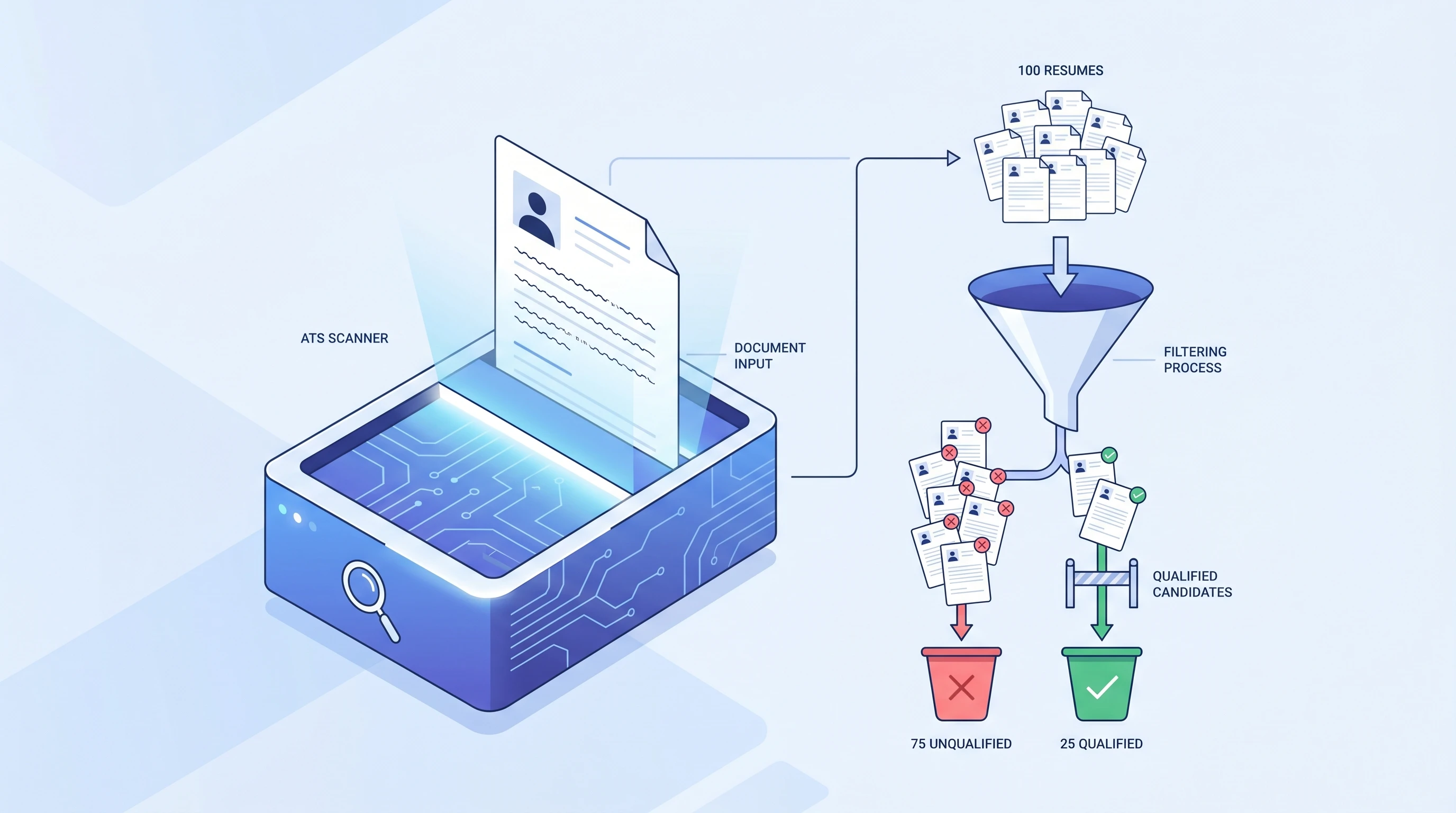
What is an ATS? Applicant Tracking System Explained (2026)
An ATS (Applicant Tracking System) is software companies use to filter resumes before a human ever sees them. Learn how it works and how to beat it.
 Alex Carter·
How to Make an ATS-Friendly Resume: 2026 Step-by-Step Guide
Make your resume ATS-friendly in 6 steps: format, keywords, fonts, file type, section headers, and scan-before-you-send. A 15-minute proven workflow.
Alex Carter·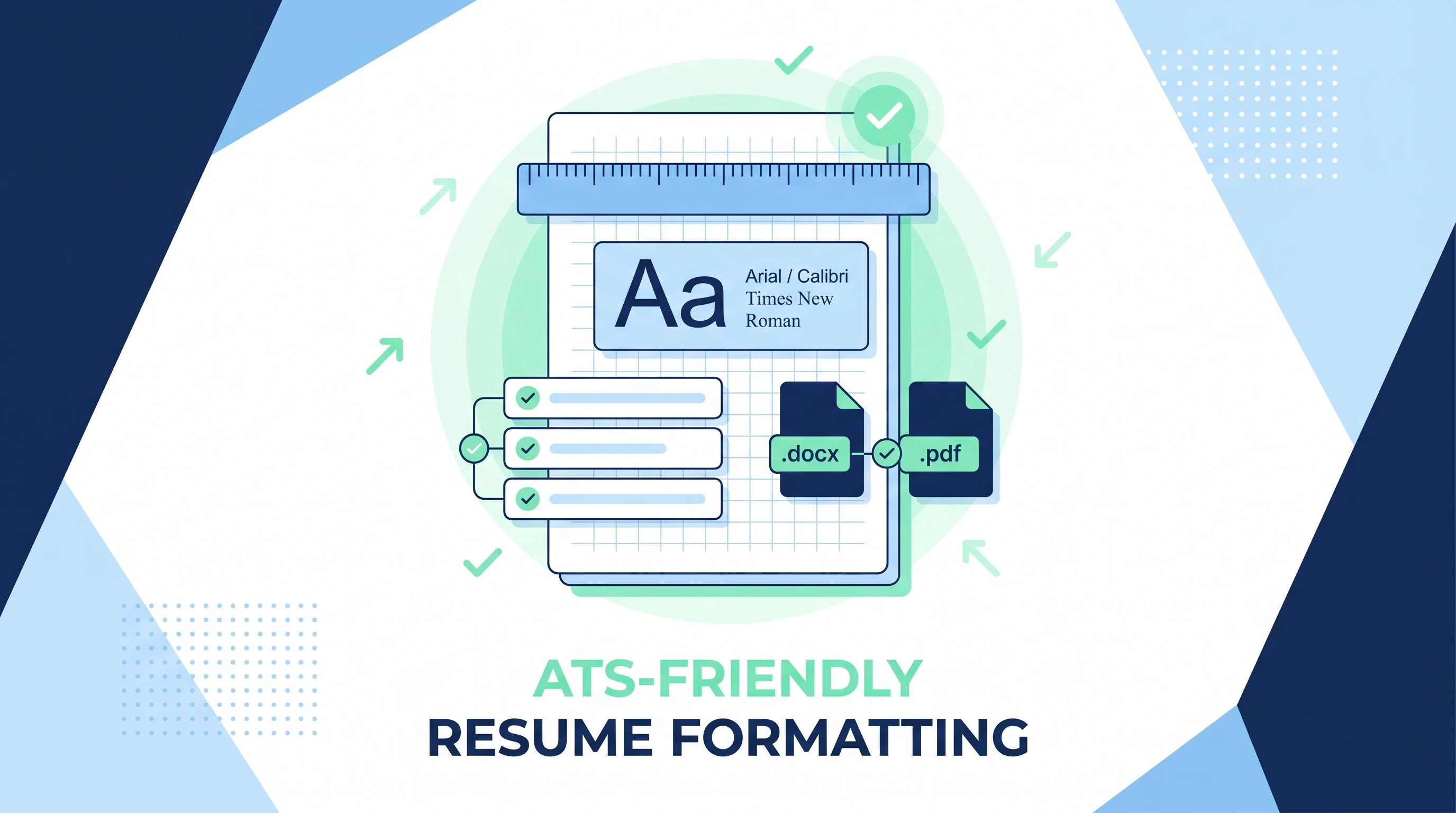
ATS-Friendly Resume Format: Fonts, Spacing & Files (2026)
ATS-friendly resume format spec: fonts (Arial/Calibri/Times), 11-12pt body, 1.15 line height, 1-inch margins, .docx first PDF second, single column.
Alex Carter·Common questions about creative resume templates
01Will a creative template pass an ATS?
Creative templates are usually two-column, which some older parsers read out of order, so they carry a 'use with care' label. For roles screened heavily by software, pair your creative version with an ATS-friendly template as a backup.
02Who should use a creative resume template?
Designers, marketers, brand and content specialists, and anyone in a visual field where a distinctive first impression helps and a person — not just software — reviews the resume.
03Can I tone down a creative template?
Yes — reduce the accent intensity, pick a neutral palette, and switch to a single column in the Design & Font panel. You keep the layout while gaining a calmer, more conservative finish.
04Will a creative template hurt me at a big company?
Large employers often screen with software first, where two-column creative layouts are riskier. Submit a single-column ATS-friendly version there, and save the creative one for portfolios and direct contacts.
05What should go in a creative resume's sidebar?
Skills, tools, languages, and a short profile work well — keep the wider column for experience and impact. Let the color and header carry the personality, not clutter.
06Can I add a portfolio link to a creative resume template?
Yes — add it to your header or a dedicated section. Creative roles expect a portfolio, so make the link easy to find near the top.