Timeline Resume Templates
Chronology-first layouts that make your progression and promotions obvious at a glance — built for experienced professionals.
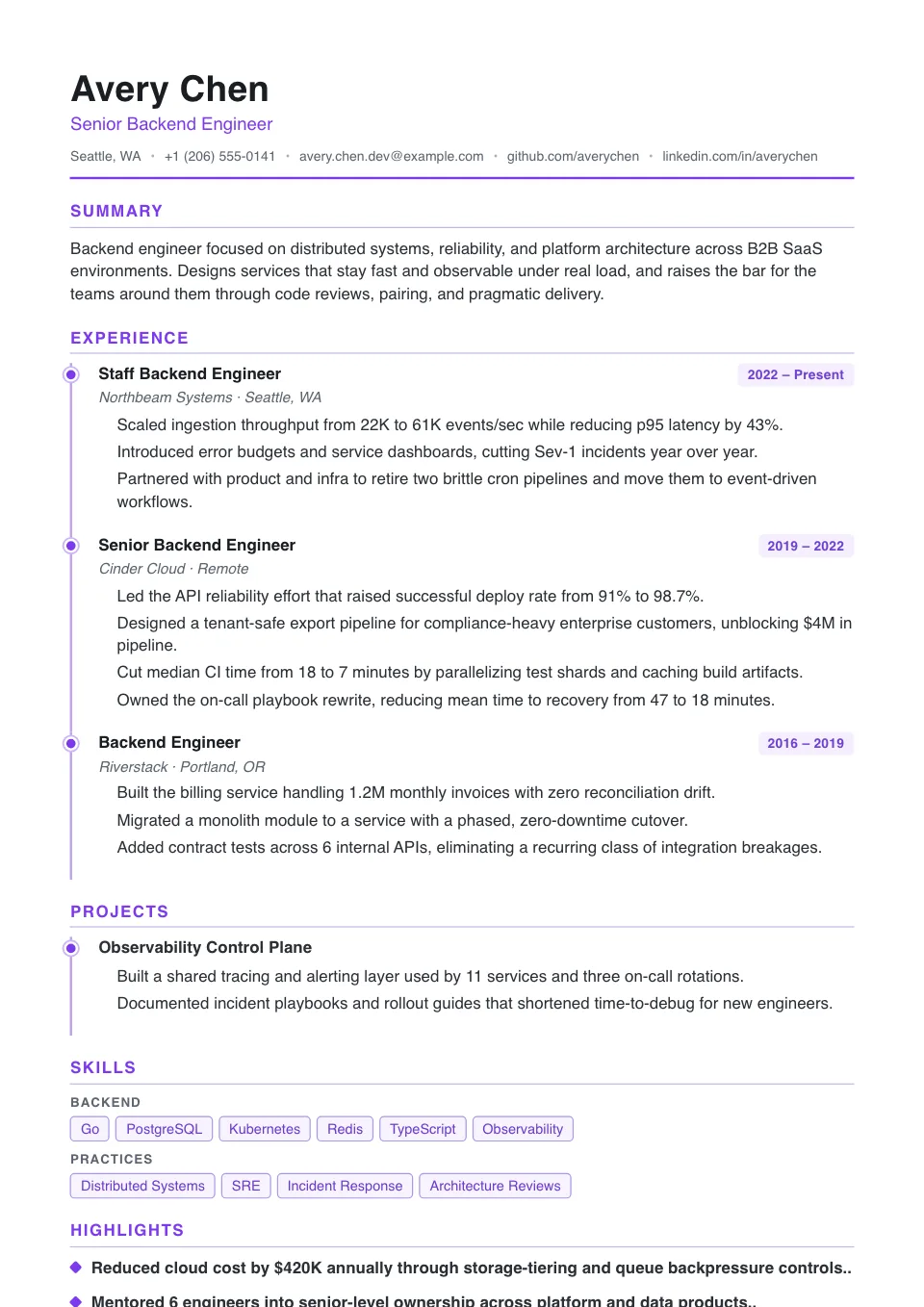
Timeline
A vertical timeline rail with disc nodes makes career progression obvious at a glance — chronology-first.
Career stories with visible progression and promotions
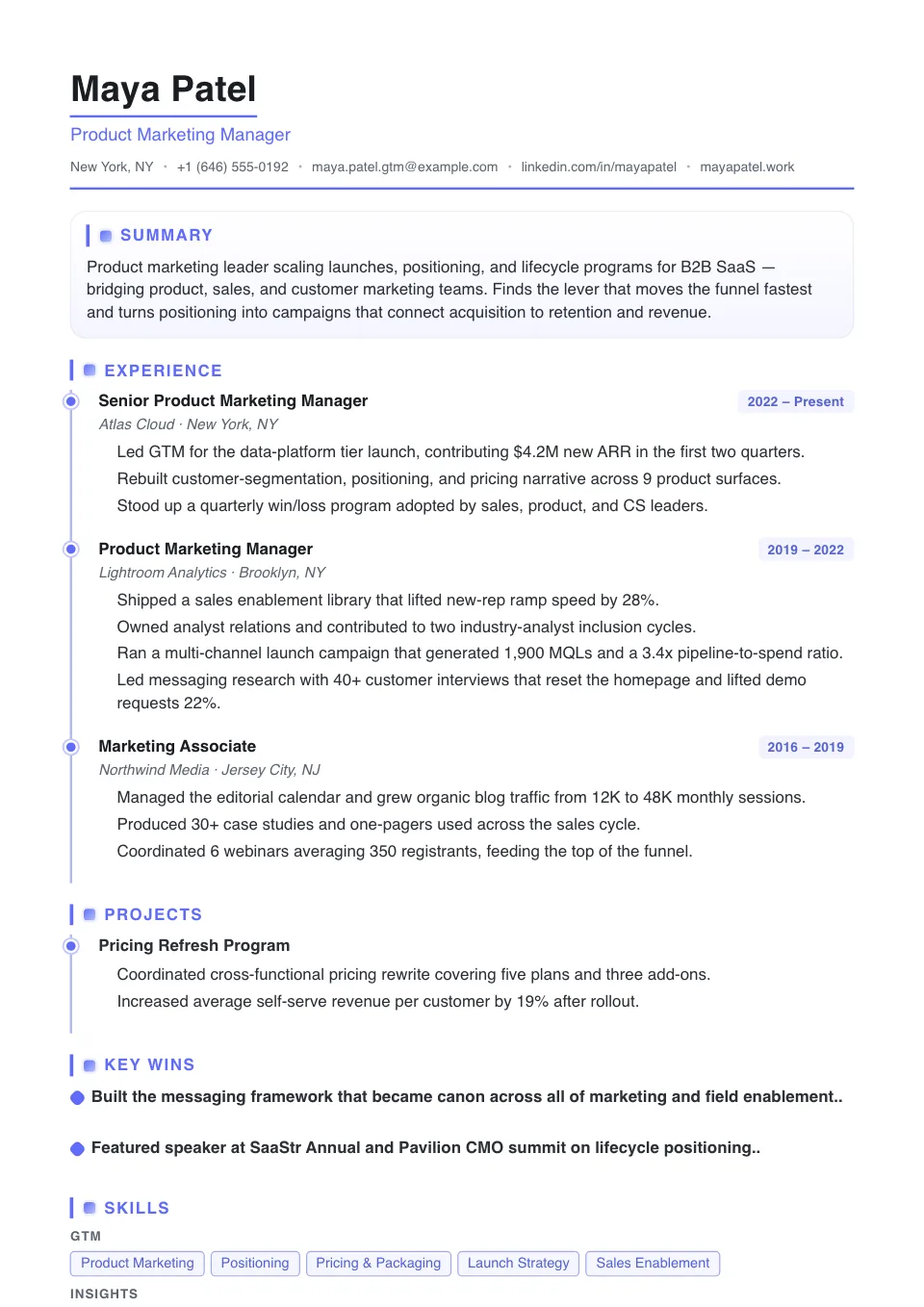
Timeline Pro
The timeline rail with a ruled name, bolder accent-bar milestones and denser proof — for story-led, promotion-heavy paths.
Story-led resumes that need stronger milestones and a denser career narrative
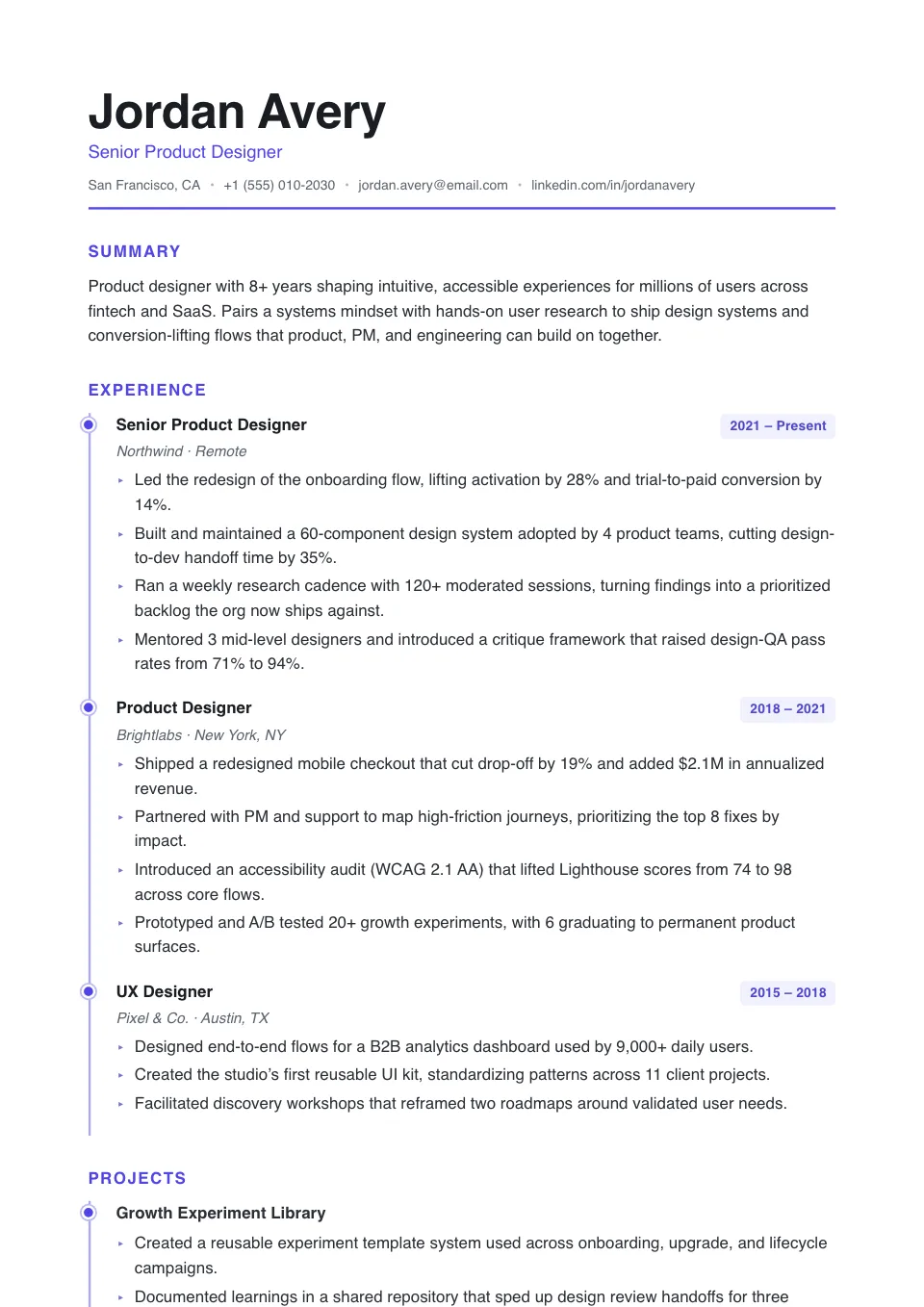
Ascent
An airy timeline with an oversized name and arrow nodes — momentum-forward for fast-rising careers.
Fast-rising careers with clear promotion paths
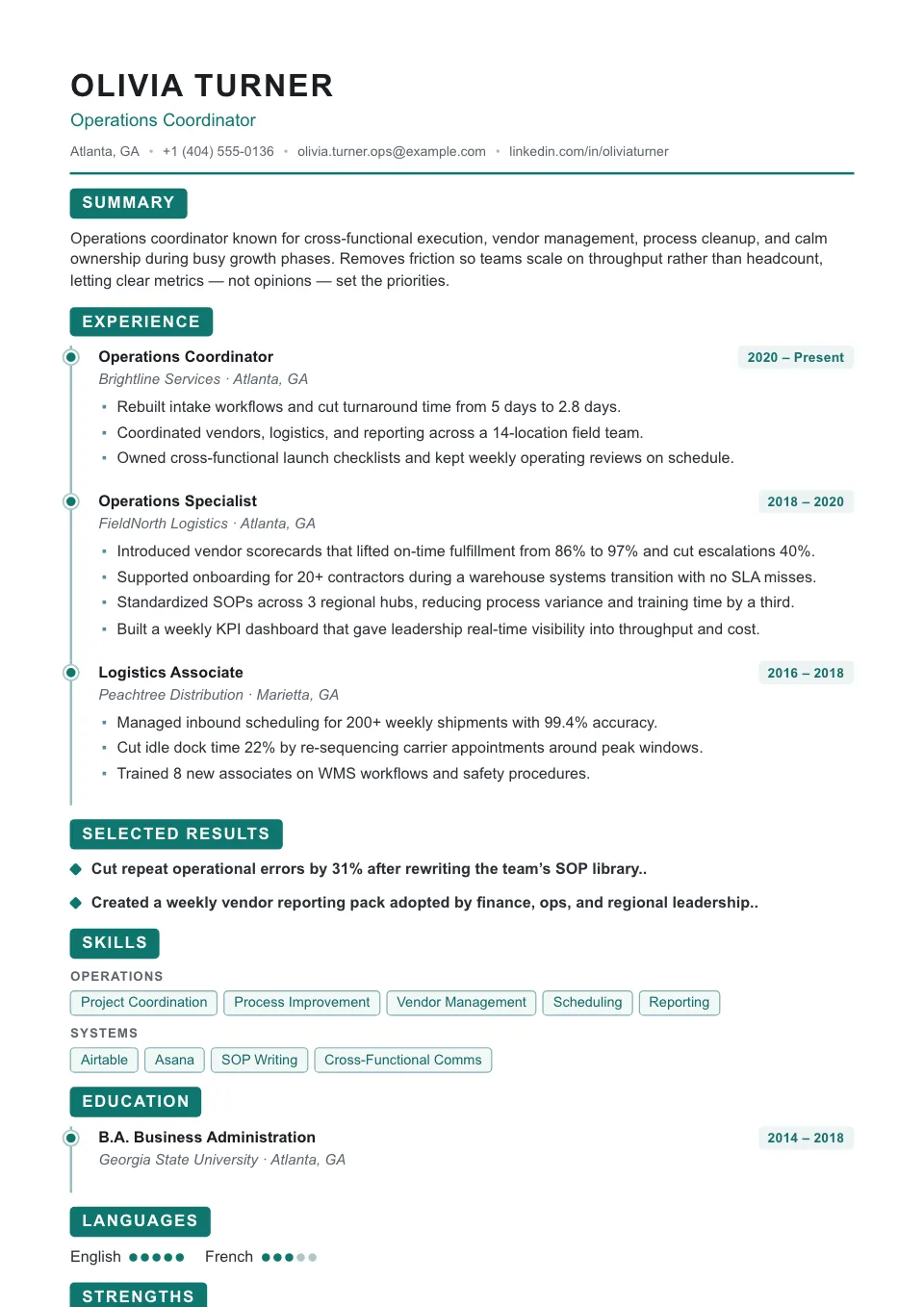
Momentum
A tight timeline with an uppercase name and reversed-block nodes — a confident, high-energy trajectory.
Growth careers that want a visible trajectory
Timeline Resume Templates
Timeline resume templates make career progression the headline. A clear chronological spine connects your roles so a recruiter can see promotions, tenure, and momentum at a single glance.
They work best for experienced professionals with a steady, upward path and few gaps. The chronological structure is also ATS-friendly, since it follows the top-to-bottom order parsers expect.
Why use a timeline resume template?
A timeline resume template makes career progression the headline. A clear chronological spine connects your roles so a recruiter can see promotions, tenure, and momentum at a glance — and because it reads top-to-bottom, the structure stays ATS-friendly.
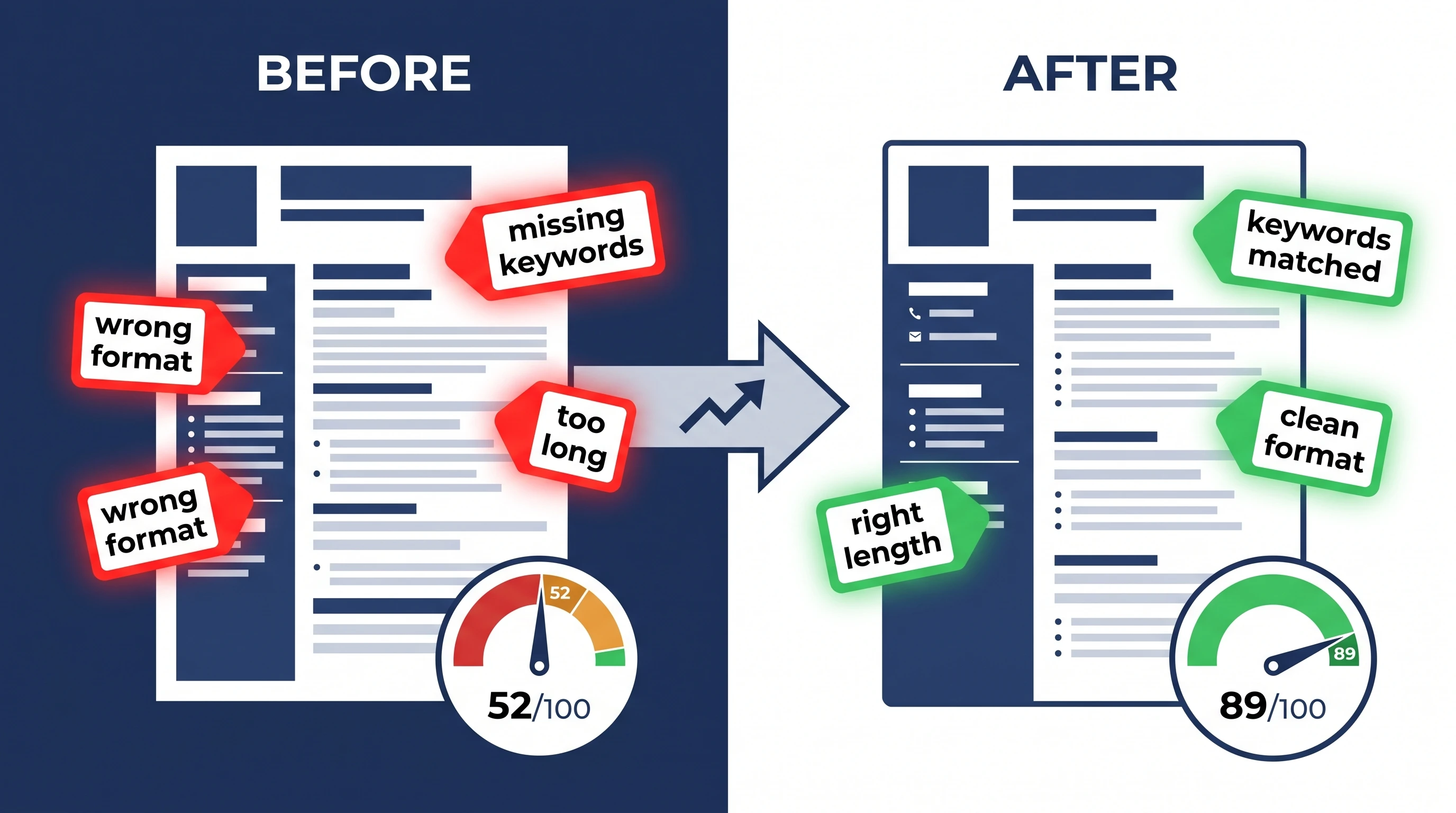
Who should use a timeline resume template?
Timeline layouts shine for steady, upward career paths:
- Experienced professionals with clear promotions
- Long tenures and a growing scope of responsibility
- Managers and senior individual contributors
- Anyone whose career arc is a selling point
How to customize your timeline resume template
Adjust accent color, spacing, and fonts in the Design & Font panel — the visual timeline is styling layered over a clean, standard structure. Reorder roles and add achievements, and the chronological flow updates automatically.
Tips for a standout timeline resume
Make the progression obvious and honest:
- Lead with your most recent, most senior role
- Show promotions within the same company clearly
- For non-linear paths, consider a skills-forward simple template
- Keep dates consistent and easy to scan
Explore other template styles
Not quite the right fit? Browse the rest of the collection by structure and personality.
Clean, current layouts built for tech, product, and marketing roles — stand out while staying clear, structured, and ATS-friendly.
Conservative, professional layouts for finance, law, and corporate fields where structure, familiarity, and a polished tone matter most.
Distinctive layouts with real personality for design, marketing, and brand roles — eye-catching without sacrificing clarity.
Minimal, easy-to-read single-column layouts that work across almost any industry and put your skills and experience first.
Generous whitespace and quiet typography, so your experience speaks for itself in a clean, distraction-free layout.
Polished layouts with a headshot for people-facing roles where a stronger personal first impression helps.
Balanced sidebar layouts that fit more on a single page — ideal for skills-rich resumes and human-reviewed applications.
Clean, single-column structures that Applicant Tracking Systems parse reliably — every template here is labelled ATS-friendly.
Resume guides to read next
Short, practical reads on passing the ATS and getting your formatting right before you apply.
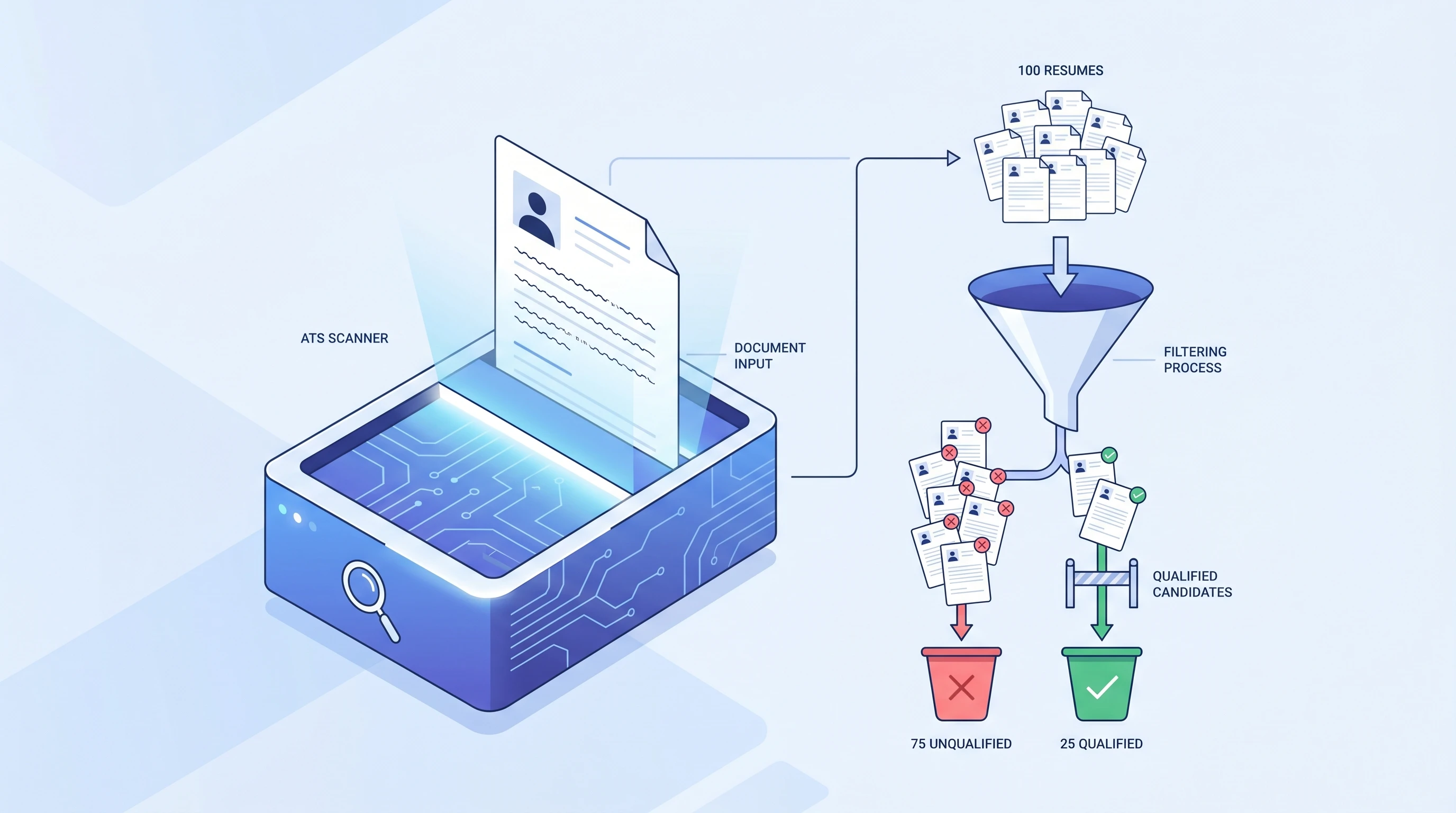
What is an ATS? Applicant Tracking System Explained (2026)
An ATS (Applicant Tracking System) is software companies use to filter resumes before a human ever sees them. Learn how it works and how to beat it.
 Alex Carter·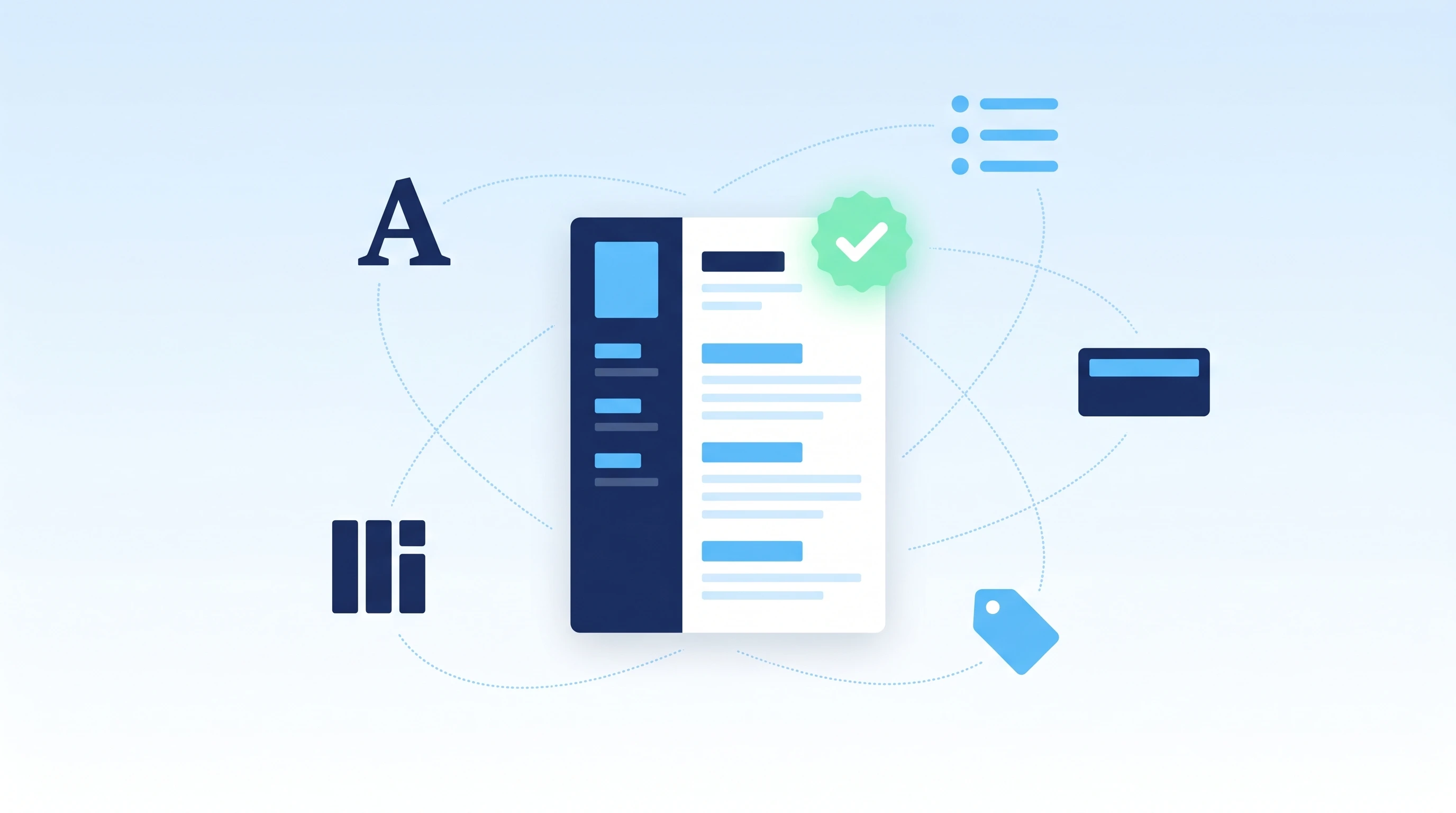
How to Make an ATS-Friendly Resume: 2026 Step-by-Step Guide
Make your resume ATS-friendly in 6 steps: format, keywords, fonts, file type, section headers, and scan-before-you-send. A 15-minute proven workflow.
Alex Carter·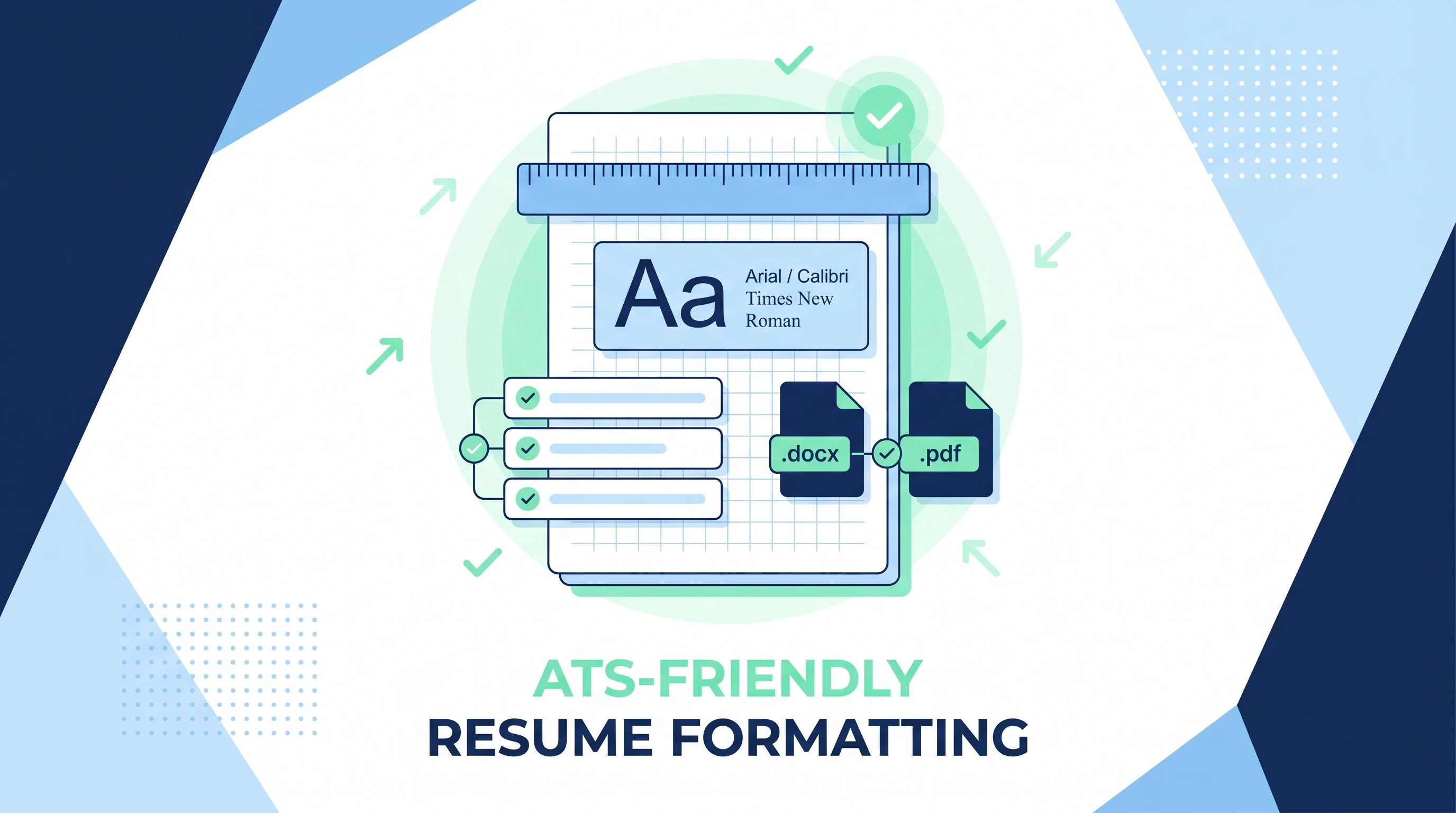
ATS-Friendly Resume Format: Fonts, Spacing & Files (2026)
ATS-friendly resume format spec: fonts (Arial/Calibri/Times), 11-12pt body, 1.15 line height, 1-inch margins, .docx first PDF second, single column.
Alex Carter·Common questions about timeline resume templates
01Who should use a timeline resume template?
Experienced professionals with a clear progression — steady promotions, growing scope, or long tenure — where showing the arc of your career is an advantage.
02Are timeline templates good if I have employment gaps?
A strict chronological layout can highlight gaps. If that is a concern, a skills-forward simple template shifts the emphasis toward what you can do rather than exact dates.
03Is a timeline layout ATS-friendly?
Yes — it reads top-to-bottom in a single flow, which tracking systems parse reliably. The visual timeline is styling on top of a clean, standard structure.
04How is a timeline template different from a standard one?
A timeline adds a visual chronological spine that makes progression and tenure obvious at a glance, layered on a standard ATS-friendly structure — the styling is decorative, the parsing stays clean.
05Is a timeline template right for a career change?
If your path isn't linear, a timeline can over-emphasize jumps. A skills-forward simple template may frame a pivot more favorably.
06Does the timeline graphic confuse ATS?
No — the timeline is styling layered over normal headings and text, which parsers read in order. Your dates and titles stay fully machine-readable.